Driveway Gate Fire Department Access: What to Confirm Before You Install
A remote that works for you does not answer whether the fire department can reach the property. Check emergency access before the posts, controls and paving are ordered. Start with the fire prevention or plan review office responsible for the address. The equipment supplier can explain how the gate works, but does not decide which access provisions the authority will accept.
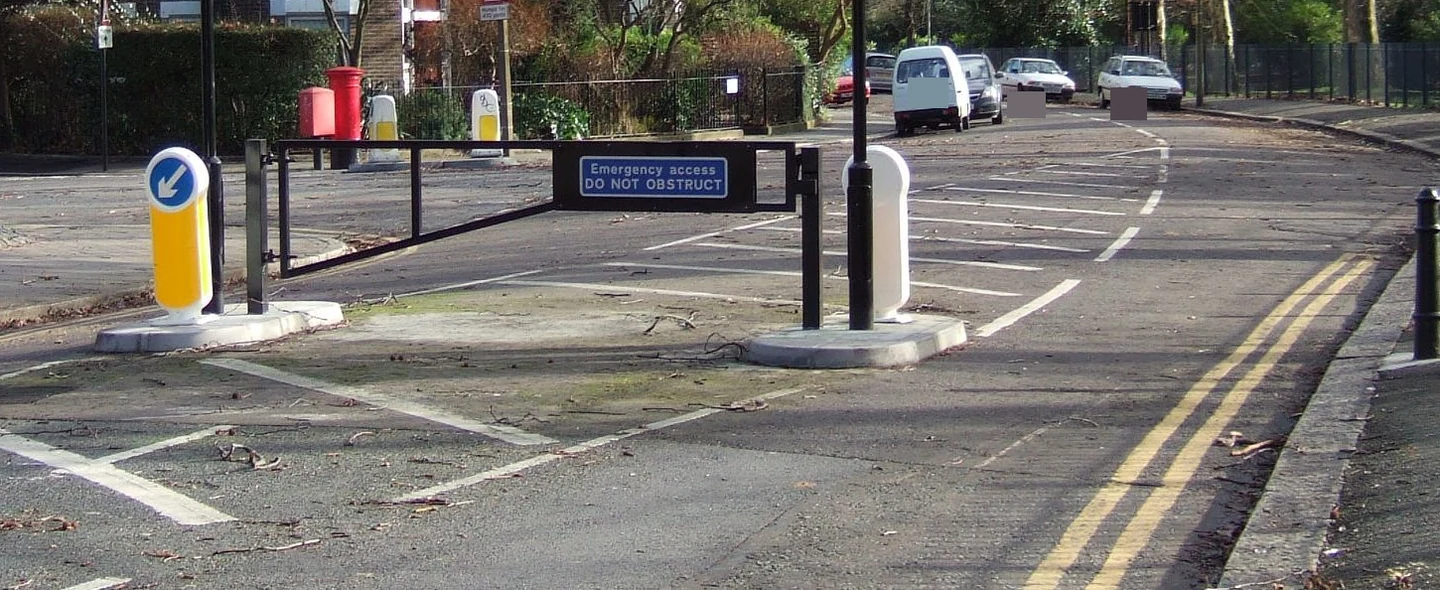
1. Confirm whether this is a required access route
Explain whether the gate crosses the only driveway, one of several entrances, a shared private road, or an existing route shown on approved plans. Ask which office reviews the project and whether a new gate, a retrofit or even a change to the operating system requires approval. Get the current requirements for that address in writing; do not copy a neighboring property's arrangement.
2. Draw the route beyond the gate
On a simple site plan, mark the approach road, the opening, both posts, the area the gate occupies while moving, and the usable route on the property side. Include fixed restrictions, bends, overhead obstructions and any shared segment. Show where parked cars or delivery vehicles could intrude. Ask the reviewer what must be shown and which clearances they need measured; the nominal width of the gate is not the usable route. Document from a safe position without cycling the gate just to draw it. On your access sketch, include the gate setback and vehicle waiting area so the reviewing office can see how the entrance connects with the public road.
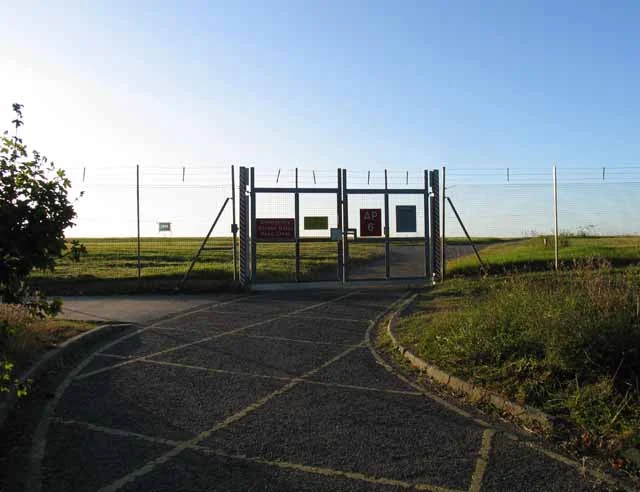
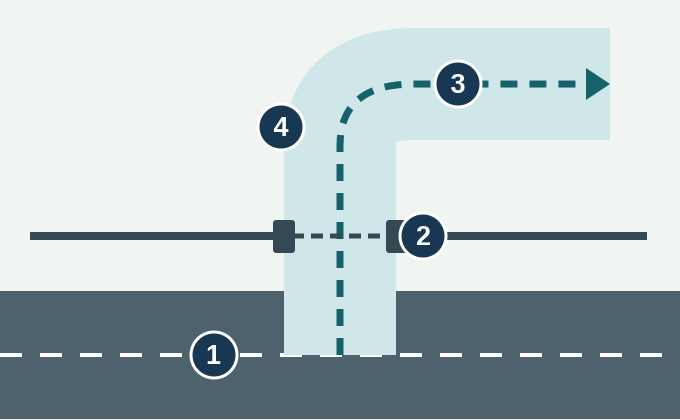
3. Ask about emergency access before signing the quote
Ask the authority to identify the accepted emergency-access arrangement, who may install and verify it, and what the plan must show about loss of normal power. Give the written requirements to the gate installer so their quote addresses the access route, gate and controls together. Keep confidential access details out of the sketch you share widely. Do not install or test your own workaround.
4. Verify the installed system and keep the approach clear
If a review or test is required, arrange it with the responsible office and installer. At handover, keep approved plans, manuals and the named contact for changes or faults together. Tell other occupants what area must stay clear during deliveries and parking. If you replace the gate or controls, add a post, or change a shared roadway, ask whether the earlier approval still applies. While an access problem is unresolved, don't rely on an unapproved temporary workaround.
FAQs
Does a backup battery satisfy the fire department requirement? Not by itself. Ask what the responsible authority accepts for your property and what must be verified during power loss.
Does an old gate already on the driveway mean a replacement is approved? No. Ask what approval exists for the current installation and what the new scope requires.
Is a “keep clear” sign enough? A sign may support an approved plan but cannot create a clear, usable route or demonstrate access on its own.
Sources5
- LAFD: Security Gate Access Requirements
- California Fire Code: Fire Service Features
- Redmond Fire & Rescue: Residential Emergency Access
- Edward Betts · Edward Betts · Public domain · Cropped to the barrier and approach; vehicle plates obscured. Resized and converted to WebP.
- Andrew Tatlow · Andrew Tatlow · CC BY-SA 2.0 · Converted to WebP.
Related Posts
 Practical Guide
Where to Place a Driveway Gate: Waiting Space, Sidewalks and the Public Road
A gate position can fit the fence line yet leave a waiting car across a sidewalk or road. Before selecting a post location, ask a designer to evaluate the entrance as a complete arrival and departure route. This is not a universal setback chart: the controlling road, building and fire authorities, s
 Practical Guide
Taking Over a New Automatic Gate: An Owner’s Handover Checklist
A new gate should come with an understandable operating plan, not just a demonstration that the motor runs. Arrange the handover while the installer is present. The DoorKing 6300 manual includes a joint installer/property-owner checklist; DASMA also publishes an owner checklist. Use the documents fo