Taking Over a New Automatic Gate: An Owner’s Handover Checklist
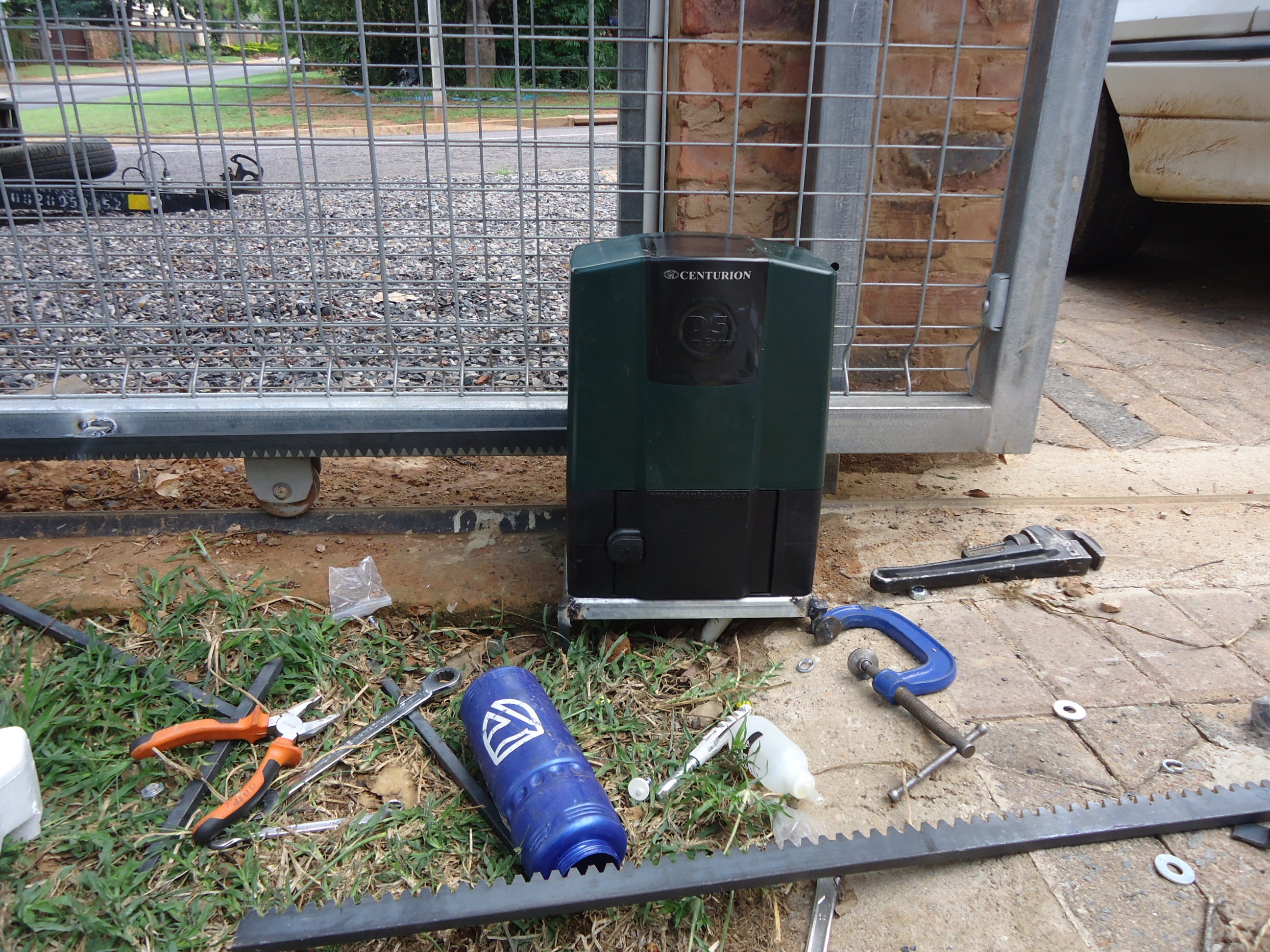
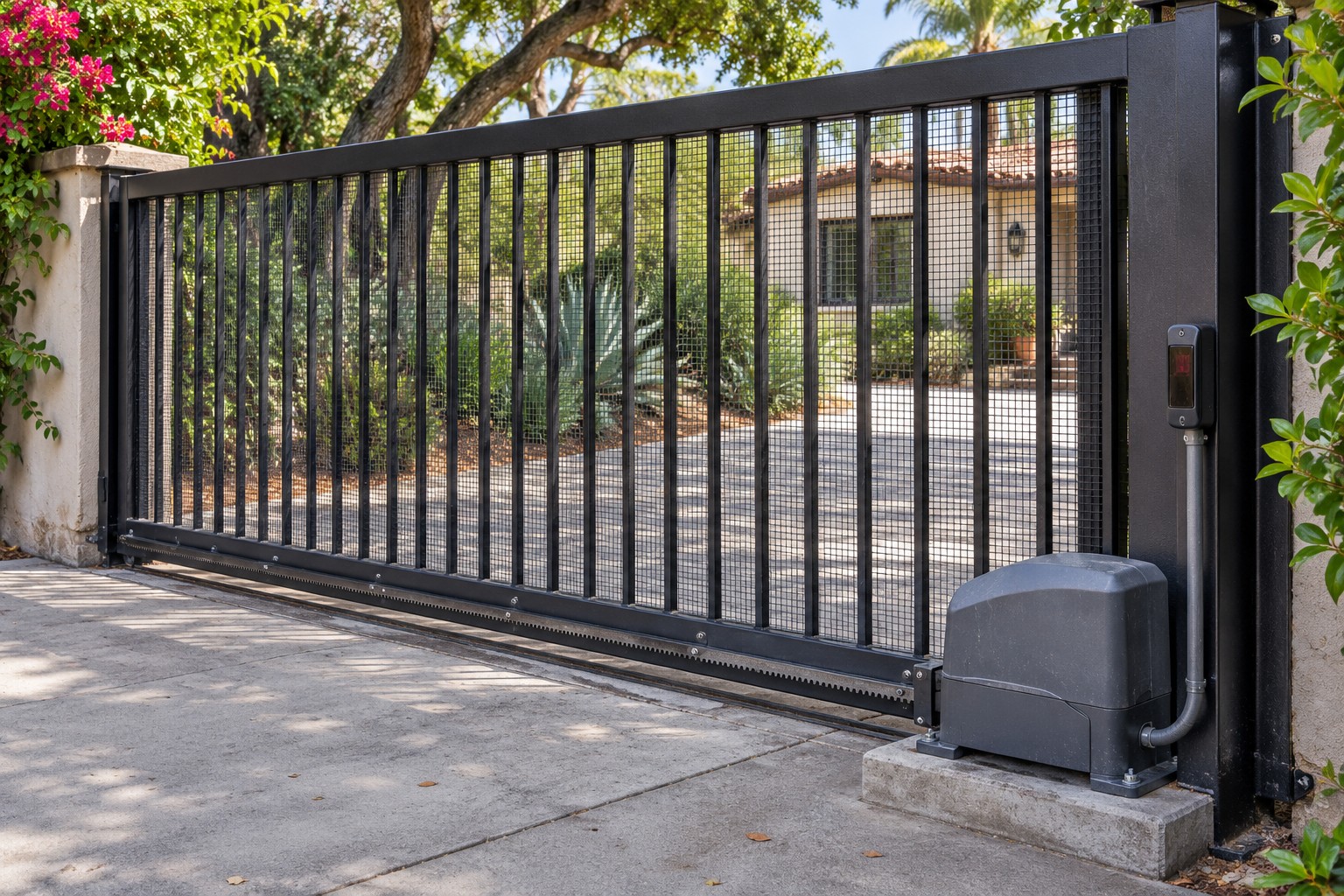
Photo: Felix chidanyika · CC BY-SA 4.0
A working remote is only the beginning
A new gate should come with an understandable operating plan, not just a demonstration that the motor runs. Arrange the handover while the installer is present. The DoorKing 6300 manual includes a joint installer/property-owner checklist; DASMA also publishes an owner checklist. Use the documents for your actual equipment. This guide organizes the information to request and does not replace professional commissioning or required inspections.
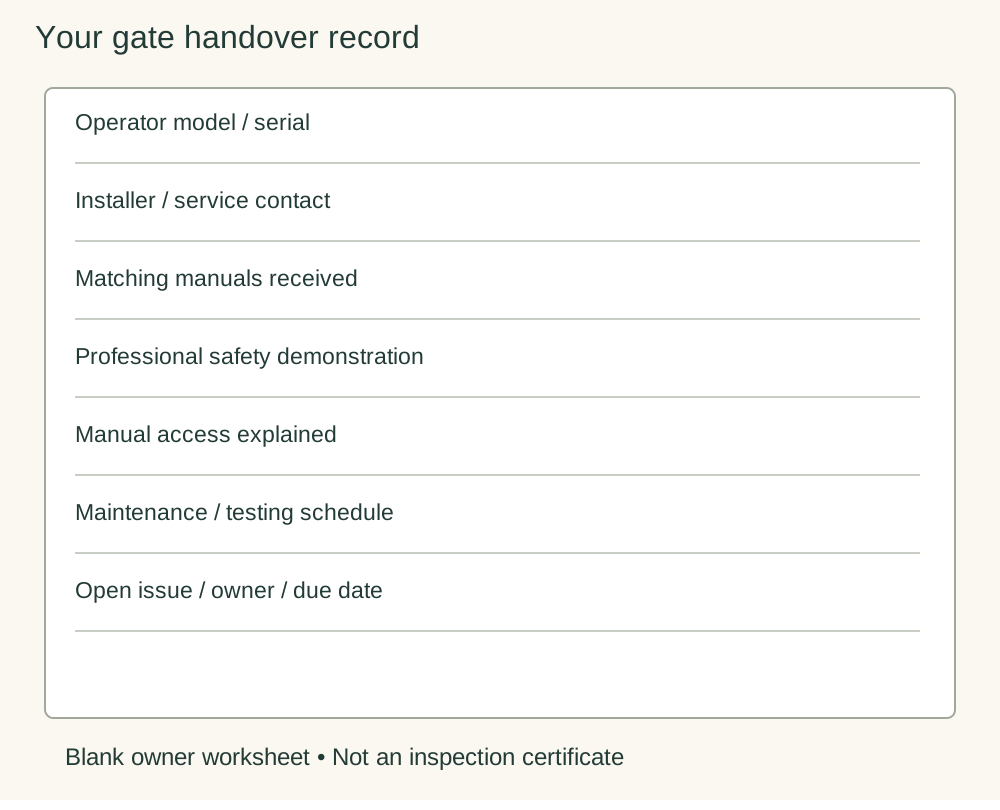
1. Create an equipment record
Record the operator model, serial number, installation date and service contact. Ask for the matching manuals and revisions for the operator, controls, protective devices and any backup system. Photograph accessible labels only; do not open energized cabinets to find a board number. Keep the invoice and warranty terms with the record, including who handles a fault and how to contact them outside normal hours. Do not publish keys, codes or account recovery details in a shared handover photograph.
2. Ask for a site-specific safety explanation
Have the installer identify the actual movement areas, pedestrian route and protective devices, explaining what each device protects and what it does not establish. A vehicle detector and an entrapment-protection device are not interchangeable labels. Request a professional demonstration of the required tests using the matching manual. Never offer a person, pet or vehicle as the test obstruction, and do not copy a garage-door reversal test onto a gate.
3. Understand normal use and stop conditions
Ask which controls are authorized, whether closing is automatic, and what an alarm or refusal to move means for an ordinary user. Write down when to stop using the system and whom to call. Have the installer explain the stop/reset controls and power isolation arrangements without asking you to work inside the cabinet. A reset is not a remedy for an unidentified obstruction or damaged gate. Give the same user instructions to everyone who operates the entrance.
4. Rehearse the loss-of-service plan
Ask what remains powered during an outage and whether phone access depends on a network. Have the installer demonstrate the model-specific manual access procedure only under safe controlled conditions, then explain how normal operation is restored. Record who holds the authorized release key and where the instructions are kept. If manual movement cannot be controlled safely, the plan needs a separate usable access route and professional assistance, not force.
5. Close the paperwork loop
Request the commissioning/test record, applicable inspection sign-off and a list of outstanding items. Ask which authority’s approvals apply to this property. An operator’s UL 325 listing concerns the equipment; it is not a substitute for checking the completed site and applicable requirements. Confirm a maintenance/testing schedule from the actual manuals, warranty conditions and a named service contact. Do not accept an unexplained failed safety test as a minor cosmetic item.
A simple acceptance record
Use five columns: item; evidence received; demonstration date; unresolved issue; responsible person and target date. Keep operation instructions separate from the installer’s technical settings. Before routine use, resolve safety-critical omissions with the qualified installer. Keep the dated record so a future owner or service company can understand what was installed without guessing from a remote-control brand.
Related Posts
 Practical Guide
How to Choose a Gate Opener: Weight, Length, Wind and Cycles
Compare gate-opener capacity, wind exposure, duty and power requirements, then request a complete model-specific installation proposal.
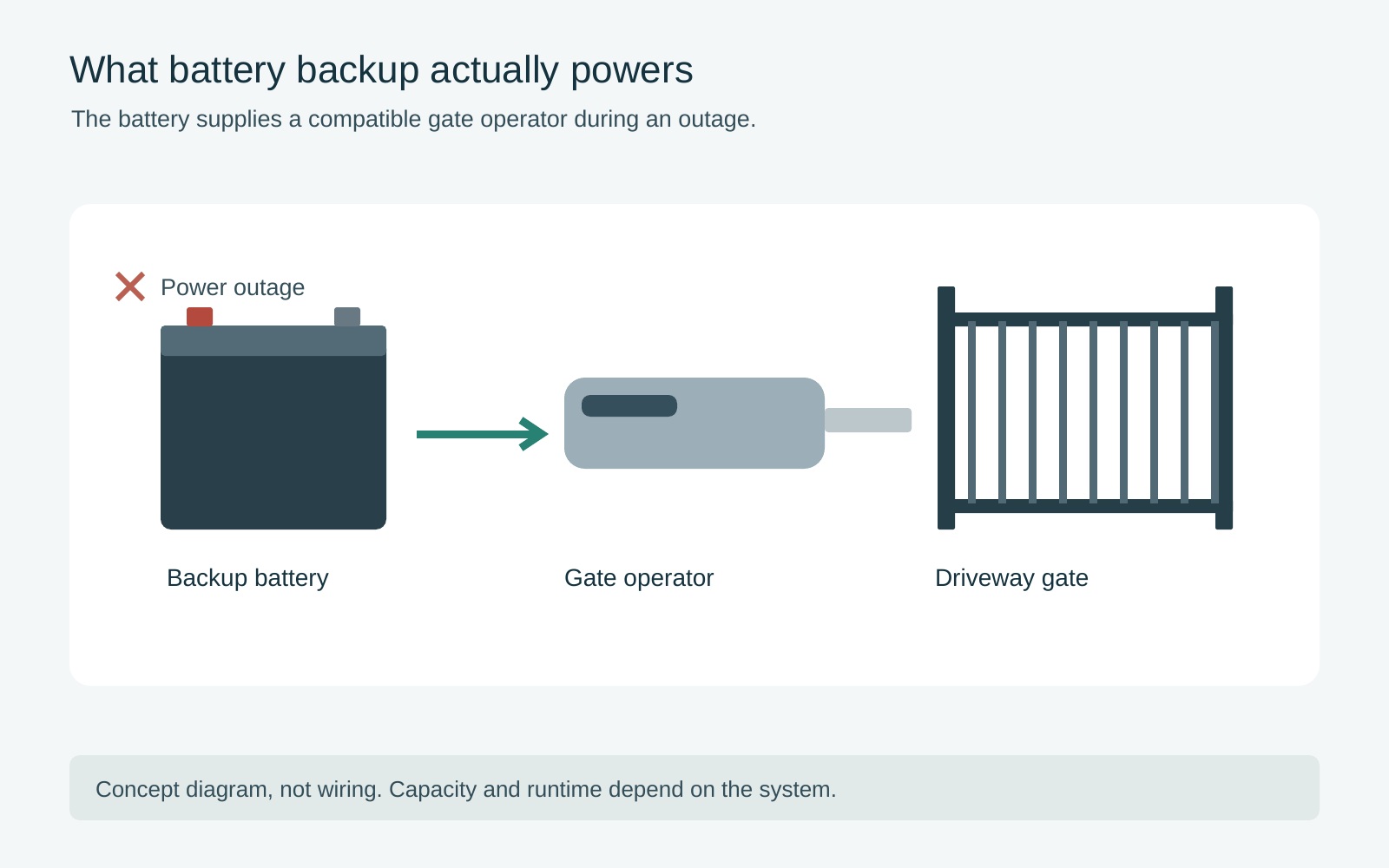 Practical Guide
Gate Battery Backup: Operation, Reserve and Limits
Plan essential gate access during an outage, check backup dependencies and low-energy behavior, and avoid unsupported runtime promises.
 Practical Guide
Repair or Replace a Gate Opener? Compare the Complete Job
Compare repair scope, safety limitations, parts support and replacement work to make a documented gate-opener service decision.
