Where to place a driveway gate intercom so drivers can actually use it
Walk through a delivery before selecting the post
Sketch where a visiting driver approaches, stops, sees the station, reaches the call button and then waits for the gate to open. A placement that works for an installer standing outside a car is not necessarily comfortable from the driver’s seat. Do not use a moving gate to test the position.
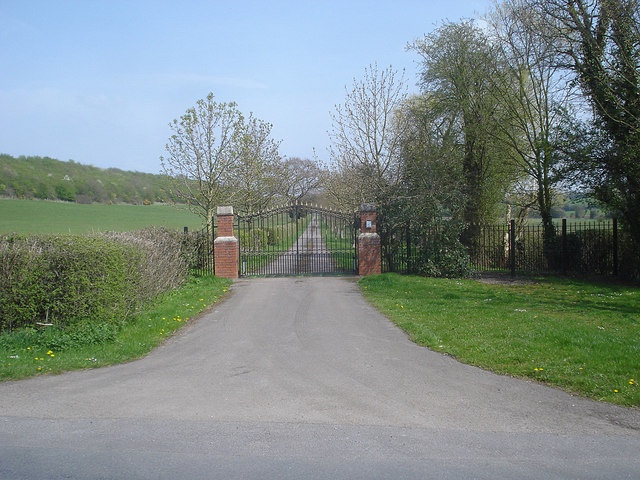
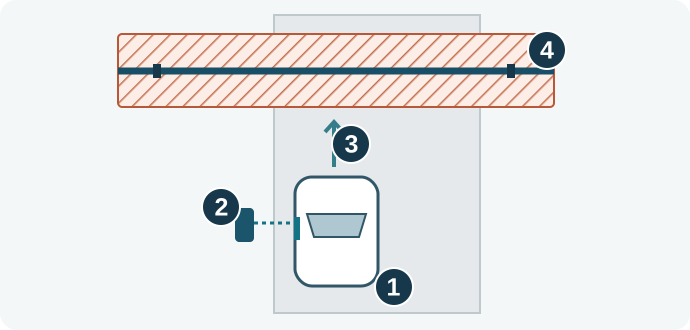
1. Map the approach
Mark the typical driver-side window, where vehicles can stop safely on the property, physical obstacles, and the gate’s full movement. Ask the installer to keep visitors out of moving-gate hazards and to check the operator instructions and all applicable site rules. If a driver must exit, avoid routing them through the gate’s movement area. If a control can move the gate, the installer should check its required separation from moving parts and make sure people cannot reach around the gate to operate it. A call-only button and an access control that activates the gate may serve different functions; confirm how your station is configured.
2. Try the position with a temporary marker
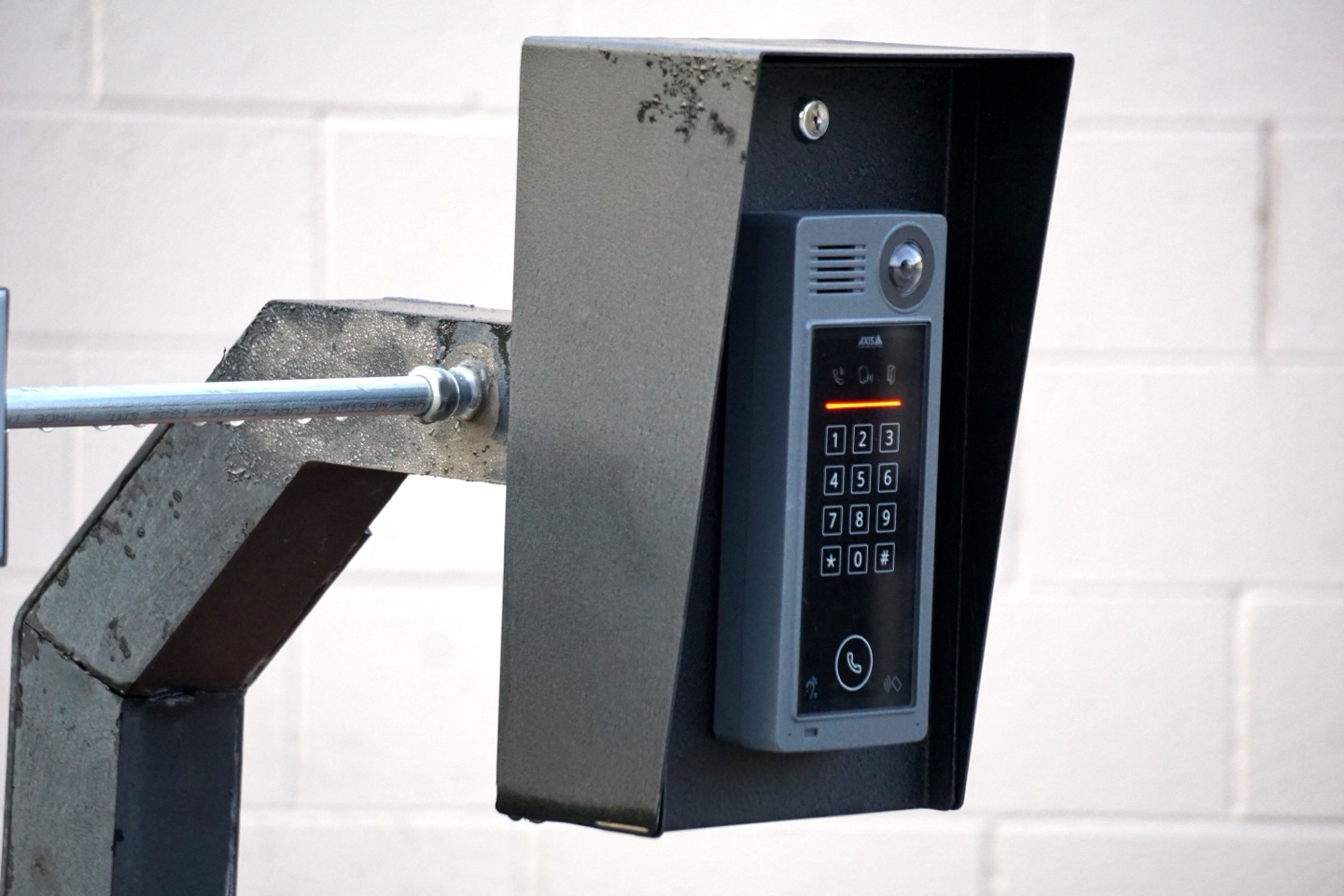
With the gate kept out of service, use a removable marker where the controls might go. Ask someone to approach in more than one representative vehicle, if practical, without leaning into an unsafe position. Check whether a visitor can see instructions, reach the call button, and communicate clearly. If there is a camera, verify framing in daylight and after dark. Controls should be legible from the intended stopping point.
3. Agree on the delivery workflow
Give visitors one clear instruction at the station: whom to call and what to do if there is no answer. Decide who receives calls, whether parcels can be left at a separate designated point, and what happens on connection or power loss. Avoid publishing access codes. A visitor call and any emergency access requirements are separate design questions.
4. Write the handoff checklist
Ask the installer to leave a plan with the station location and the intended approach, an approved service route, and a worked example of visitor arrival and delivery. Confirm any accessibility or other site-specific requirements with the responsible local authority when applicable; do not assume a vehicle-height station works for everyone.
FAQ
Can I put the intercom on the same post as the gate? Only if the final location keeps users out of the moving-gate hazard and meets the equipment and site requirements. Convenience alone is not a reason to place it there.
How high should it be? Choose it for the intended users and vehicles and verify applicable rules; there is no single height prescribed here.
Related Posts
 Practical Guide
Where to Place a Driveway Gate: Waiting Space, Sidewalks and the Public Road
A gate position can fit the fence line yet leave a waiting car across a sidewalk or road. Before selecting a post location, ask a designer to evaluate the entrance as a complete arrival and departure route. This is not a
 Practical Guide
Taking Over a New Automatic Gate: An Owner’s Handover Checklist
A new gate should come with an understandable operating plan, not just a demonstration that the motor runs. Arrange the handover while the installer is present. The DoorKing 6300 manual includes a joint installer/propert
Sources6
- LiftMaster RSL12UL: installation manual
- LiftMaster RSL12UL: Spanish manuals
- Entrance to Franklin’s Lane (921847) · Trevor Rickard · CC BY-SA 2.0. Web-sized copy. Adaptation under the same license.
- Close Up of an Intercom (13007861) · Joshua Brown · Pexels License. Web-sized copy.