Garage Door Wall Button Not Working When the Remote Still Works
Short answer
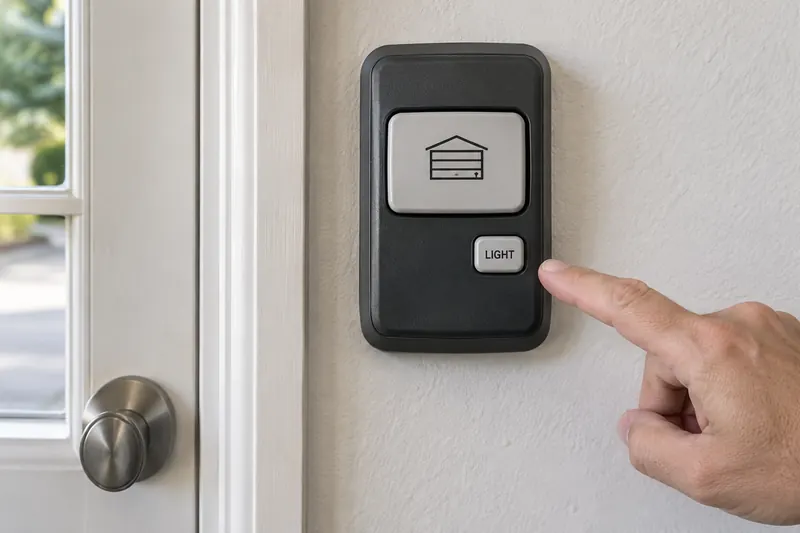
If your handheld remote operates the door normally but the inside wall button does not, start with the wall control's identity, visible condition and documented settings. The difference narrows the investigation; it does not prove the button itself needs replacement. A wired control, its connection and a wireless console require different troubleshooting.
Keep the control mounted and closed. Do not join wires, bridge terminals, remove the opener cover or hold a button to defeat closing protection. Stop testing if the door is crooked, jammed, straining or has a suspect spring or cable.
1. Confirm exactly what still works
Use observations from ordinary operation rather than repeatedly cycling the door. Does the remote both open and close it, or have you only seen it open? Does the wall button never respond, work occasionally, or affect the light without moving the door?
If a comparison is needed, keep the entire door in view and the travel area clear. Use only an ordinary momentary command, and wait for movement to stop before another command. Do not test a door whose condition is uncertain.
Write a precise symptom: “Remote opens and closes normally; wall push bar gives no response.” That is more useful than “the opener is broken.” If neither control now works, use the broader garage door won't open guide instead. A failure to close also needs separate assessment; it is not automatically a wall-button fault.
2. Identify both the opener and its wall control
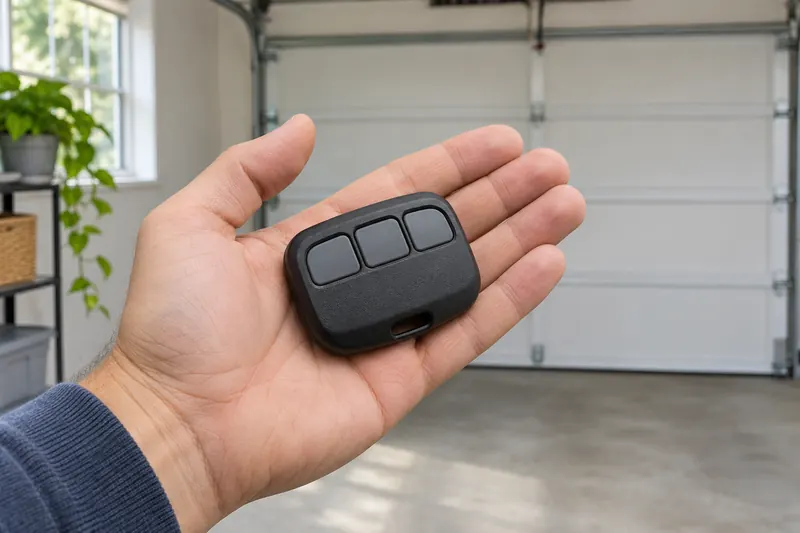
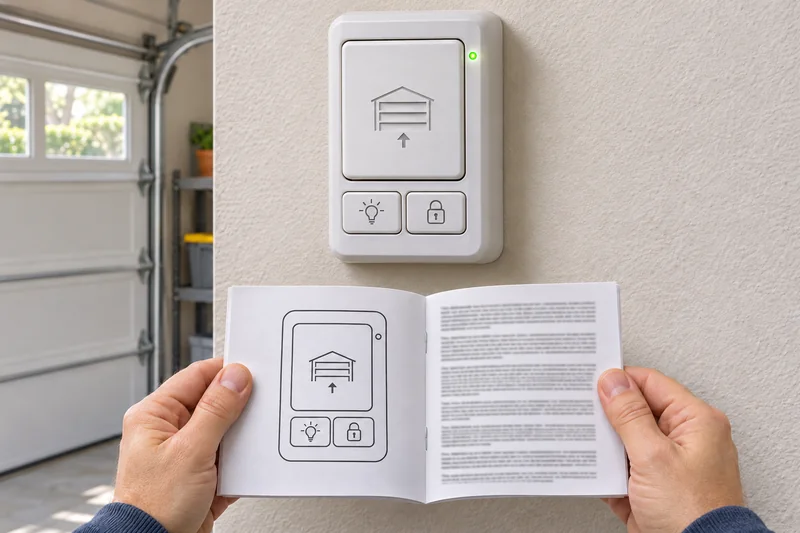
Look in your installation paperwork, owner's manual or existing photographs for the opener model and wall-control model. Photograph any identification visible without removing covers or reaching overhead. Let the service provider obtain inaccessible information.
A panel on the wall is not necessarily wired. Genie, for example, sells wireless wall consoles as well as wired ones. Do not remove a console to find out which you have: check its model instructions first.
Record whether this control previously worked. A new or recently replaced panel raises a compatibility question; a long-serving panel that stopped after impact or nearby work gives a different history. Neither history identifies a failed part by itself. The opener brand alone is not enough to choose a replacement.
3. Read indicators in the correct model's instructions
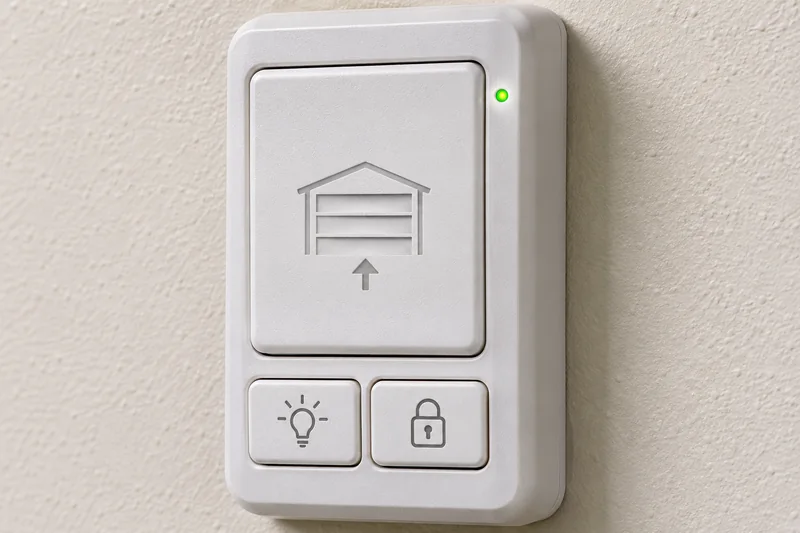
Before changing a setting, note the panel's exact message, light color and whether the light is steady or flashing. If it has a separate light button, record whether that function still responds during normal use. A lit panel does not establish that its door button works, and a dark panel does not establish that the whole opener has lost power.
These examples show why model identification matters:
- Genie GWWC-P / 39902R wireless console: a pulsing blue locator light can be normal; a red indication signals low batteries. Its locator light can also be disabled.
- Genie Series III / 37222R wired console: its instructions describe a steady red indicator with Sure-Lock off and a flashing indicator with Sure-Lock on.
Those meanings are not a universal red/blue fault chart. Do not apply either example to a different console. For a wireless model with a low-battery indication, consult its specified battery instructions or ask support; do not open an unidentified panel looking for a battery.
4. Check settings without guessing at button combinations
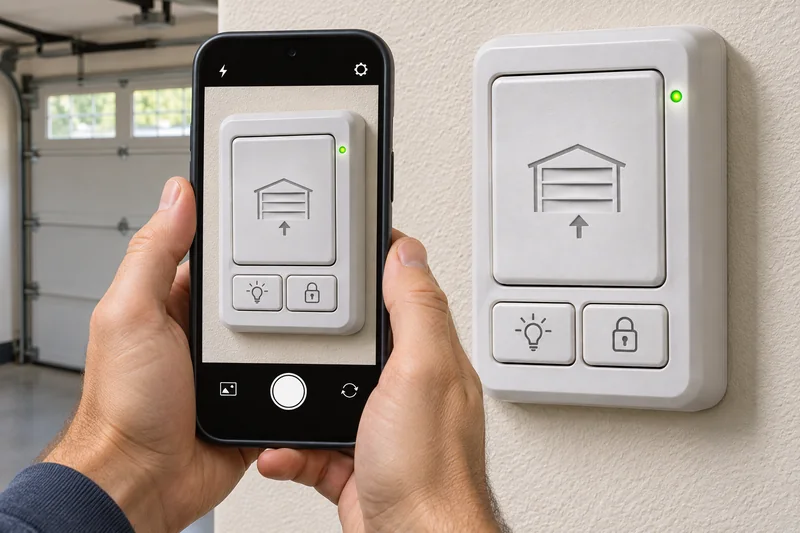
Identify the normal door button before pressing anything. Light, lock and delay buttons have different jobs. The Genie GUWWC universal wireless console, for example, has separate door buttons and a delay feature; a delayed response should not be mistaken for an immediate failure. Do not enter its programming mode to investigate a delay.
Read the exact console's lock instructions. On the Chamberlain multi-function controls described in its support guide, lock mode disables handheld remote operation. A remote that still works normally therefore does not fit that particular lock-mode symptom. Genie Sure-Lock behavior must be checked against the relevant Genie console manual instead.
If the manual clearly identifies an ordinary user setting that is active, follow that model's instructions to restore the intended setting. If the display or buttons do not match, stop. Do not try another brand's long-press sequence. Holding an opener's LEARN button can erase programmed accessories on models covered by Chamberlain's guidance; that is not a routine wall-button check.
5. Look for damage without touching connections
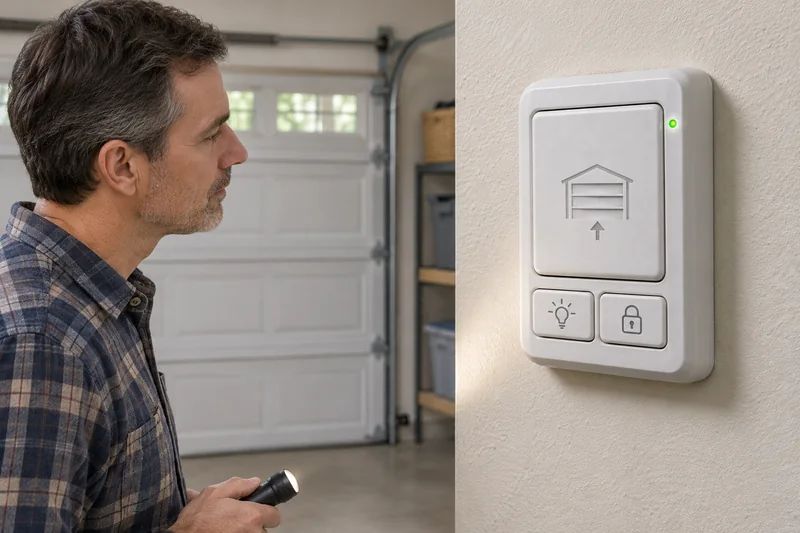
With the door stationary, observe the control face and any exposed cable from a safe position. Note a cracked casing, visible impact, a button that stays depressed, or a cable that appears cut, crushed or pulled loose. Photograph what you can see without moving the panel, cable or staples.
Report recent painting, shelving work or a collision near the control. For damage or moisture, stop using the affected control and arrange service. If the door moves unexpectedly, stop operating it, keep people clear and arrange service. Do not spray cleaner into the control, pry at a stuck button, remove its screws or attempt a wiring test. Manufacturer troubleshooting distinguishes control and wiring faults, but those checks are outside this observation-only process.
6. Give the technician a useful handoff
Provide the opener and console models, which functions work, the indicator pattern, when the symptom began, and any visible damage. Say whether it is a new installation or a previously reliable control. Keep photos of the front and accessible cable route with your notes.
Ask the technician to verify the control's compatibility and diagnose the fault before replacing parts. Do not order a generic doorbell button because the existing control looks simple. Chamberlain's documentation distinguishes control generations and directs users to the model's approved accessory list.
If the wall control sometimes works, add dates and circumstances to a short log. The intermittent opener guide explains how to record a pattern without changing several settings at once.

Common questions
Does a working remote prove the wall button is bad?
No. It shows that one command path worked during that observation. It does not distinguish a defective control from a connection or compatibility problem.
Does every wall console need a battery?
No. Some consoles are wireless and battery powered; others are wired. Identify the exact model before following any battery advice.
Should I reset the opener or reprogram the working remote?
Not as a first step. Preserve the working control and record the failure. Use a reset or programming procedure only when the correct manufacturer instructions identify a reason for it.
Can I test it by touching the wires together?
Do not do that as a homeowner observation check. Control systems differ. Leave the panel mounted and have a qualified technician perform the appropriate model-specific diagnosis.
Manufacturer sources and model references
- Chamberlain Group: door-control troubleshooting
- Chamberlain Group: multi-function control settings
- Chamberlain Group: remote operation and memory precautions
- Chamberlain Group: Security+ 2.0 control compatibility
- Genie: GWWC-P / 39902R wireless console
- Genie: Series III / 37222R console instructions
- Genie: GUWWC universal wireless console support
- Genie: maintenance and safety guidance