Why Won't My Garage Door Open? Check Power, Controls, and Door Condition
Quick answer
A garage door that will not open can have a power problem, a failed control path, a disengaged drive connection, an engaged lock, or a mechanical fault. Begin by asking whether the opener receives the command and what the door does next. Silence, a click, motor movement, and a few inches of strained travel lead to different checks.
We recommend stopping immediately if the door lifts unevenly, a cable hangs loose, or a spring appears broken. Do not keep trying the opener or attempt to lift a suspect door by hand.
What you need and how long to allow
Have a flashlight, the opener model and manual, and a known working authorized control if one is available. A phone photograph of a status light can help you read the diagnostic chart without repeated attempts.
Allow about 10–20 minutes for observation and simple user-level checks. This does not include mechanical repair, wiring repair, or replacement of internal opener components.
Keep people away from the door while troubleshooting. Do not stand beneath it, pull its emergency release while it is open or unstable, or try to adjust springs, cables, drums, or structural brackets.
1Look for a mechanical stop before pressing anything
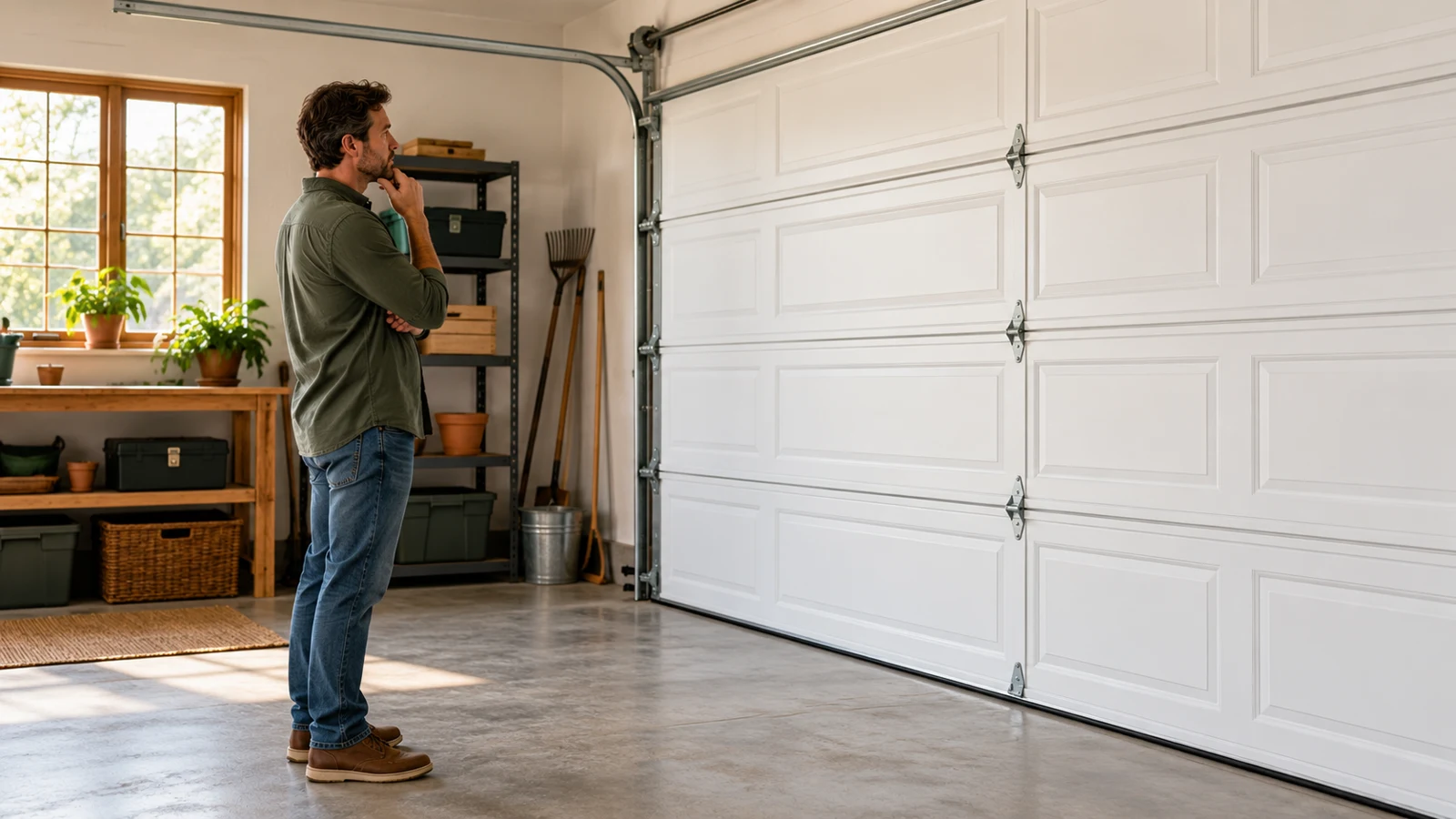
From a safe position, inspect the door's overall alignment and visible hardware. A gap in a torsion spring, a loose cable, a door leaning to one side, or displaced rollers are stop conditions. A loud recent bang followed by failure is also important information to report.
Genie's safety guidance explicitly warns against either powered or manual operation with a broken spring. We recommend applying a conservative stop whenever the door's support or balance is in doubt, rather than using the opener as a strength test.
If the bottom edge is frozen or physically trapped, do not command the motor to tear it free. Identify the obstruction and arrange a safe remedy without moving loaded hardware.
2Compare controls only if operation appears safe
17. Won’t open: what did you observe?
Stop for unsafe movement. A crooked, damaged, straining or unsupported door is not a candidate for command comparisons. Keep people clear and arrange qualified service. Do not release it or bypass protection.
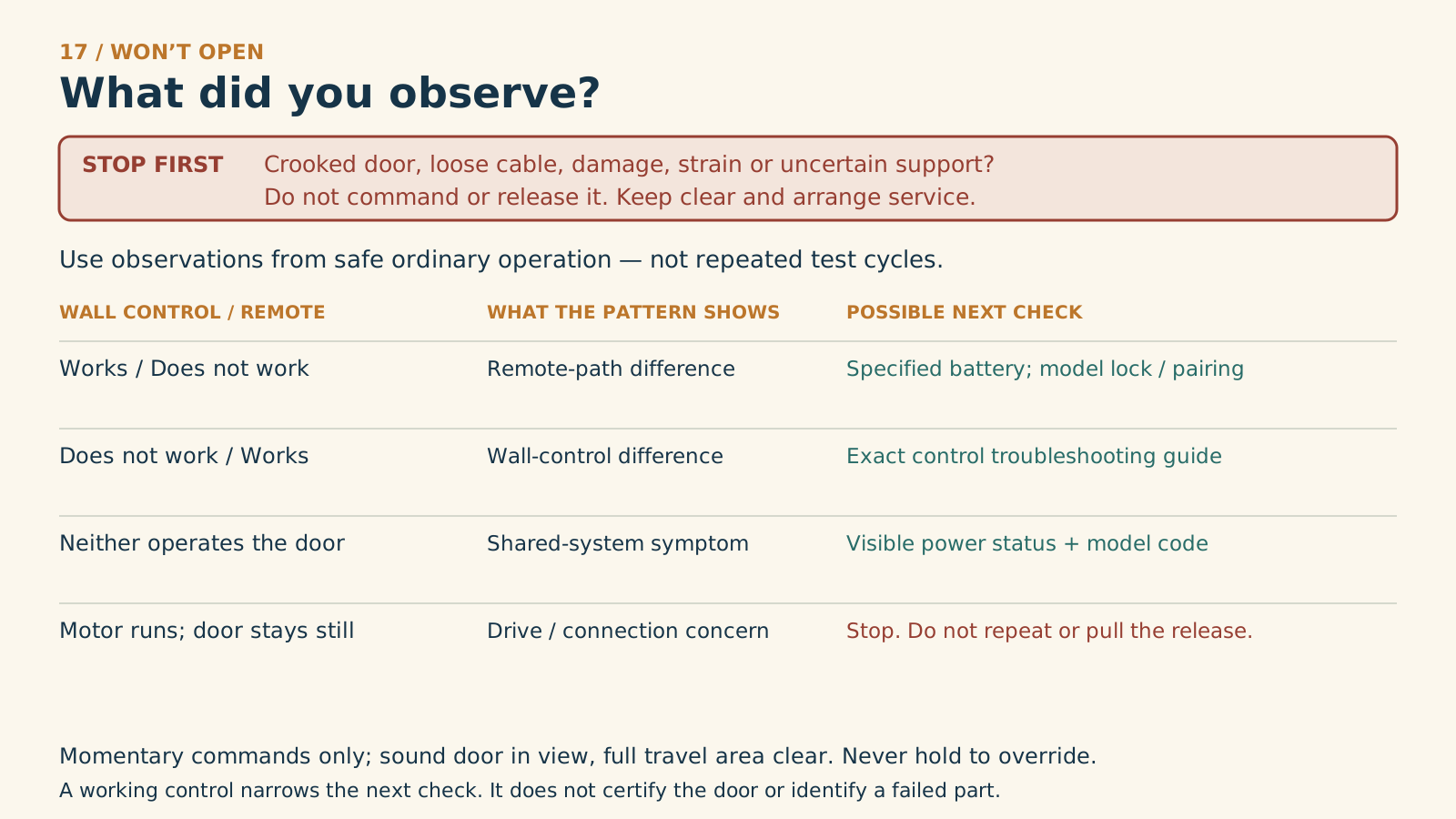
Wall works / remote fails
Remote-path difference
Possible next check: Check its specified battery and the exact model’s lock / pairing instructions.
Wall fails / remote works
Wall-control difference
Possible next check: Use the exact control troubleshooting guide; do not open or bridge wiring.
Neither operates the door
Shared-system symptom
Possible next check: Record visible power status and the exact diagnostic indication; use the model guide.
Motor runs / door stays still
Stop further commands
Possible next check: Keep clear. Arrange drive / door-system assessment; do not pull the release as a test.
Use observations already made during safe ordinary operation. If a comparison is needed, use only a momentary command with the sound door in view and its full travel clear. Wait until movement stops. Never hold a control to override closing protection.
Manufacturer references
- Chamberlain — Remote does not work
- Chamberlain — Door-control troubleshooting
- Genie — Troubleshooting
- Genie — Door maintenance and tension hazards
Try an ordinary command from a known authorized wall control, then compare the failed remote or app as appropriate. Do not repeatedly cycle a straining door.
| Observation | What it helps distinguish |
|---|---|
| Wall control works, one remote fails | Remote battery, pairing, or transmitter issue |
| Wall control works, several radio devices fail | Lock feature, interference, or receiver-side diagnosis |
| Local controls work, app fails | Network/hub/account route |
| No controls work and no indicators are visible | Power or opener diagnosis |
| Motor runs but door remains still | Drive/trolley connection diagnosis |
| Door rises slightly, strains, or tilts | Stop for door-system assessment |
3Check visible power status without opening the unit
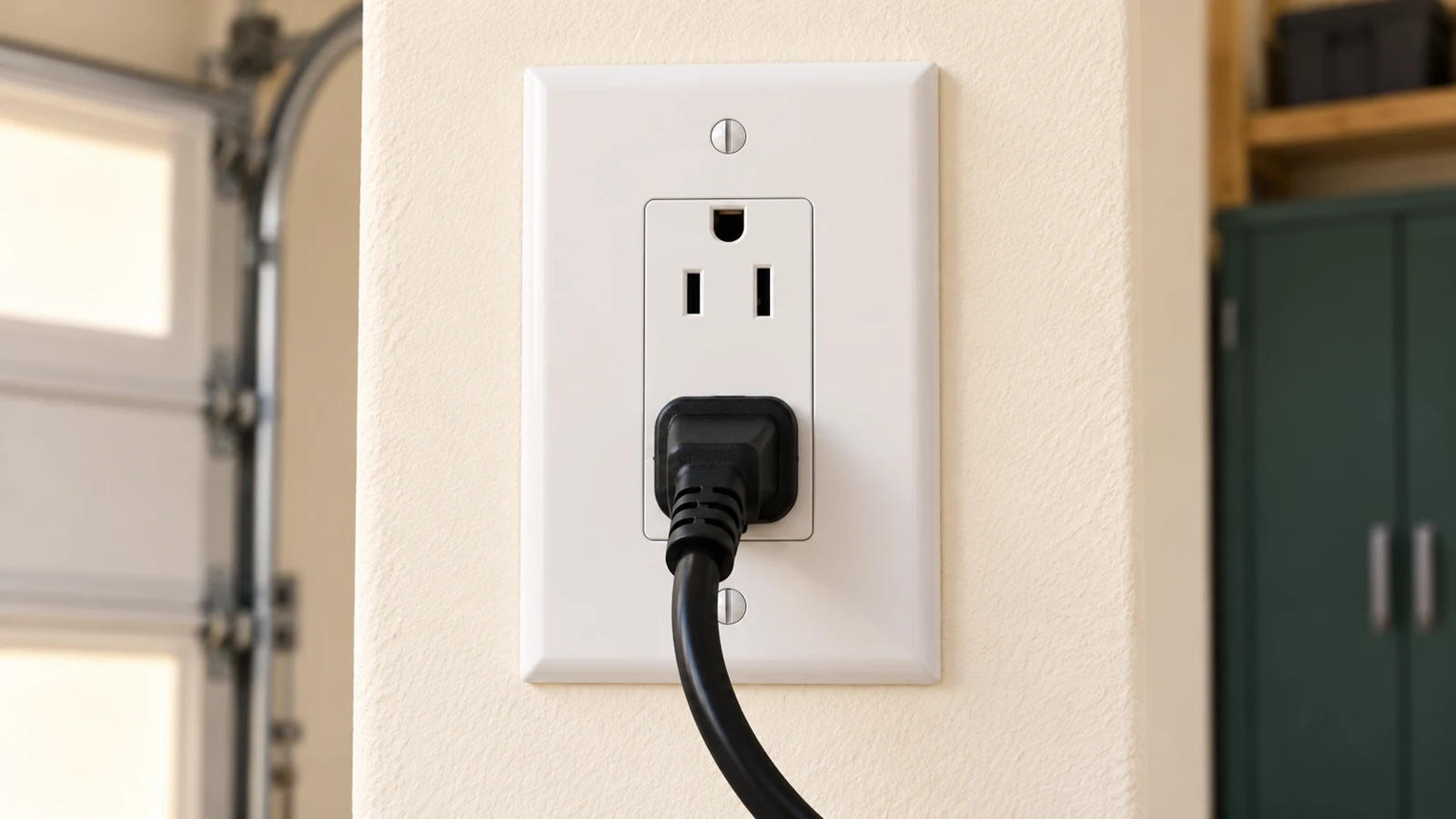
Look for normal status indicators and a properly connected accessible power cord. If there is a known household outage, account for it. A backup-equipped opener may behave differently from a unit without backup, and a depleted backup cannot be assumed to operate the door.
If the manual calls for checking an outlet, do so only when it is safely accessible, dry, and undamaged. Do not open a receptacle, remove the opener's electrical cover, or repeatedly reset a protective device that trips again. Damaged electrical equipment needs qualified diagnosis.
We recommend recording whether lights are absent everywhere or only on a particular control. A dark handheld transmitter and a dark motor unit are different clues.
4Check documented lock and control settings
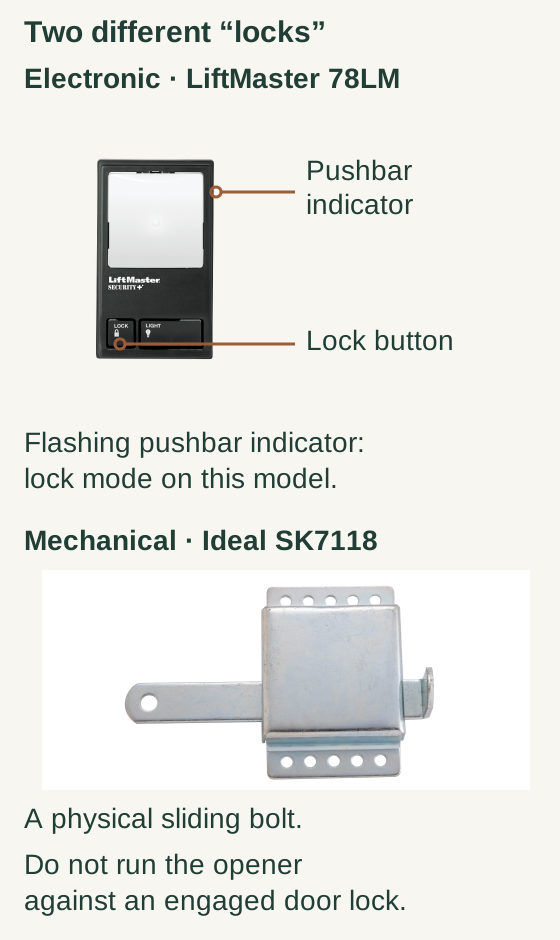
Scroll within the image if needed, or open the full-size view. The key details are also written below.
On a LiftMaster 78LM control, the pushbar indicator and Lock button are separate features. A flashing pushbar indicator means lock mode on this model; the still photograph does not itself show flashing.
The Ideal SK7118 specimen is a separate mechanical sliding-bolt lock. Never run the opener against an engaged door lock. This is not an installed-lock locator or compatibility guide.
Some wall consoles have a vacation or lock feature that changes which controls can operate the opener. Identify the exact console and follow its instructions to inspect that state. Do not confuse an electronic lock mode with a physical door lock.
If a physical door lock is engaged, do not run the opener against it. Have the authorized user resolve it using the door's normal instructions, and confirm why it was engaged before resuming powered operation.
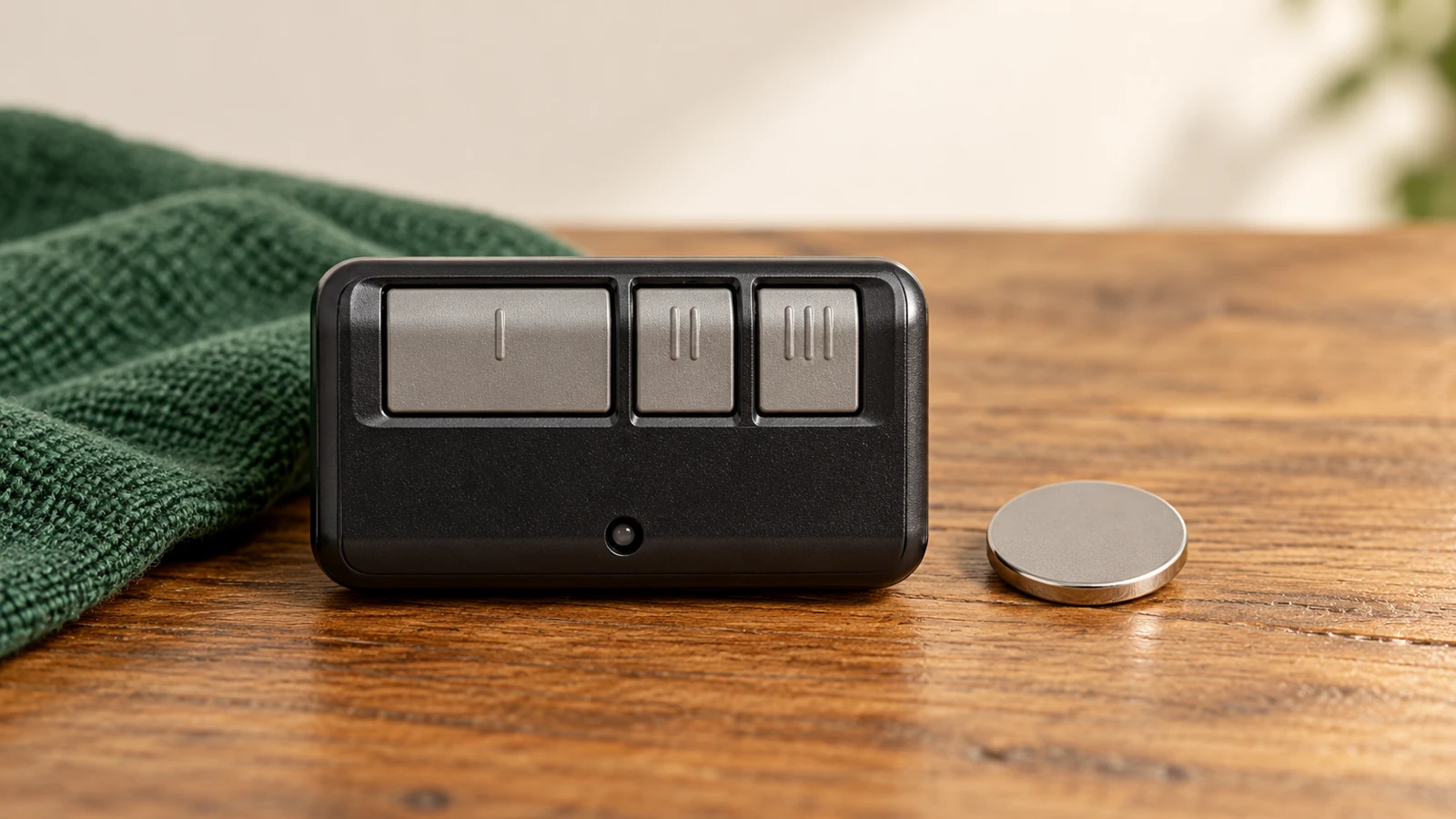
For a single failing remote, inspect the correct battery and compare nearby operation with normal approach distance. Do not erase all memory before checking the small accessory that is actually failing.
5If the motor runs but the door does not move
Observe the rail, trolley, and door connection from a safe distance without touching moving components. Note whether the emergency-release mechanism was recently used. A disconnected trolley is one possible explanation, but a damaged drive component can produce a similar report.
Use the model's reconnection instructions only after confirming the door is fully closed, mechanically sound, and safe to handle. If any of those conditions are uncertain, stop and have the door system assessed. Do not reconnect a drive to force a heavy or damaged door upward.
This diagnostic guide does not ask you to pull the release merely to “see how heavy it is” when a broken spring or unstable door is possible.
6Decide what evidence to pass on
A useful service note includes the opener model, which controls work, whether the motor clicks or runs, how far the door moves, visible hardware concerns, and any diagnostic code. Include recent events such as an outage, a manual-release use, or an impact.
That information is more useful than reporting that several resets failed. Stop changing settings once the problem points beyond a simple battery, ordinary lock-mode correction, or documented network issue.
Common questions
Are the bottom sensors always responsible? No. Their role and diagnostic behavior depend on the system, and an opening failure should not automatically be treated as a closing-sensor fault.
Should I increase opening force? No. Do not use force adjustment to compensate for a damaged, locked, or unbalanced door.
Can I open it manually? Only through the appropriate manual-operation instructions for a confirmed sound door. Do not attempt it with a broken spring or uncertain support.
Key takeaways
Inspect the door first, compare control paths second, and check power without electrical disassembly. Stop when the opener strains or the door's support is uncertain; a few inches of movement is not permission to keep trying.
Explore guides · About this guide
Was this guide useful?
Your choice stays in this browser only. It is not sent to us.
Sources & manuals4
Manufacturer instructions and references for this guide. Match the document to your exact product.
- Chamberlain — Remote does not worksupport.chamberlaingroup.com
- Chamberlain — Door-control troubleshootingsupport.chamberlaingroup.com
- Genie — Troubleshootingstore.geniecompany.com
- Genie — Door maintenance and tension hazardswww.geniecompany.com