Gate Battery Backup: Operation, Reserve and Limits
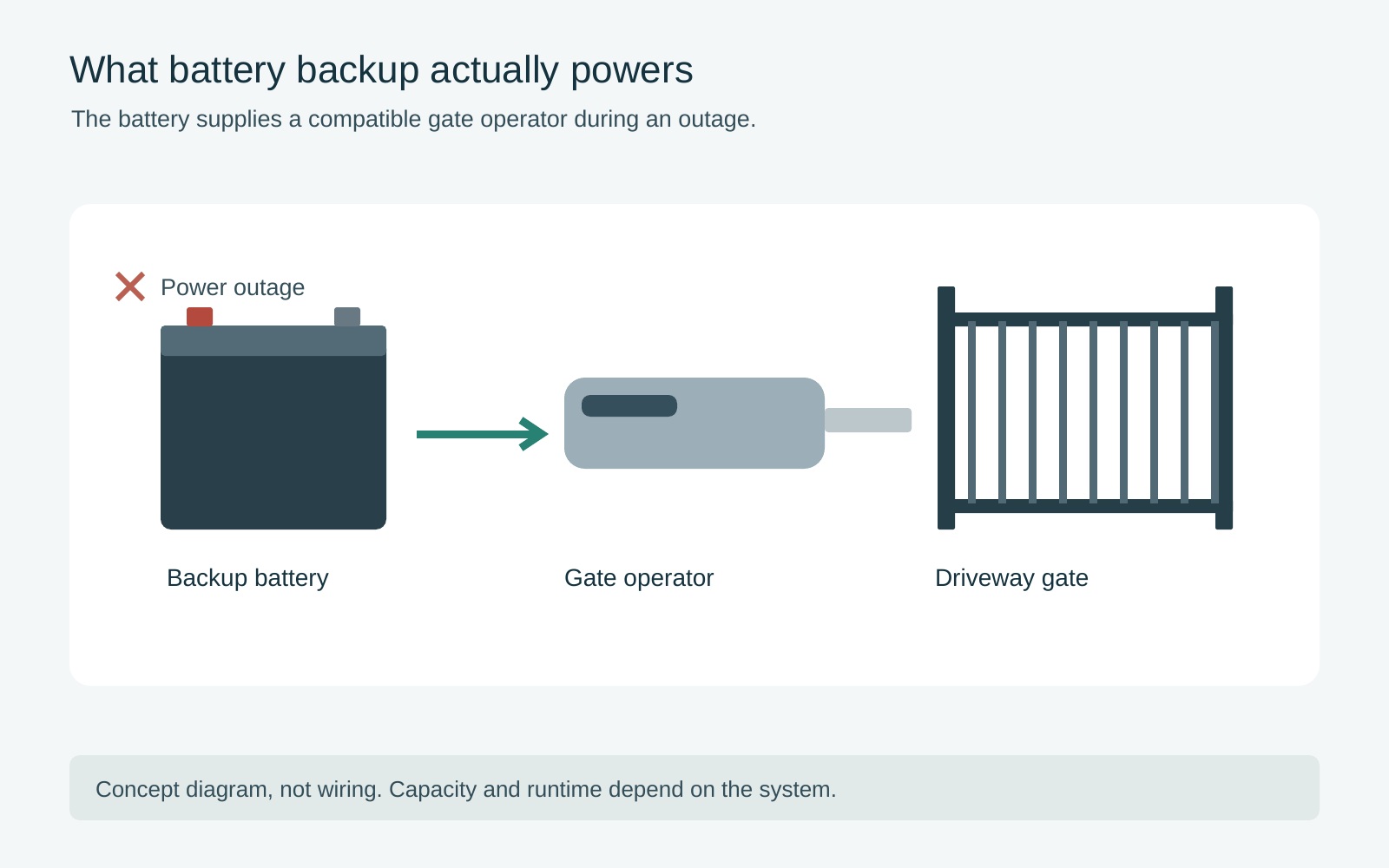 Open full diagram
Battery backup can preserve some gate operation when mains power fails, but it does not promise that every accessory will work or that the entrance will remain available indefinitely. A useful backup plan describes the supported equipment, the expected outage demand, low-energy behavior and an alternative when powered movement is unavailable.
This guide is about stored reserve during an interruption. For a system whose everyday charging source is sunlight, use the solar-gate assessment. If an outage is already happening, follow the model-specific outage and manual-release guidance rather than experimenting with the cabinet or battery connections.
1. Identify what “backup” means in the proposal
Ask whether the operator has integral battery operation, an optional manufacturer-approved backup arrangement or another supported power system. A battery inside a cabinet is not enough information to establish how the entrance behaves during a failure.
Request the exact operator and backup component identification. If the quote uses the phrase “battery ready,” ask which items are actually supplied and which are excluded. Confirm who checks compatibility and commissions the completed arrangement.
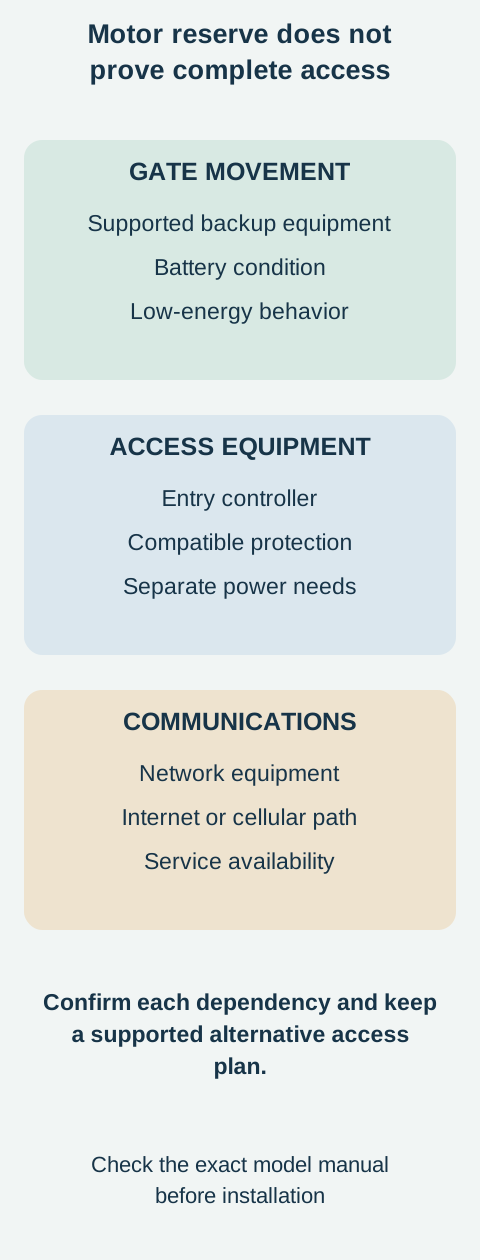
Distinguish the motor, controls, safety devices and access equipment. An operator may have energy to move while an independently powered entry system or network device is unavailable. Ask the contractor to identify those dependencies rather than assuming one backup battery supplies the entire property entrance.
Make the intended result explicit. Is the goal a limited number of essential vehicle movements, an agreed period of ordinary use, or a particular low-energy position? Those are different requirements and should not be left hidden behind a general backup label.
2. Define the outage you want to plan for
Describe the outages you have experienced and the access that would be essential during a future interruption. State the number of households or authorized users, typical visitor activity and whether assistance is available locally.
Ask the installer to distinguish a short interruption from a prolonged outage. The same stored reserve can support different outcomes depending on use during the event. Avoid turning an average outage length into a guarantee that longer events will never occur.
Think through the day rather than only the moment power fails. Who needs to leave, who may arrive later and how will the household communicate a change of access arrangements? A plan that relies on someone being home should say so.
Do not choose a low-energy gate position solely for convenience. Security, emergency access and site requirements may compete. Have the qualified installer and any relevant authority resolve those requirements for the actual entrance. This article does not prescribe fail-open or fail-secure settings.
3. Read reserve claims with their conditions
A brochure's maximum cycle figure is a conditional product claim, not a promise of the same result at your home. Ask what cycle means, which battery arrangement was used and what gate, accessories and environmental conditions apply.
HySecurity's backup specification notes identify resistance to travel, cycle length, battery condition, temperature, accessory demand and frequency of use among the factors affecting available operation. Those factors explain why a figure cannot be transferred blindly between installations.
Request a site-specific expectation and its assumptions. “The manufacturer advertises up to a certain number” is not the same answer as “this installation is expected to support the following essential use under these conditions.”
Avoid simple conversions from battery capacity to operating days. A gate can consume energy between movements, and a battery's condition changes over time. Ask how the proposal allows for that reality and how service will establish whether the reserve remains suitable.
4. Plan for low energy, not just full charge
Ask what the selected controller does when mains power disappears, when the battery becomes low and when charging resumes. These may be separate states. Have the installer explain the relevant behavior without asking you to change internal settings.
Some models offer configurable responses to depletion. The SwingSmart 535 product information describes a choice of low-battery behavior for that model. It does not establish what another operator will do or which setting is appropriate for your site.
Ask how occupants will recognize a problem: a documented indicator, an alert or a loss of a particular function. Do not assume a phone notification will arrive when the network supplying it has also lost power.
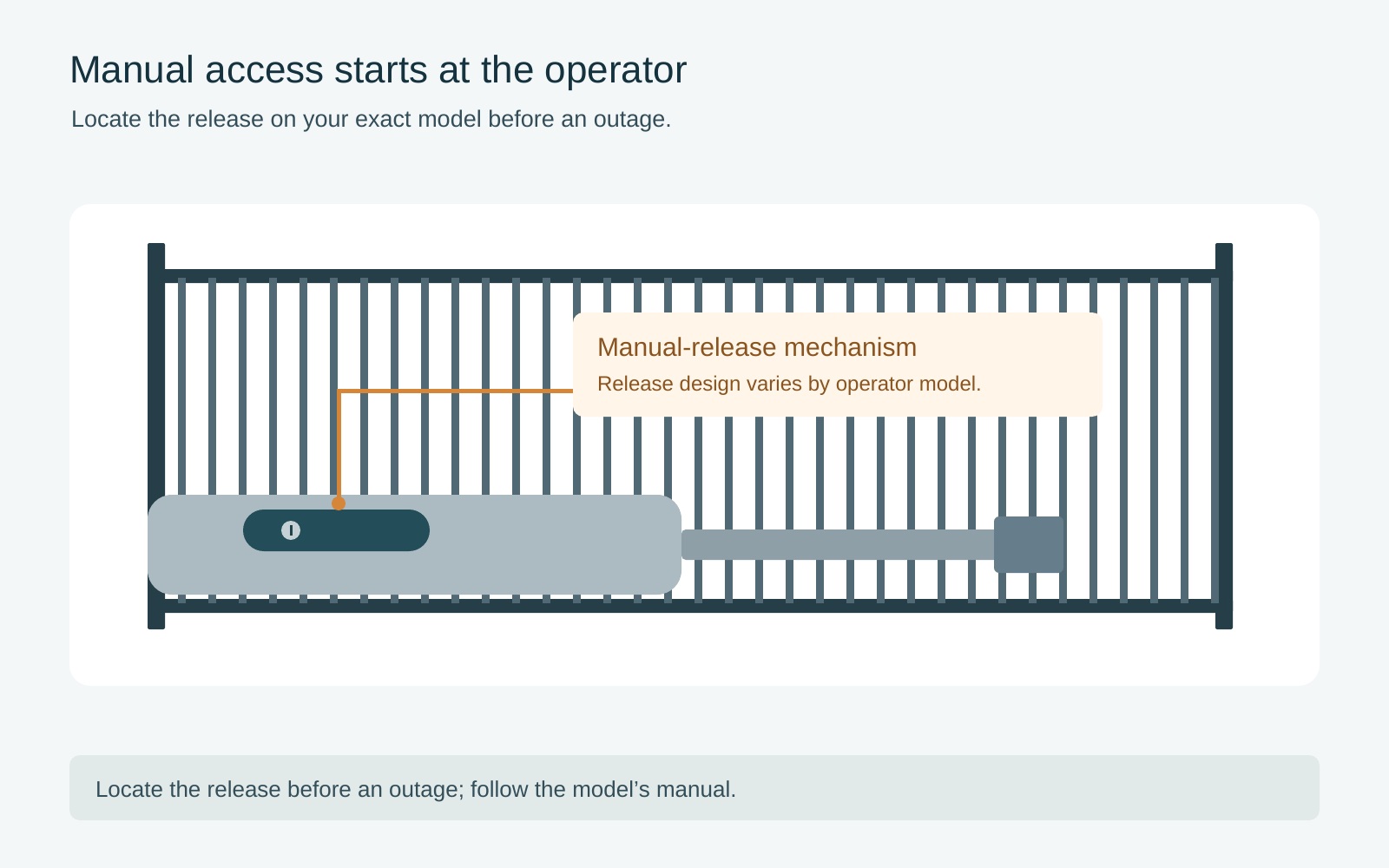
Keep an alternative access plan that does not depend on guessing how much reserve remains. Manual release procedures are specific to the mechanism and site, and an unsupported or wind-loaded gate can be hazardous after release. Arrange training while the system is working normally; do not improvise during a storm.
 Open full diagram
5. Keep the battery specification model-specific
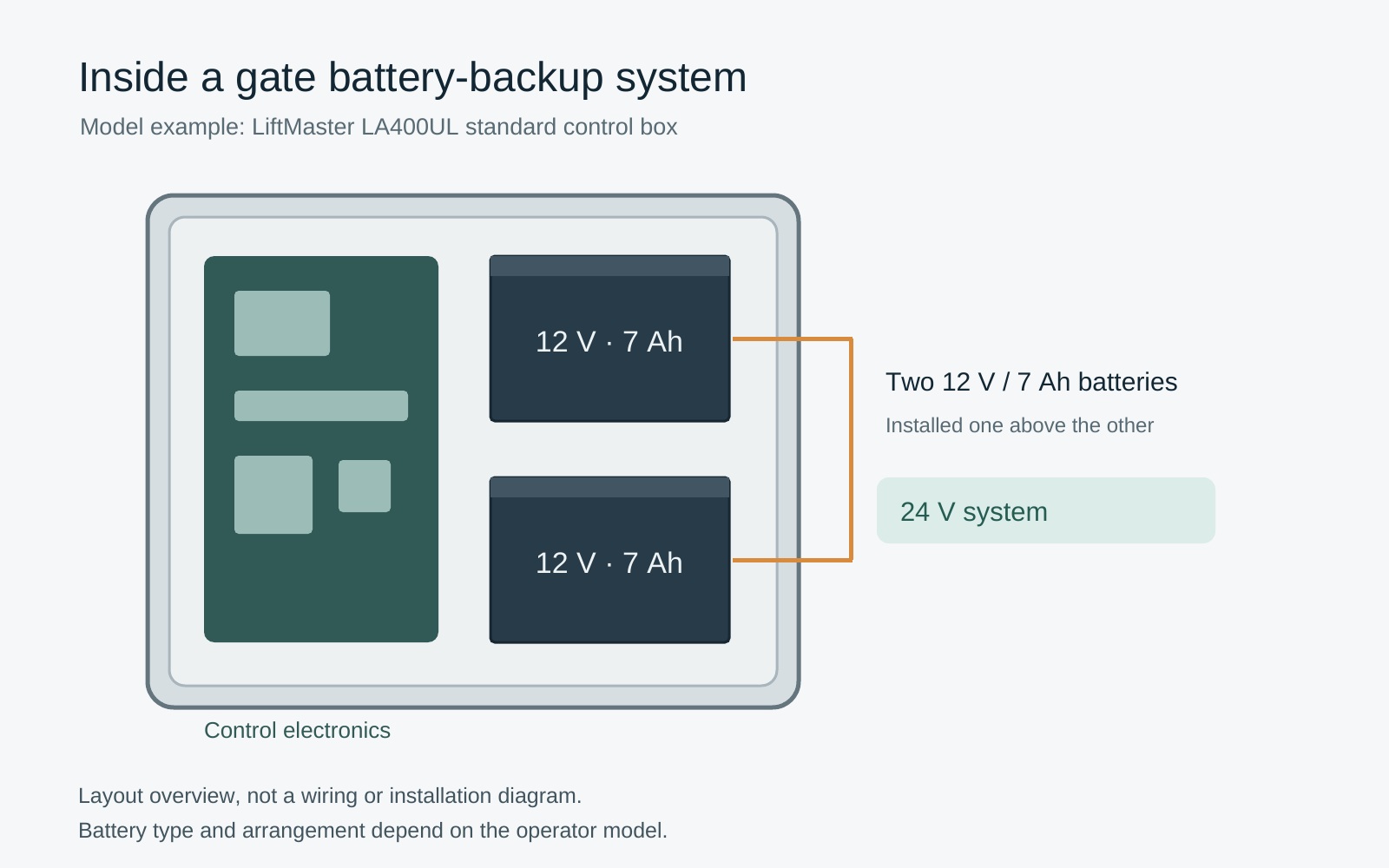
Use the manufacturer's approved battery type, arrangement and replacement procedure. A similar voltage or a larger capacity does not prove that a substitute fits the enclosure, charging system or control configuration.
Ask the service provider to confirm the applicable documentation revision. Product pages can describe options or later configurations that differ from the manual for an installed unit. If chemistry or approved kit information is unclear, obtain manufacturer clarification rather than treating a sales description as a conversion instruction.
Battery work can expose electrical and chemical hazards even after mains power is off. The SwingSmart 535 manual's battery-safety section treats replacement and disposal as controlled work. This homeowner guide does not give terminal, wiring or charger-adjustment instructions.
Do not connect a vehicle battery, household charger or improvised inverter as an emergency workaround. If the reserve has failed, use the supported access plan and arrange qualified service. Keep leaking, swollen, overheated or damaged equipment out of use and obtain appropriate assistance without handling its contents.
6. Agree on testing and maintenance
Ask the installer to demonstrate the intended outage response using the manufacturer's procedure and to record what was checked. This should include the access and protection functions covered by the backup design, not only whether the motor starts.
Do not test reserve by repeatedly cycling the gate until it stops. That can leave the entrance unavailable and does not reproduce every future outage condition. Ask the service provider how to assess battery condition and functional performance appropriately.
Record the installed battery identification and service date in your equipment records. Follow the actual inspection and replacement guidance; there is no universal calendar in this article. Report a decline in performance rather than assuming it is normal because the batteries are not very old.
After an extended outage, ask how normal charging and operation should be confirmed. A brief return of mains power does not automatically establish a fully recovered reserve. Avoid unnecessary movements while following the system's recovery instructions.
7. Compare backup proposals as complete access plans
A useful quote names the supported hardware, installation, commissioning and service obligations. Ask which functions remain powered, which do not, and what the contractor expects under the agreed outage scenario.
Include maintenance and eventual battery replacement when comparing options. Clarify whether the quoted warranty covers batteries separately and what response is available when the gate cannot be used safely. Obtain actual terms rather than assuming every component shares the operator's headline warranty.
For shared properties, give authorized users concise instructions about outages and alternative access. Keep control of keys and credentials with the responsible owner or manager. Emergency arrangements should be coordinated with the relevant local requirements, not copied from a different property.
Finally, keep safety independent of convenience. CPSC's gate-entrapment warning explains why powered gates require serious attention to protection. Backup energy does not authorize bypassing sensors, increasing force or operating with people in the gate's path.
Frequently asked questions
How long will my gate work on battery backup?
There is no universal duration. Ask for the selected model's conditions and a site-specific assessment of essential movements, standby loads and battery condition.
Will phone access keep working during an outage?
Only if every required part remains available, including the controller and its communications path. Confirm those dependencies separately from motor backup.
Can I install a larger battery for more reserve?
Only within a supported arrangement confirmed for the exact equipment. Capacity alone does not establish charging, enclosure or control compatibility.
Does a successful test today guarantee the next outage?
No. It documents the condition and functions checked at that time. Maintain the system and keep an alternative access plan.
Related Posts
 Practical Guide
Open an Electric Gate During a Power Outage: Manual Access Safely
Decide whether backup power or model-specific manual access is appropriate, with safeguards against unexpected movement and an uncontrolled gate.
 Practical Guide
Solar Gate Openers: Assess the Site and Power Demand
Assess shading, seasonal sunlight, daily gate activity and accessory demand before choosing a compatible solar gate-opener system.
Sources
Manufacturer instructions and references for this guide. Match the document to your exact product.
- HySecurity's backup specification noteshysecurity.com
- SwingSmart 535 product informationhysecurity.com
- SwingSmart 535 manual's battery-safety sectionsupport.hysecurity.com
- CPSC's gate-entrapment warningwww.cpsc.gov
- LiftMaster LA400UL installation manual