Gate Remote Not Working: Battery, Range and Compatibility Checks
Prove what has stopped working
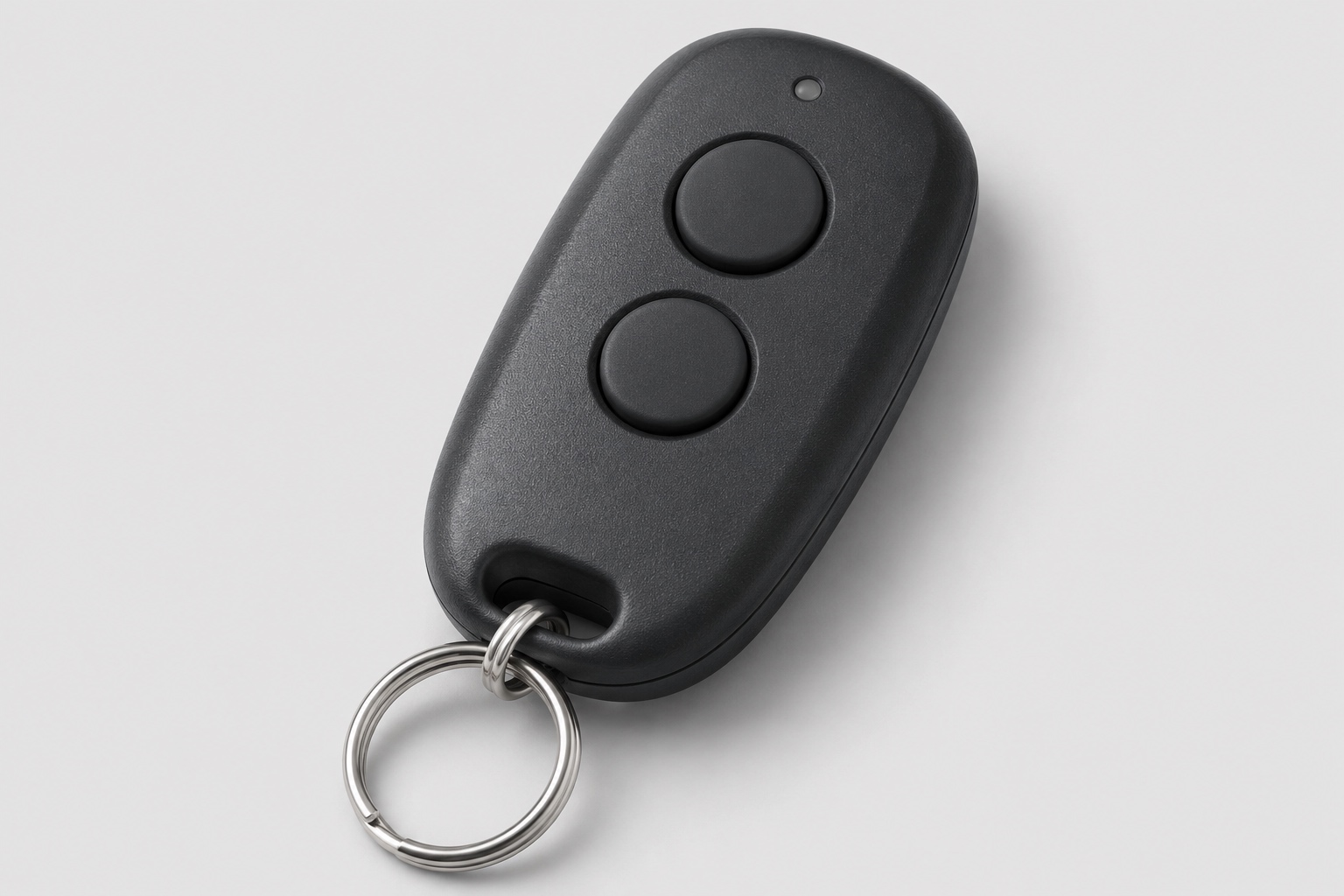
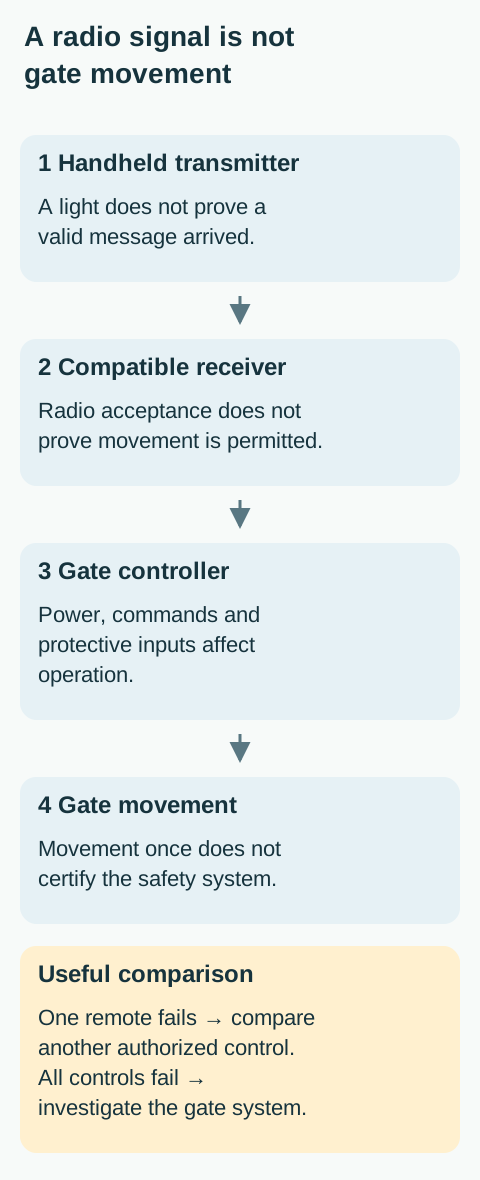
One remote failing does not establish that the gate motor has failed. Start by separating the handheld transmitter, the receiver that accepts it, and the gate operator that moves the gate. They form a chain, but they can be different products. The brand printed on the remote may not be the brand on the operator cabinet.
This guide is for an owner or authorized user checking a handheld remote. It does not authorize access to a shared receiver, an installer menu or someone else’s credentials. At an apartment or workplace entrance, ask the manager whether access permissions changed before attempting to enroll anything.

Compare normal authorized controls safely
With the entire gate path visible and clear, try the remote from the normal safe operating position. Do not repeatedly press it as you drive toward the gate. If it opens, wait for a safe passage according to the site’s access arrangement. Use the separate pedestrian entrance; do not use the vehicular gate as a pedestrian shortcut, even when it is open.
If another already authorized handheld remote works from the same safe position while yours does not, that is useful evidence for a transmitter-specific problem. If a local keypad works but no radio remote does, the radio receiver or reception path becomes a stronger candidate. Neither comparison proves the entire installation is safe.
If no established control works, or the gate starts then reverses, use the general electric gate troubleshooting guide. Do not keep replacing remote batteries to solve a gate obstruction, operator alarm or power problem. Record whether the operator responds with a sound even when it does not move.
Inspect the remote before buying parts
Check the casing and buttons without opening anything not intended for user access. Look for impact damage, water exposure, a button stuck down, or a battery cover that no longer holds securely. A damaged transmitter can need replacement even if its indicator still flashes. Keep small batteries and loose parts away from children.
For a user-replaceable battery, use the exact battery type and polarity specified in that remote’s instructions. Do not assume a visually similar coin cell is equivalent, stack cells, or improvise a contact with foil. If the remote is sealed, corroded or wet inside, stop and ask the supplier about replacement rather than scraping or heating components.
A transmitter indicator is only an observation about the handheld unit. It does not certify that a compatible radio message reached the receiver. Note whether the light behaves differently after the correct replacement battery, but judge operation only through a controlled gate test from a safe position. Dispose of the old battery through an appropriate collection route.
Distinguish reduced range from total failure
If the remote works only from a closer but still safe operating position, report that as a range change. Do not enter the gate’s path, stand against the operator or reach through fencing to get a response. The comparison should never trade personal safety for a stronger radio signal.
Observe whether the symptom affects one transmitter or all of them, and whether it began after a change near the entrance. A new enclosure, other radio equipment, a relocated receiver or physical damage may be relevant information, but timing alone does not identify interference. Avoid declaring a frequency problem from one failed press.
The LA400UL troubleshooting chart includes poor reception and comparison with other controls among the radio-related possibilities. Antenna condition and receiver wiring are service checks, not permission to pull an antenna straight, extend it with random wire or open the cabinet. Even antenna instructions can differ for a specific accessory.
 Open full diagram
A new remote needs more than the right-looking case
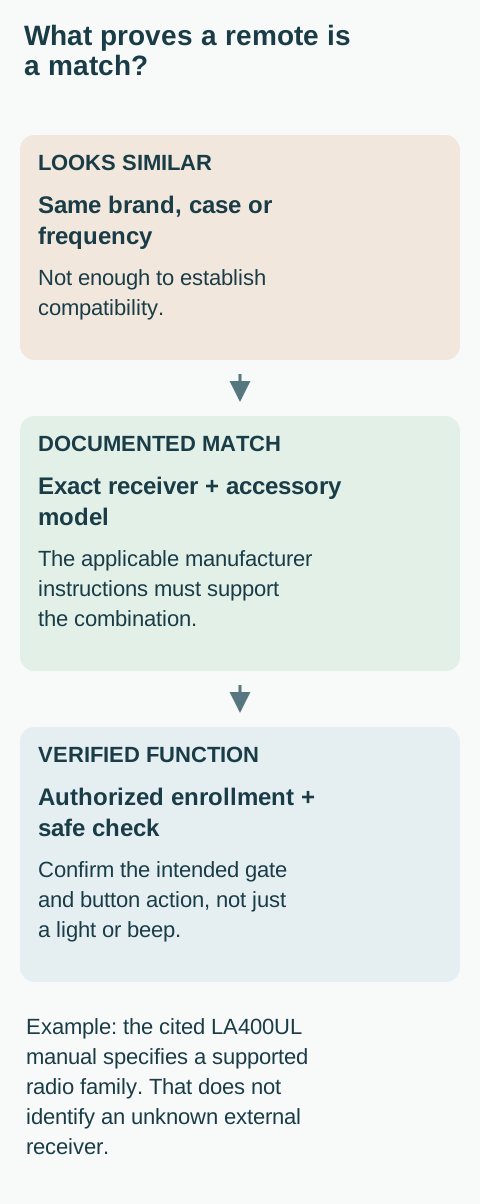
For a replacement, identify the receiver model, supported radio protocol and the manufacturer’s compatibility statement. Matching the color, number of buttons or advertised frequency is not enough. A gate may use an external receiver whose supported transmitters differ from the built-in radio of the operator.
Ask the seller or installer to confirm compatibility against the exact receiver, not just “a LiftMaster gate” or “an automatic gate.” Save the proposed remote model and the document that supports the match. Be wary of a universal label that does not list your receiver family or requires an accessory that is not installed.
A compatible remote still needs authorized enrollment. If it has never operated this entrance, do not call it broken solely because pressing a button does nothing. Use the remote and keypad programming preparation guide to identify the right procedure before touching a learn control.
 Open full diagram
Do not erase the receiver as a troubleshooting shortcut
An operator may store credentials for several residents, staff members or devices. A memory-clear operation can affect more than the remote you are holding. It may remove existing access and create a separate security or service problem. A long button hold is not a harmless version of a short button press.
The LA400UL manual describes different enrollment functions and capacity limits. Those details demonstrate why “hold Learn until it works” is not a universal procedure. Do not reset a receiver, erase all remotes or alter keypad memory to investigate one failed transmitter. The authorized manager should decide any credential removal and its scope.
If a remote is lost or stolen, report it promptly to the person responsible for access. Troubleshooting a dead battery and revoking a missing credential are different jobs. Do not assume adding a replacement automatically invalidates the missing remote, and do not publish access codes or credential identifiers in a public support request.
Use the pattern to choose the next step
One formerly working remote fails while others work: confirm its model, user-serviceable battery and physical condition. A compatible replacement can then be considered. All radio remotes fail while another authorized control works: ask for receiver, antenna and radio-path diagnosis. No normal control works: return to system-level triage.
A newly purchased remote never works: resolve receiver compatibility and enrollment before buying another. A remote works nearby but not from its previous location: document the safe positions, whether all remotes are affected and when the range changed. These are decision routes, not proof of a particular failed circuit.
If the gate behaves unpredictably, moves without an intended command or has a safety fault, stop testing and contact the responsible manager or service company. A successful radio command must not be used to override an unresolved mechanical or protective-system concern.
What to send the technician or manager
Provide the remote model, operator model if known, and receiver model if available in the paperwork. State whether the remote ever worked here, whether another authorized control still works, and whether the failure is total or range-related. Include the battery type used and any visible case damage.
Ask for confirmation of the correct transmitter and authorized enrollment route, not simply a generic reset code. Once service is complete, test only the intended gate and button function from a safe position. Keep spare remotes secure and do not leave a functioning transmitter where children can operate it.
Based on the official LiftMaster LA400UL and HySecurity SlideSmart DC. These are U.S.-market examples, not interchangeable operating instructions. Use the documents for the equipment actually installed.
Related Posts
 Practical Guide
Program a Gate Remote or Keypad: Find the Right Procedure
Prepare authorized gate remote or keypad enrollment using the actual receiver manual, without universal button sequences or accidental memory erasure.
 Practical Guide
Electric Gate Not Working: Safe Checks Before Service
Separate a control problem from a gate-system fault with safe observations, then give your gate technician the information needed to investigate.
Sources
Manufacturer instructions and references for this guide. Match the document to your exact product.
- LiftMaster LA400ULsupport.chamberlaingroup.com
- HySecurity SlideSmart DCsupport.hysecurity.com
Photo credits
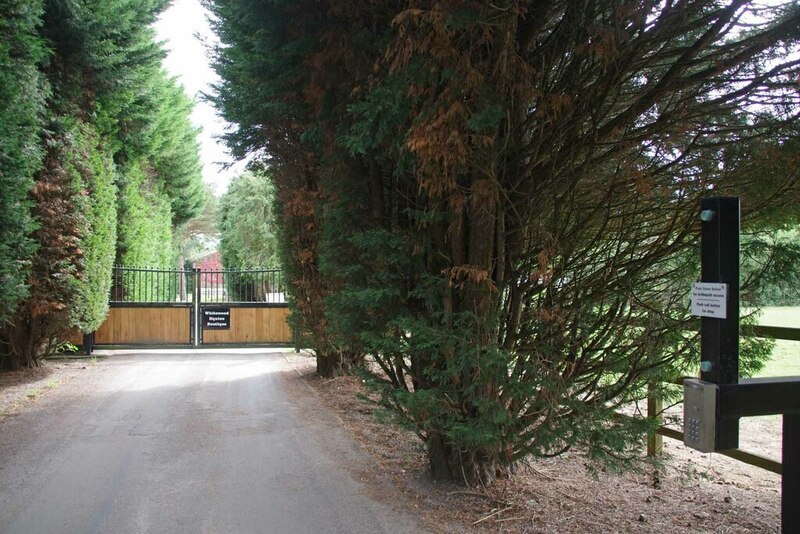
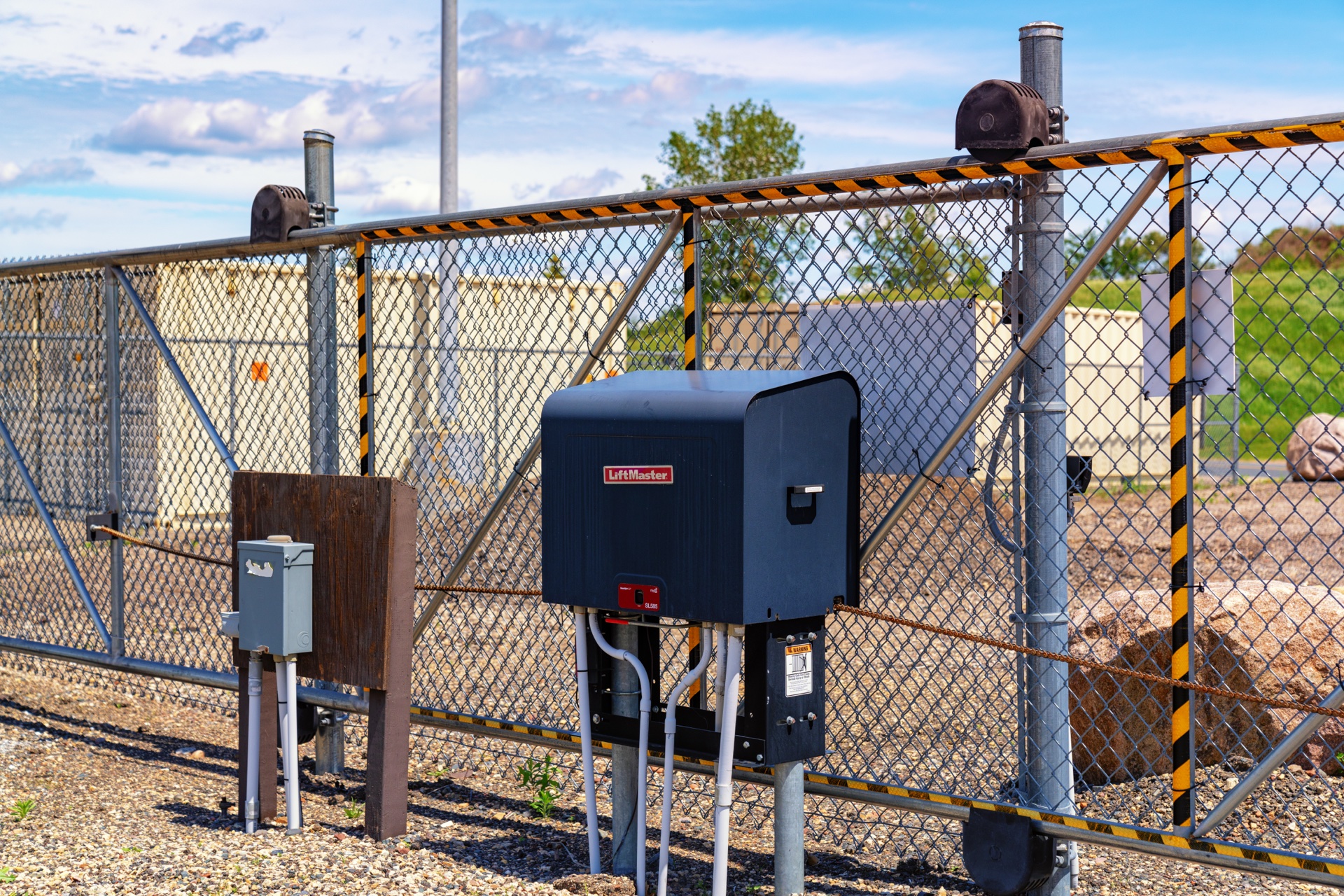
- An entrance with radio-controlled gates, as identified by the photographer. Receiver and remote compatibility cannot be determined from this view. Sandy Gemmill · CC BY-SA 2.0 · Unmodified photograph. Sandy Gemmill CC BY-SA 2.0