Electric Gate Not Working: Safe Checks Before Service
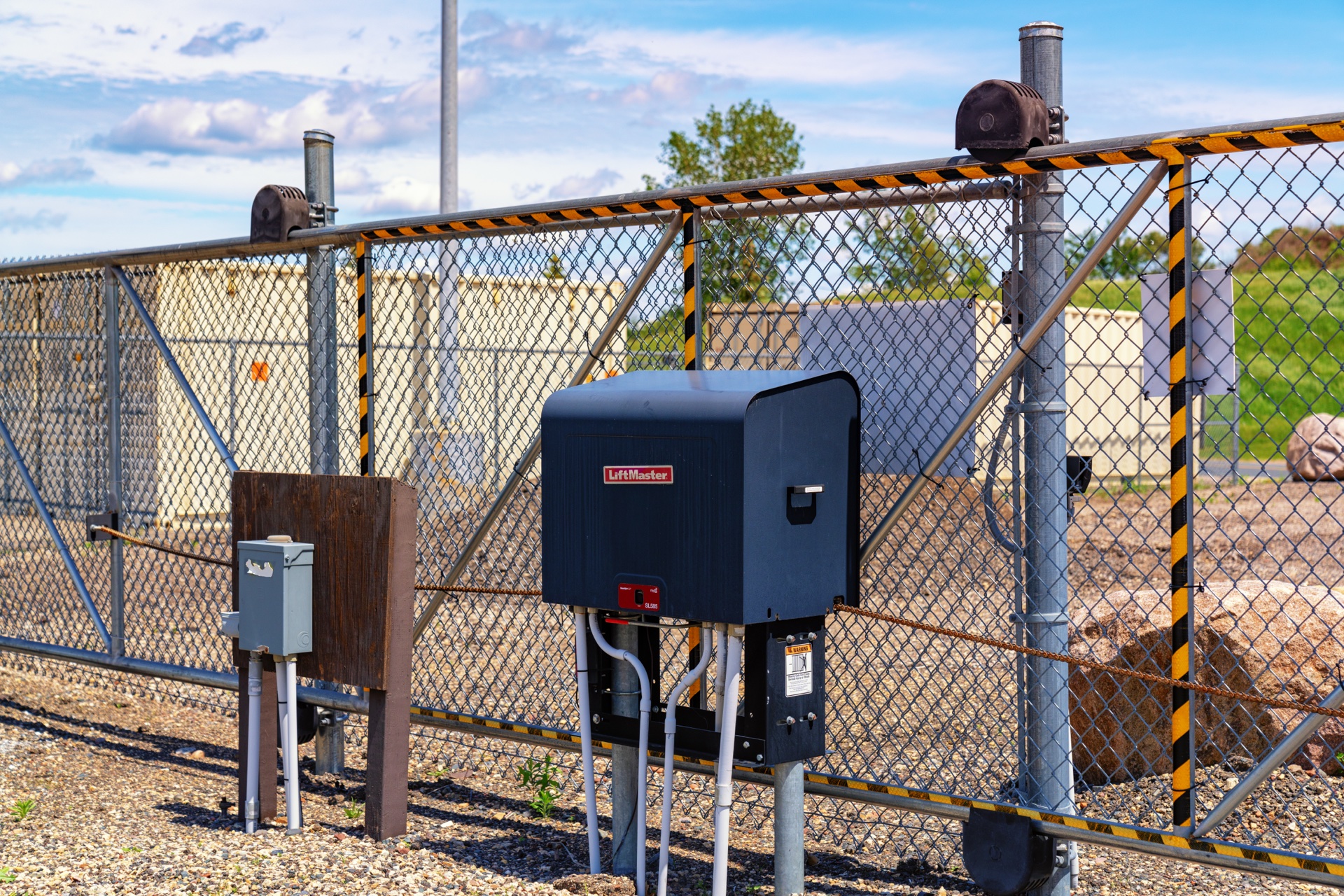
Start with the gate, not a reset button
When an electric driveway gate stops responding, the useful first question is whether the entire system is unavailable or only one way of requesting entry has failed. A dead handheld remote, a gate holding open for a protective input, and an operator without usable power can look similar from the driver’s seat. They require different follow-up, not the same reset.
This guide is a safe observation route for an owner or authorized user. It does not cover opening an operator cabinet, electrical measurements, changing force or travel limits, or defeating a protection device. If you rent or use a shared entrance, contact the property manager before changing anything. Keep pedestrians on a separate pedestrian route, not through the vehicle gate.
Stop immediately when movement could be unsafe
Keep people, pets and vehicles away from the full swing or slide path and the spaces between the gate and fixed structures. Do not reach through bars to a control. Stop trying commands if a gate is leaning, hanging from damaged hardware, off its track, moving unevenly, or pressing against an object. A motor that still runs does not make damaged gate hardware safe.
Visible damaged wiring, a flooded cabinet, burning smell or an electrical supply that repeatedly trips also ends the owner-level check. Do not open the equipment or keep resetting the supply. Arrange professional service and use another entrance. If someone is trapped or there is an immediate danger, contact emergency services rather than following a troubleshooting checklist.
An alarm or repeated reversal is information, not permission to keep pressing the button. LiftMaster’s LA400UL instructions describe protective alarm conditions after repeated obstruction detection. Record what happened before the alarm; do not assume silencing it removes the cause.
Identify the installed system without dismantling it
From an accessible, safe position, note the operator brand and model from an exterior label or your handover paperwork. Also identify whether the gate slides or swings, whether it has one or two leaves, and whether it normally uses mains power, solar charging or battery backup. Do not climb, remove guards or enter a pinch zone to obtain a serial number.
The name on a handheld remote may identify the radio system rather than the gate motor. An external receiver or access-control system may have been added later. Keep those identities separate when requesting help. A picture of the whole entrance from outside the travel area and a readable exterior model label are more useful than a guess based on the casing color.
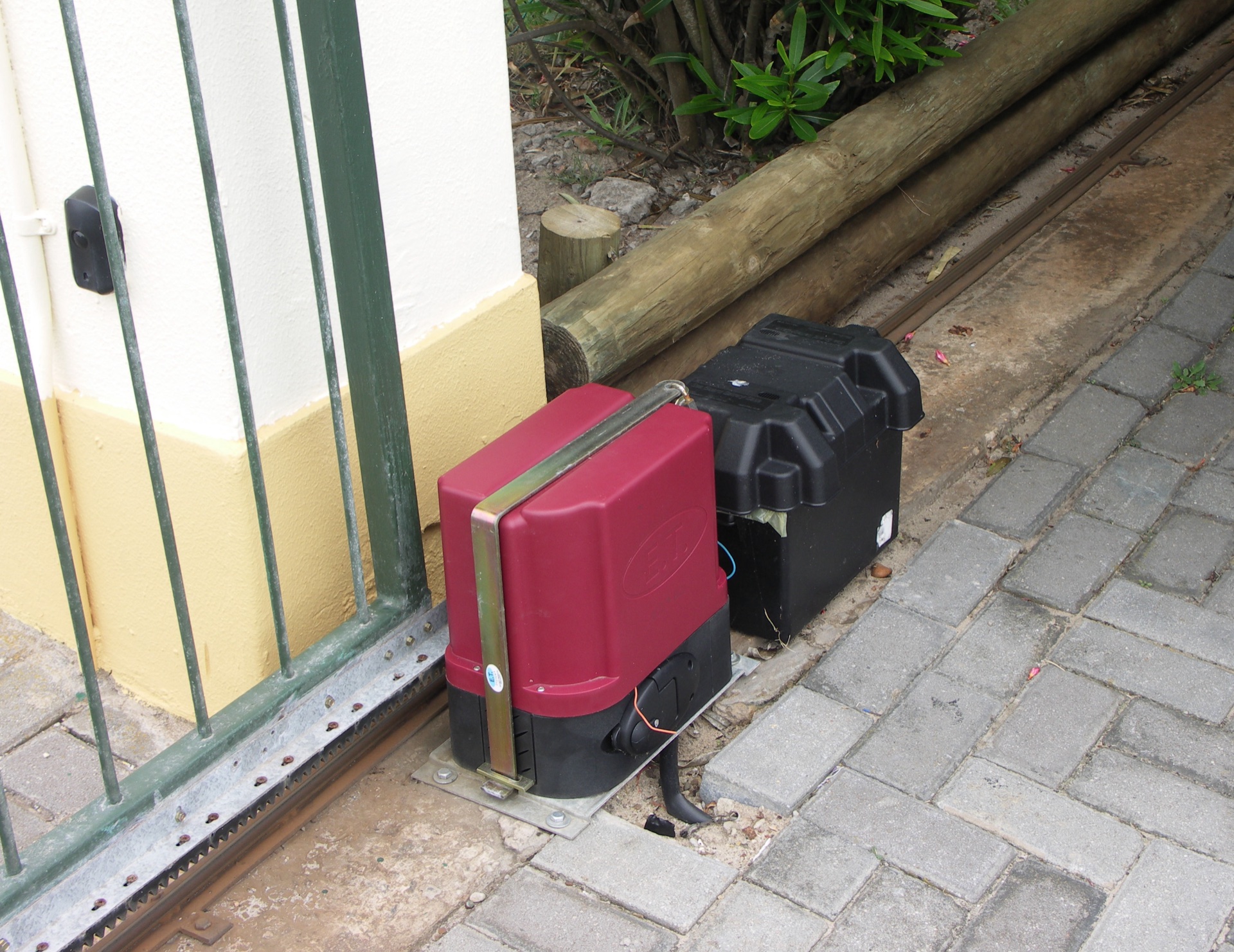
Make one controlled comparison, if the site is safe
If there is no visible damage or obstruction and you can see the entire movement area, try an already authorized control from its normal safe operating position. Compare it with another established control only if that control is available and you are entitled to use it. Do not borrow credentials, access a locked cabinet or improvise an electrical connection.
If a known-working keypad opens the gate but one handheld remote does not, the evidence points toward that remote or its radio path. It does not prove the motor, every safety device and every operating mode are healthy. Use the gate remote troubleshooting guide for that narrower problem.
If no normal control works, stop cycling through commands. Note whether the operator is silent, sounds an alarm, attempts movement, or moves briefly and reverses. An app showing “offline” is not the same observation as the gate failing from a local control. Report both separately rather than diagnosing a motor failure from a network message.
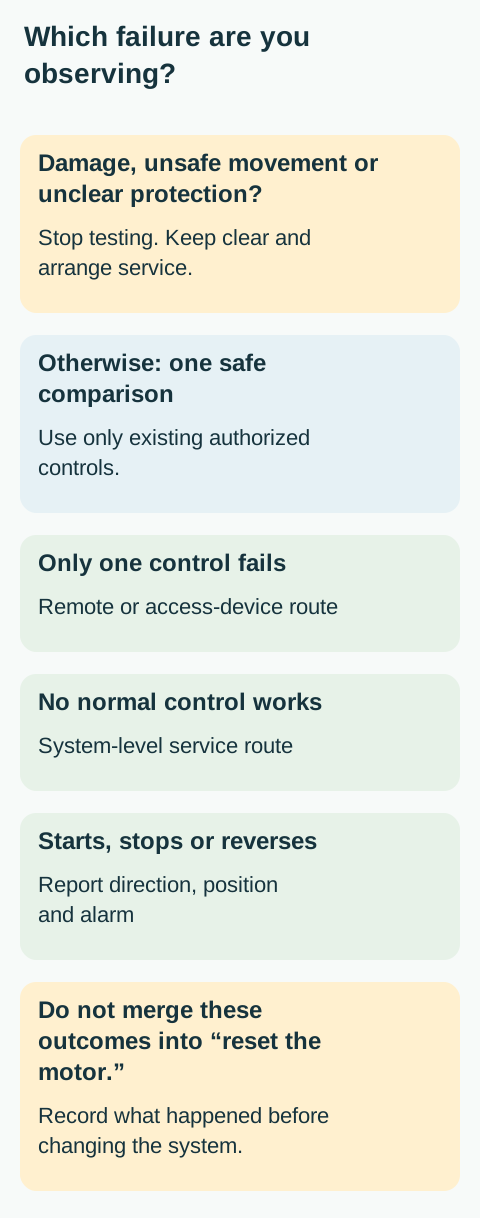 Open full diagram
Look for a reason the gate is intentionally staying open
A gate that opens but will not close is not necessarily missing a remote signal. A protection input, an active access request, an operator setting or a power condition can affect closing. The LA400UL troubleshooting chart lists several distinct causes for this symptom. A homeowner cannot identify the responsible input just by watching the leaf stand open.
Observe the opening from outside the movement area. Is a vehicle stopped across the entrance? Is an object plainly blocking a photoeye? Is a branch touching a visible sensor housing? Do not walk into the gate’s path to investigate, lean over an edge, or move a sensor bracket. An apparent obstruction can clear while an automatic closing function is still active.
For a visible photoeye concern, consult the exact system’s owner manual and arrange qualified service if the fault remains. Do not disconnect the eye, cover an indicator, jumper terminals or press and hold a control to make the gate ignore a fault. Vehicle detection loops and photoeyes are different devices; a loop-related symptom needs its own assessment.
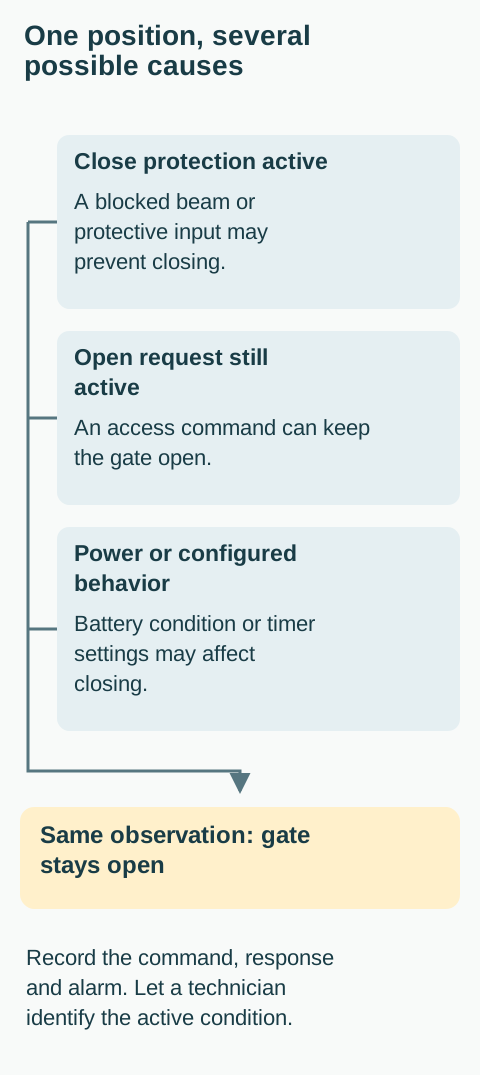 Open full diagram
Check the power situation as an observation
Look for a wider power outage and note any recently reported electrical work or storm. Only inspect ordinary user-accessible indicators that can be seen without removing covers. A cabinet light or an illuminated keypad does not establish that the motor has adequate power, and a dark keypad does not prove the entire gate is unpowered.
Battery-backed and solar-charged systems can continue operating after mains power disappears. Conversely, backup operation may be limited by battery condition and the installed configuration. Do not repeatedly operate the gate to see how long the battery lasts. Avoid assumptions such as “the breaker is off, so the gate cannot move.”
If an outage explains the situation, use a separate access route and consult the exact model’s outage and manual-release instructions. Releasing a gate is not a diagnostic test for everyone: wind, slope, weight and gate condition can make an unsupported leaf difficult to control.
Give the service company a short, useful record
Record the last time the gate worked, the first failed command, whether all controls or only one are affected, and the exact sound or visible message. Include whether it failed while opening, closing or standing still. If two leaves behave differently, say which leaf moved first and where the other stopped; do not push them into alignment.
Add recent events such as an impact, landscaping work, heavy weather, a changed remote, or a known power loss. Describe the timing without declaring causation. A problem appearing after rain does not prove water has entered the operator. If a diagnostic code is visible safely, photograph or write the exact code instead of repeatedly resetting it.
Ask the technician to assess the gate hardware and the protective system as well as the operator. Safe return to service is more than making the gate move once. Keep the entrance out of normal automatic use if a safety concern remains, and agree with the manager on an alternative access arrangement.
Common questions
Should I reset it first?
Not as a universal first step. A reset can change the visible state without fixing the underlying problem. Record the symptom, identify the model, and follow the owner instructions only where the action is clearly intended for users.
Can I make the gate stronger if it stops?
No. Increasing force can conceal binding or an obstruction and increase injury risk. Mechanical resistance and protective-device faults require investigation, not a stronger push.
Can I leave it open?
That is a site-specific access and security decision, not a repair. Do not rely on an improvised prop, disconnected mechanism or assumption that automatic closing is disabled. Have the authorized manager or service company establish a safe arrangement.
Based on the official LiftMaster LA400UL and HySecurity SlideSmart DC. These are U.S.-market examples, not interchangeable operating instructions. Use the documents for the equipment actually installed.
Related Posts
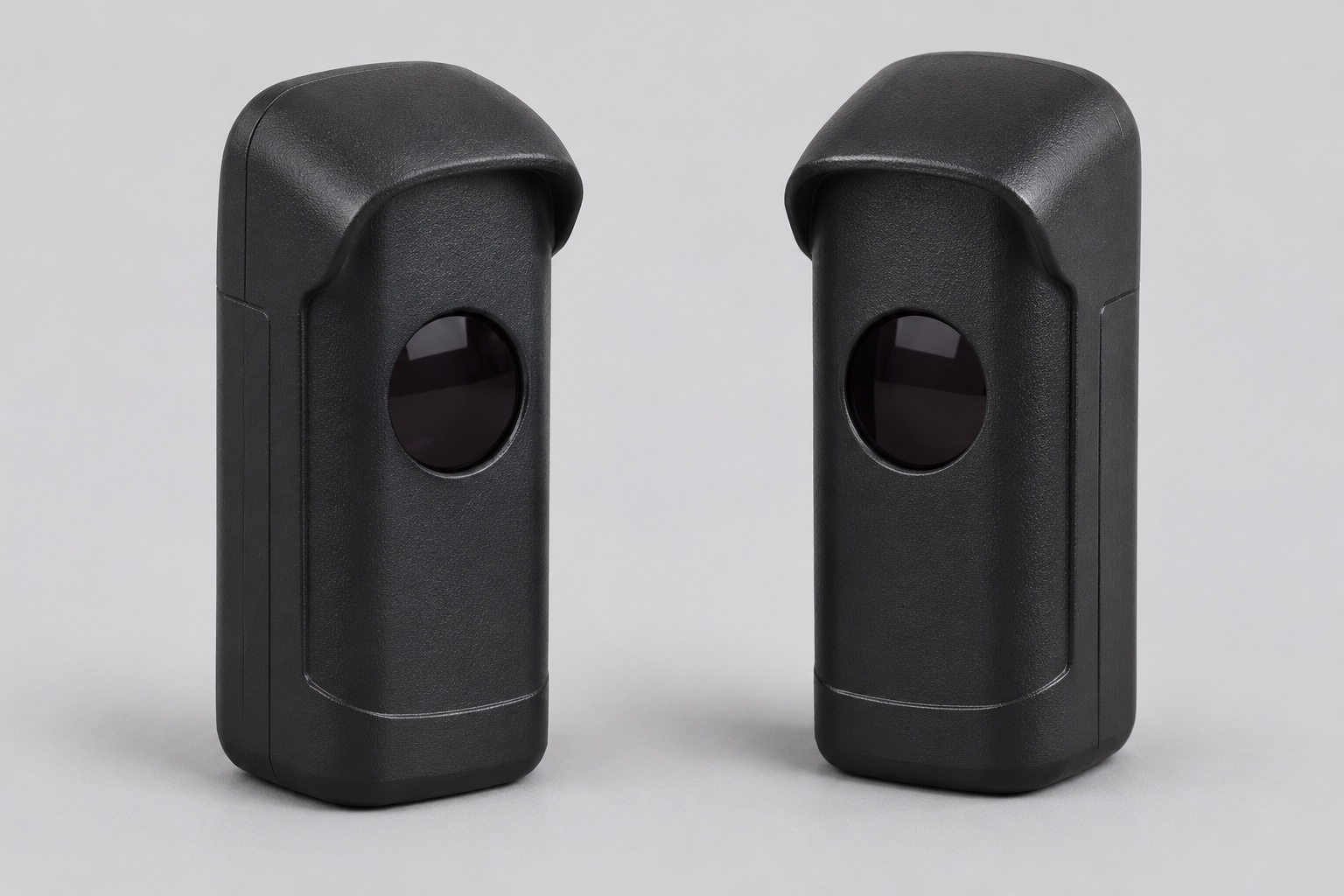 Practical Guide
Gate Sensors Not Working: Photoeye Checks Without Bypassing Safety
Identify a gate photoeye problem, distinguish blocked optics from a system fault, and know when cleaning must give way to professional diagnosis.
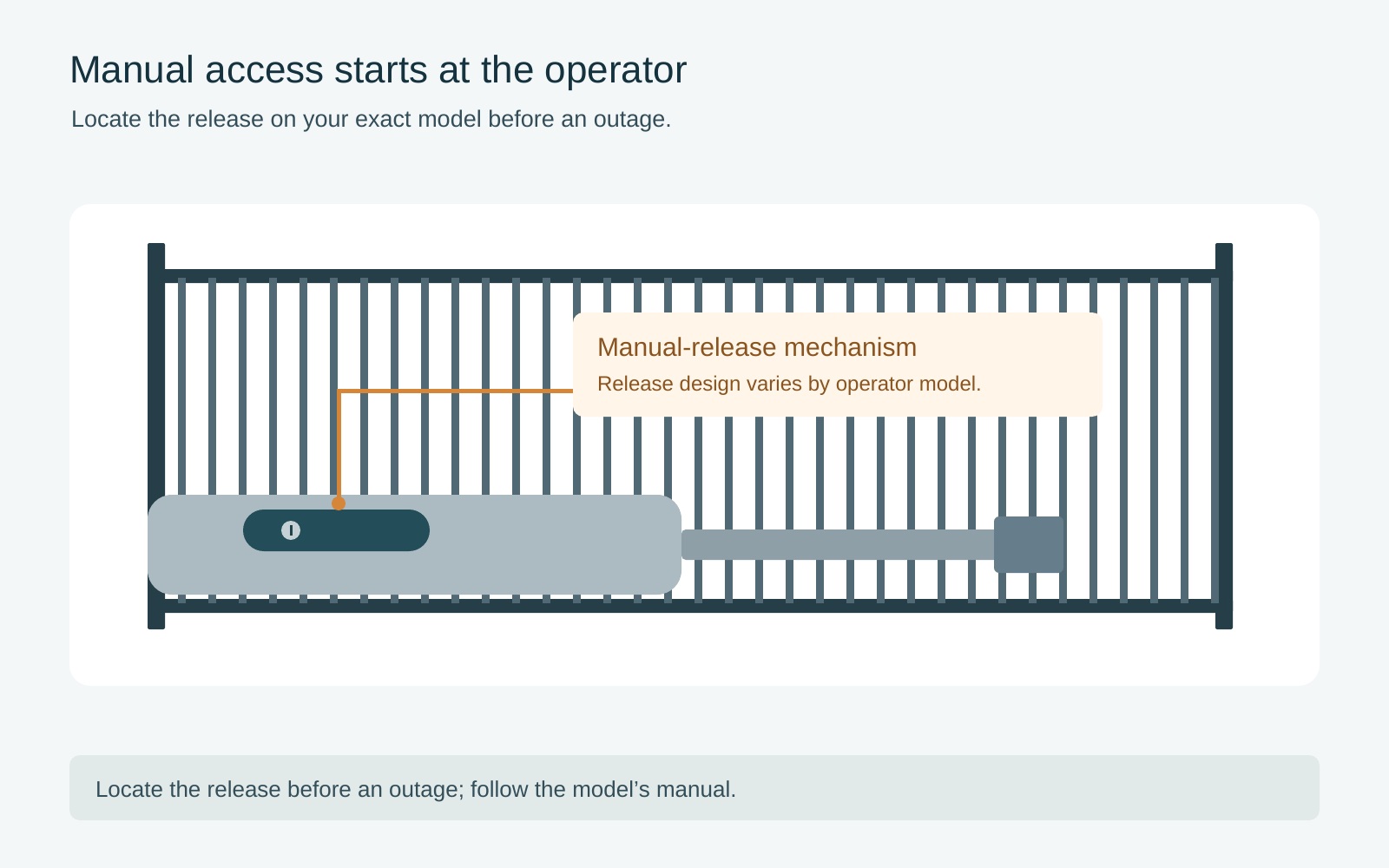 Practical Guide
Open an Electric Gate During a Power Outage: Manual Access Safely
Decide whether backup power or model-specific manual access is appropriate, with safeguards against unexpected movement and an uncontrolled gate.
Sources
Manufacturer instructions and references for this guide. Match the document to your exact product.
- LiftMaster LA400ULsupport.chamberlaingroup.com
- HySecurity SlideSmart DCsupport.hysecurity.com
Photo credits
- A sliding gate and its operator enclosure. A photograph alone cannot identify the cause of a fault or confirm the safety of an installation. Tony Webster · CC BY 2.0 · Full-frame web derivative. Tony Webster CC BY 2.0
- A sliding gate with separate operator, sensor and battery enclosure. Visible wiring needs professional assessment; do not copy this installation or touch the wiring. NJR ZA · CC BY-SA 3.0 · Full-frame web derivative. NJR ZA CC BY-SA 3.0

