How to Align Garage Door Sensors Without Bypassing Them
Quick answer
Clear obstructions, gently clean the sensor lenses and inspect the model-specific indicator pattern. If the manual permits homeowner alignment, adjust only the designated sensor aiming fastener using its power-isolation sequence. Finish with the prescribed safety test. Never bypass the sensors or increase closing force to conceal a sensor fault.
We recommend checking the simple causes before touching an adjustment. A bin, leaf, cobweb or loose object near the beam can look like an alignment problem from the wall control.
Stop: A door that is crooked, off-track or visibly damaged needs mechanical assessment first. A sensor adjustment does not make that door safe to operate.
Prerequisites and model limits
Find the opener model and its sensor instructions. Indicator colors are not universal: the same color can mean different things on different systems. Confirm that the installed sensors are the approved type and mounted correctly; this guide is not a new sensor installation or wiring procedure.
Chamberlain's cited guidance identifies its sending and receiving indicators and requires the beam no higher than six inches above the floor. Do not apply those colors to a different manufacturer or raise sensors to avoid an obstruction.
If a bracket is bent, a cable is damaged or a sensor has been hit by a vehicle, stop short of “making it work” by twisting or relocating parts. Document the damage for service.
Tools and time
Use a clean soft cloth, flashlight, exact manual and only the tool specified for the sensor's adjustment. Allow 15–30 minutes for a simple cleaning/alignment check, not including wiring faults or damaged parts. Keep everyone out of the doorway and make sure the door cannot move unexpectedly while you work.
Step-by-step check
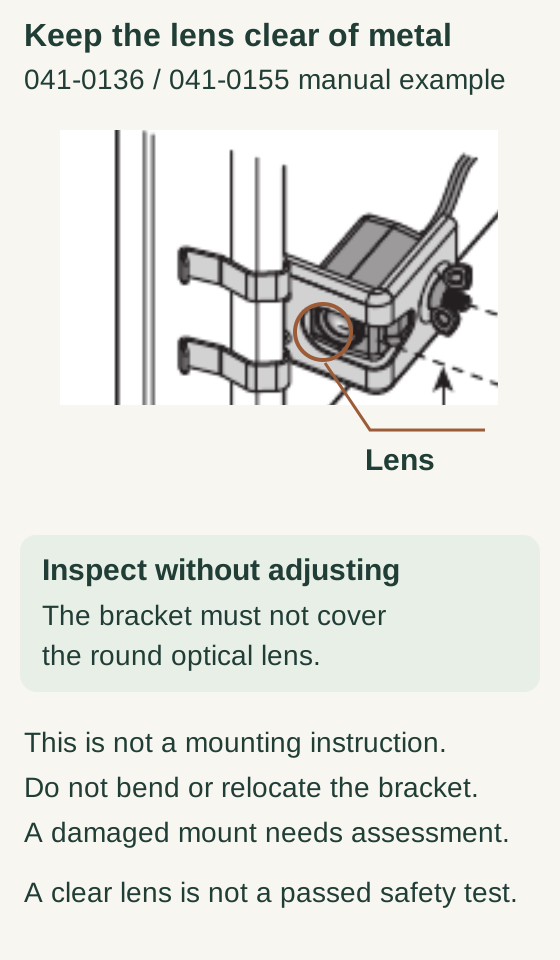
Scroll within the image if needed, or open the full-size view. The key details are also written below.
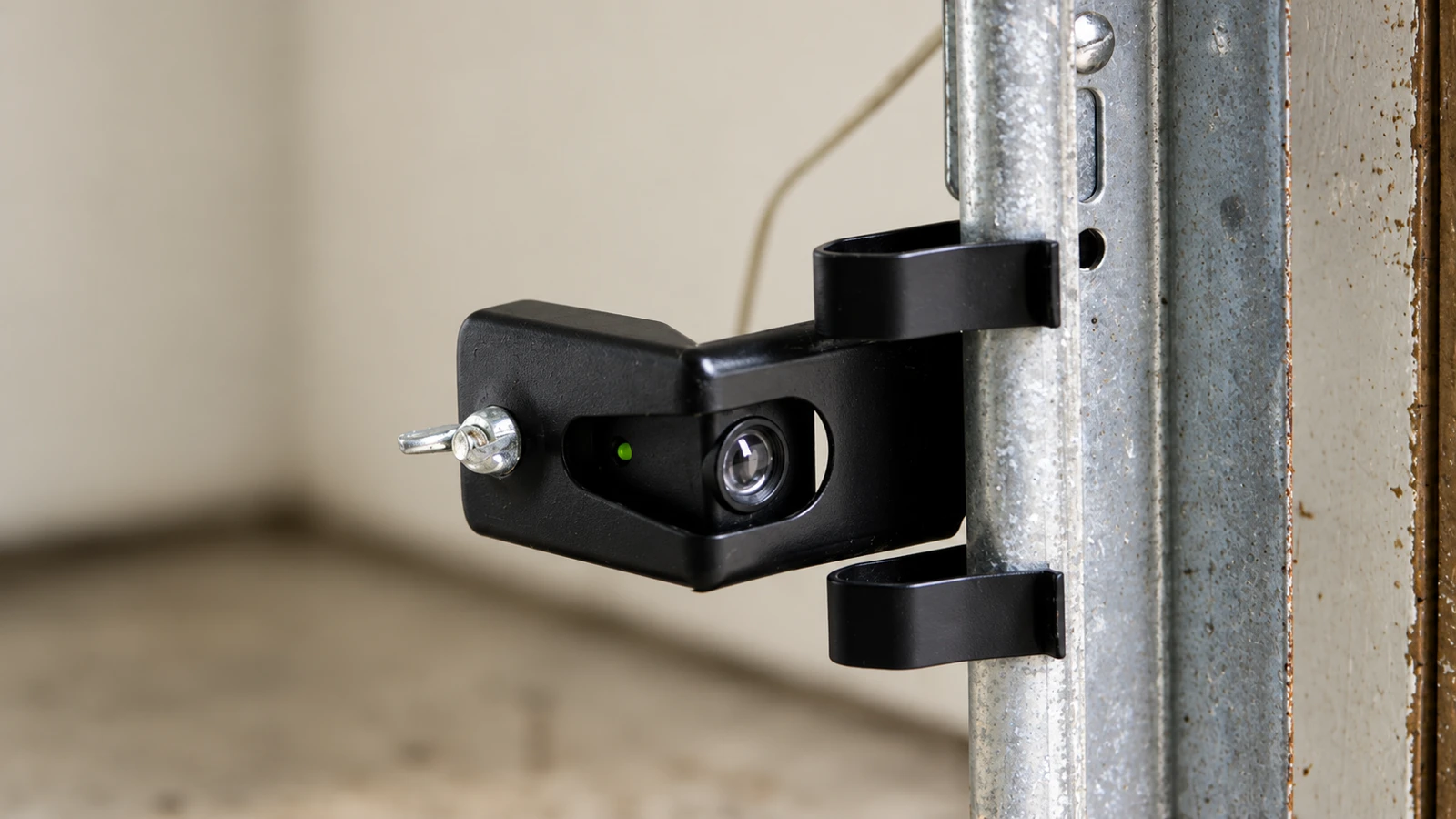
In this 041-0136 / 041-0155 manual example, the callout identifies the round optical lens. The mounting bracket must not obstruct that lens.
Inspect without bending or relocating hardware. A damaged mount needs assessment. This is not a mounting instruction, and a clear lens does not establish a passed safety test.
- Record the symptom before changing it. Note whether the door refuses to start closing, starts and reverses, or fails only at certain times. Photograph indicator lights and any displayed code from a safe position. Expected result: a baseline for comparison. Do not repeatedly cycle a door that is behaving dangerously.
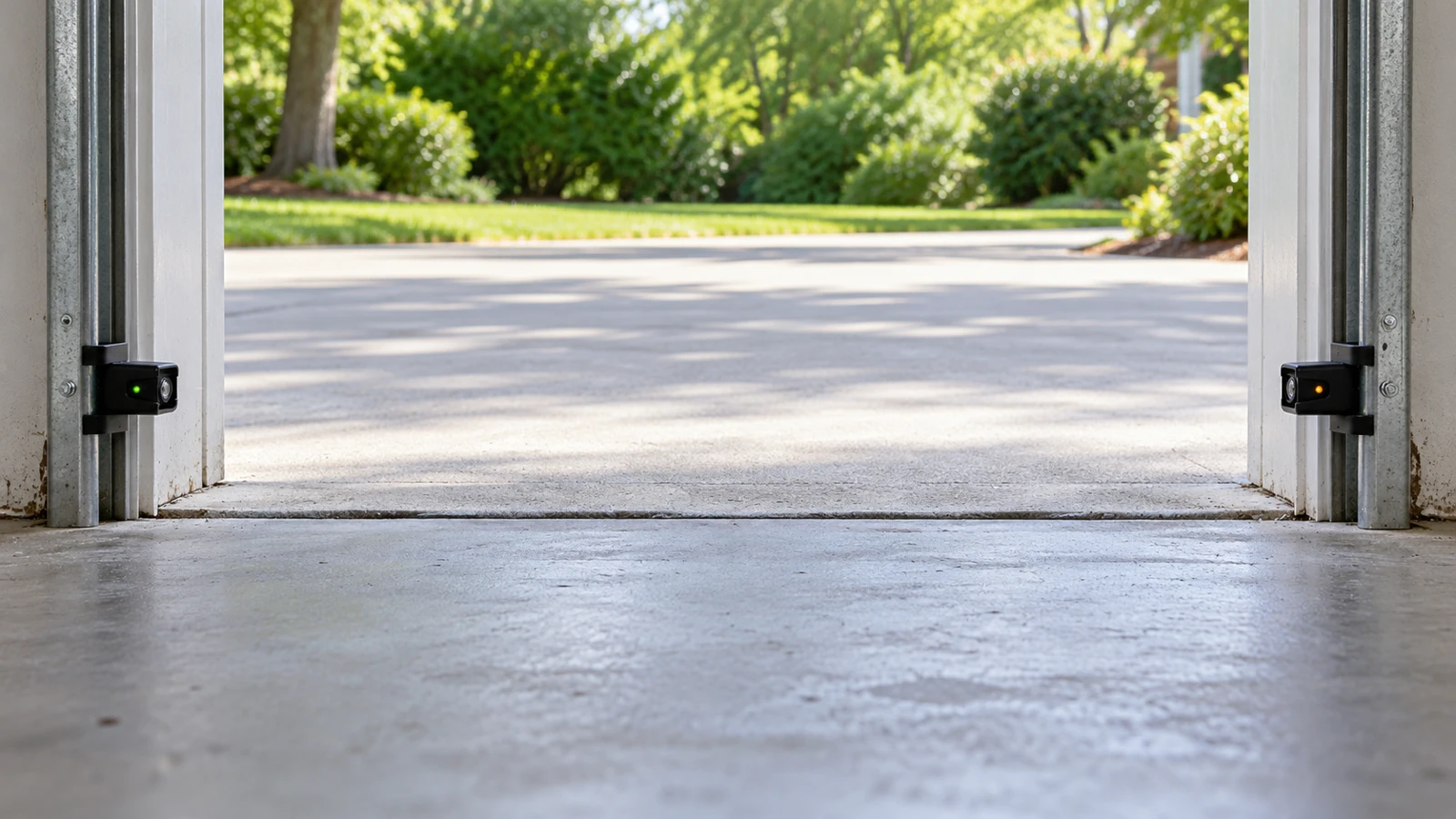
- Clear the full beam path. Move stored objects, sweep loose debris away and look for something hanging from the door that could cross the beam during movement. Expected result: an unobstructed path between the lenses. Do not relocate sensors upward to clear clutter.
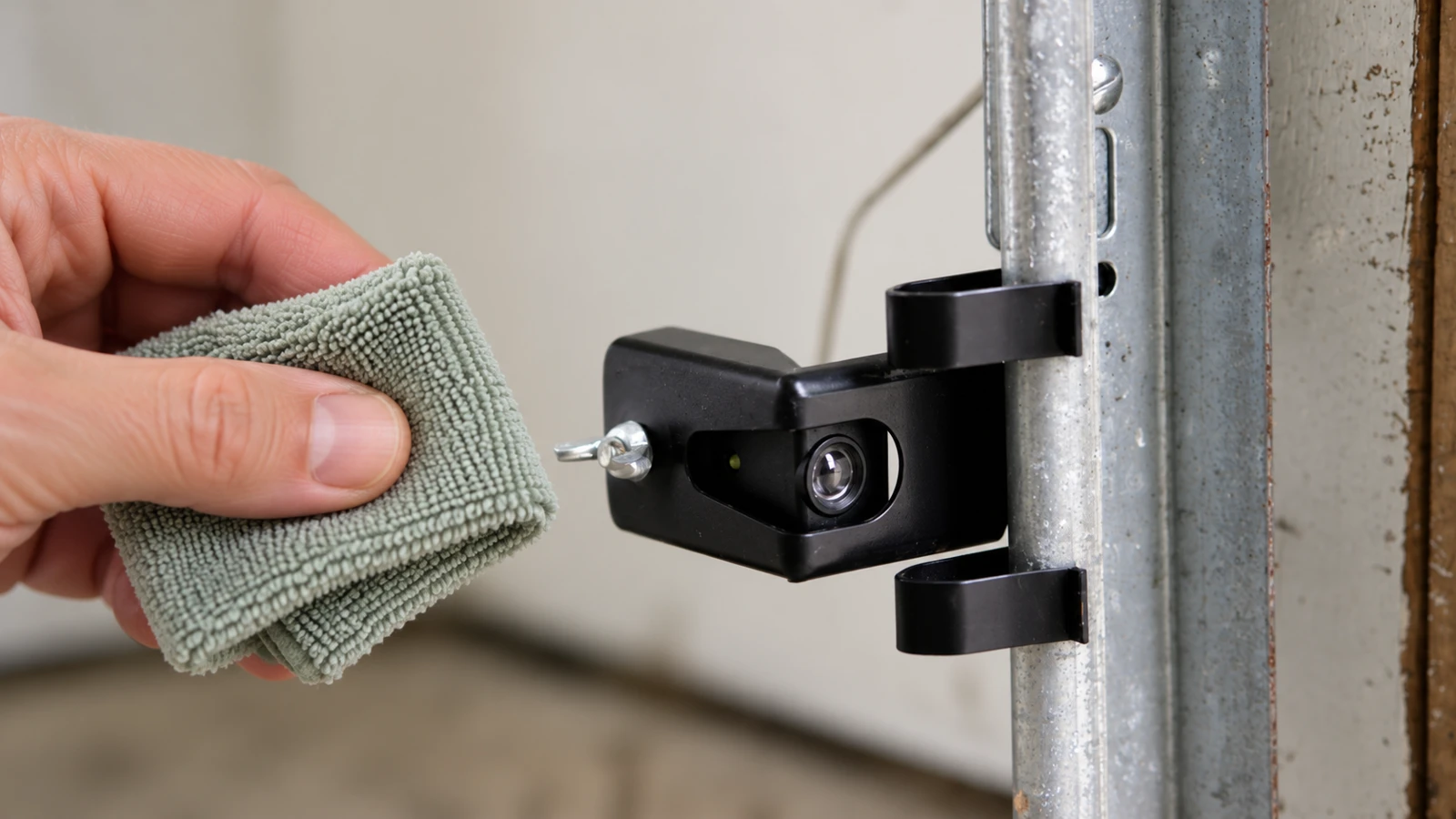
- Clean lenses gently. With operation prevented as directed by the manual, remove loose dust using a soft cloth and manufacturer-compatible method. Do not scratch the lens or spray cleaner into the housing. Expected result: clear surfaces; cracked or water-damaged housings need replacement assessment.
- Read the correct indicator table. Restore power only as the manual directs for observation, keep hands clear and compare the lights to that model's chart. Expected result: a defined alignment indication or a specific fault category. No lights may indicate a power or wiring problem, not something aim adjustment can cure.
- Adjust only if the manual permits it. Follow its isolation procedure before loosening the designated aiming fastener, aim the two lenses at each other and secure the fastener as instructed. Expected result: a stable mount without changing track position or wiring. Do not loosen a track bracket or drill a new sensor position as part of this check.
- Verify the indicators using the exact manual. Confirm its power-isolation and observation sequence before starting. If instructions disagree, obtain manufacturer clarification rather than inventing a powered aiming sequence. Expected result: stable correct indicators. Stop if they will not remain stable; do not tape a sensor into a temporary position.
- Perform the prescribed safety test. Clear the doorway and use the model's non-person test method from a safe position. Expected result: the stated refusal/reversal response. Correct-looking LEDs alone do not establish a successful repair.
Narrow example: Chamberlain 041-0136
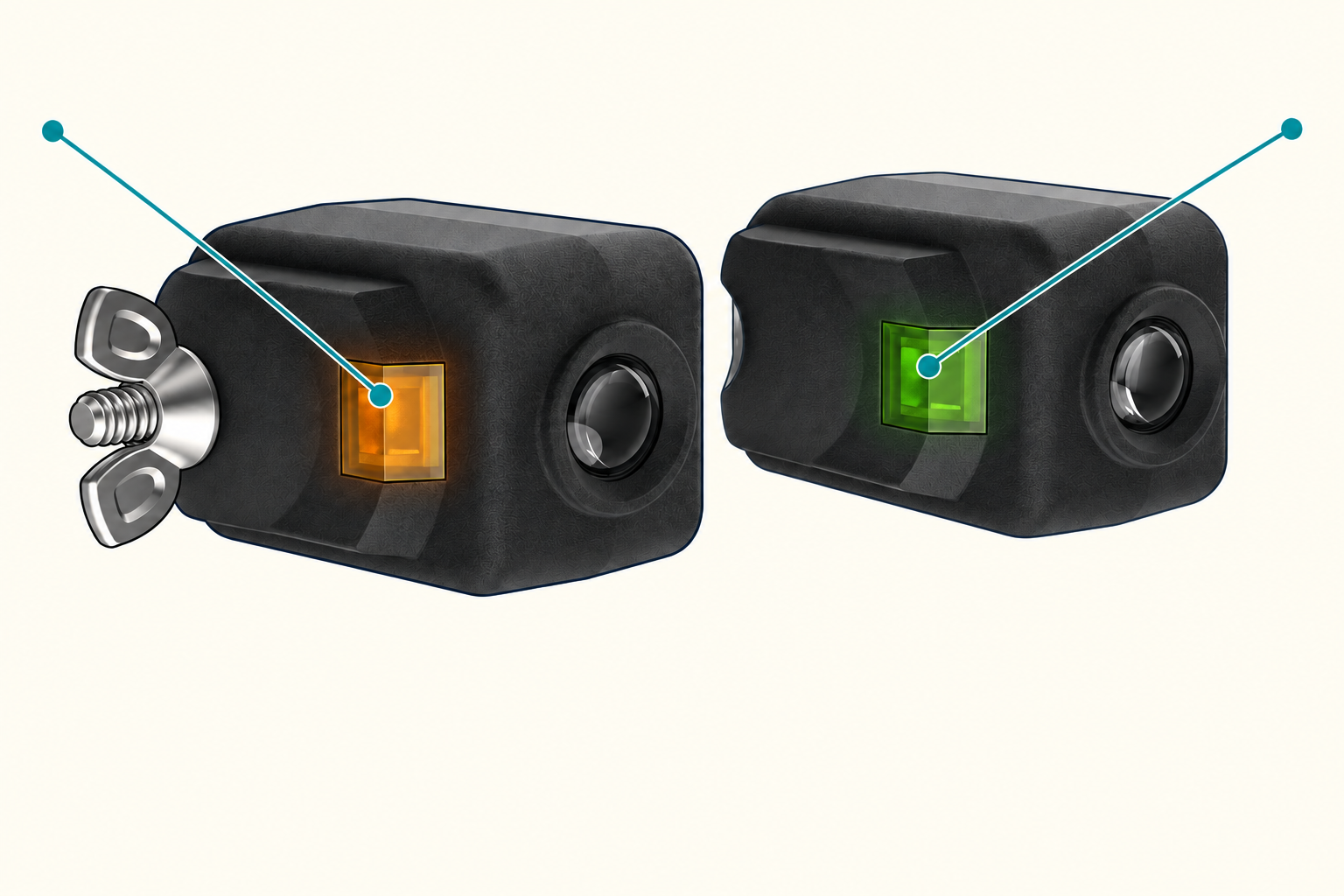
041-0136: identify the sender and receiver lights
These front views identify 041-0136 components. Installed lenses face each other across the opening. Consult the exact installed manual before any adjustment; the published sources differ in power timing.
Scroll sideways for detail, or open the full-size diagram. The complete instructions are written below.
Open full-size diagram and zoom (new tab)
- Confirm the sensor part number. On 041-0136, the square amber indicator identifies the sender and the square green indicator identifies the receiver; the separate round parts are optical lenses.
- A blinking green receiver indicator calls for obstruction or alignment diagnosis. A dark indicator requires the model’s fault checks; do not assume aiming will repair a wiring or power problem.
- Both indicators steady is the documented alignment-ready indication. Complete the required sensor and reversal tests before treating the repair as successful.
- Before touching any aiming fastener, resolve the power-isolation and observation sequence using the exact installed opener and sensor manual or manufacturer support. Do not infer a live adjustment procedure from these front views. Never loosen track hardware or bypass sensors.
Manufacturer reference 1 · Manufacturer reference 2
Confirm part 041-0136: square LEDs and a through-bolt. Sender: amber; receiver: green.
| Indication | Decision |
|---|---|
| Both steady | Perform safety test. |
| Green blinking | Check obstruction/alignment. |
| Indicator off | Investigate model-specific fault. |
The receiver wing nut is distinct from track hardware. The official web guidance and replacement-sensor PDF differ in power timing; resolve the exact installed manual’s procedure before adjustment. This example covers identification and diagnosis only.
If the problem returns
Record whether it happens in strong sunlight, during door vibration or after someone brushes the bracket. That timing is useful diagnostic information, not proof of the cause. Use only a manufacturer-approved remedy; improvised covers can obstruct detection, and moving both sensors together away from the doorway defeats their purpose.
Visible low-voltage wiring damage still deserves proper repair. Do not bridge conductors or swap unknown terminals as a diagnostic shortcut.
Practical tip: Photograph the installed bracket before adjustment. It helps identify whether a later recurrence followed a physical bump rather than an unexplained electronic failure.
Common mistakes and safety
Do not use solid LEDs as the only acceptance test. Do not assume a sensor fault explains every closing problem. If alignment is correct but closing still fails, use the close-failure diagnostic guide rather than changing force.
Genie emphasizes that its safety beams must be working correctly and that a failed photoeye test requires repair.
FAQ
Must both sensors show the same color?
Not necessarily. Read the model-specific indicator chart.
Can we move a sensor higher?
No, not to avoid an obstruction. Maintain the manufacturer's required installation height and location.
What if the light flickers only while the door moves?
Stop treating static alignment as a complete fix. Document the behavior and have the mount, wiring and system checked; do not keep cycling to reproduce it.
Explore guides · About this guide
Was this guide useful?
Your choice stays in this browser only. It is not sent to us.
When the indicator colors differ
Some older Chamberlain sets have two green LEDs. Genie Safe-T-Beam sets commonly use a red source LED and a green receiver LED. Identify the installed sensor model and use its matching manual; do not transfer the 041-0136 color rule to another set. Keep the exact manual’s power-isolation sequence and final photo-eye and contact-reversal tests.
Sources & manuals4
Manufacturer instructions and references for this guide. Match the document to your exact product.
- Manufacturer reference 1support.chamberlaingroup.com
- Manufacturer reference 2cgi.widen.net
- Chamberlain: sensor identification
- Genie Safe-T-Beam