Can You Bypass Garage Door Sensors? Use These Safer Alternatives
Quick answer
Do not bypass garage door safety sensors. Do not bridge wiring, tape over or relocate the eyes, raise them out of the required position, or use an override as an everyday workaround. Restore the safety system and verify it with the correct test instead.
If you searched for bypass instructions because the garage will not close, we recommend separating two needs: making the area safe now and repairing the closing fault. Defeating protection does not reliably accomplish either one.
Safety boundary: This guide does not provide sensor-defeat steps. A door capable of closing without its intended protection can injure someone even when an adult intends to watch it.
Why the sensors matter
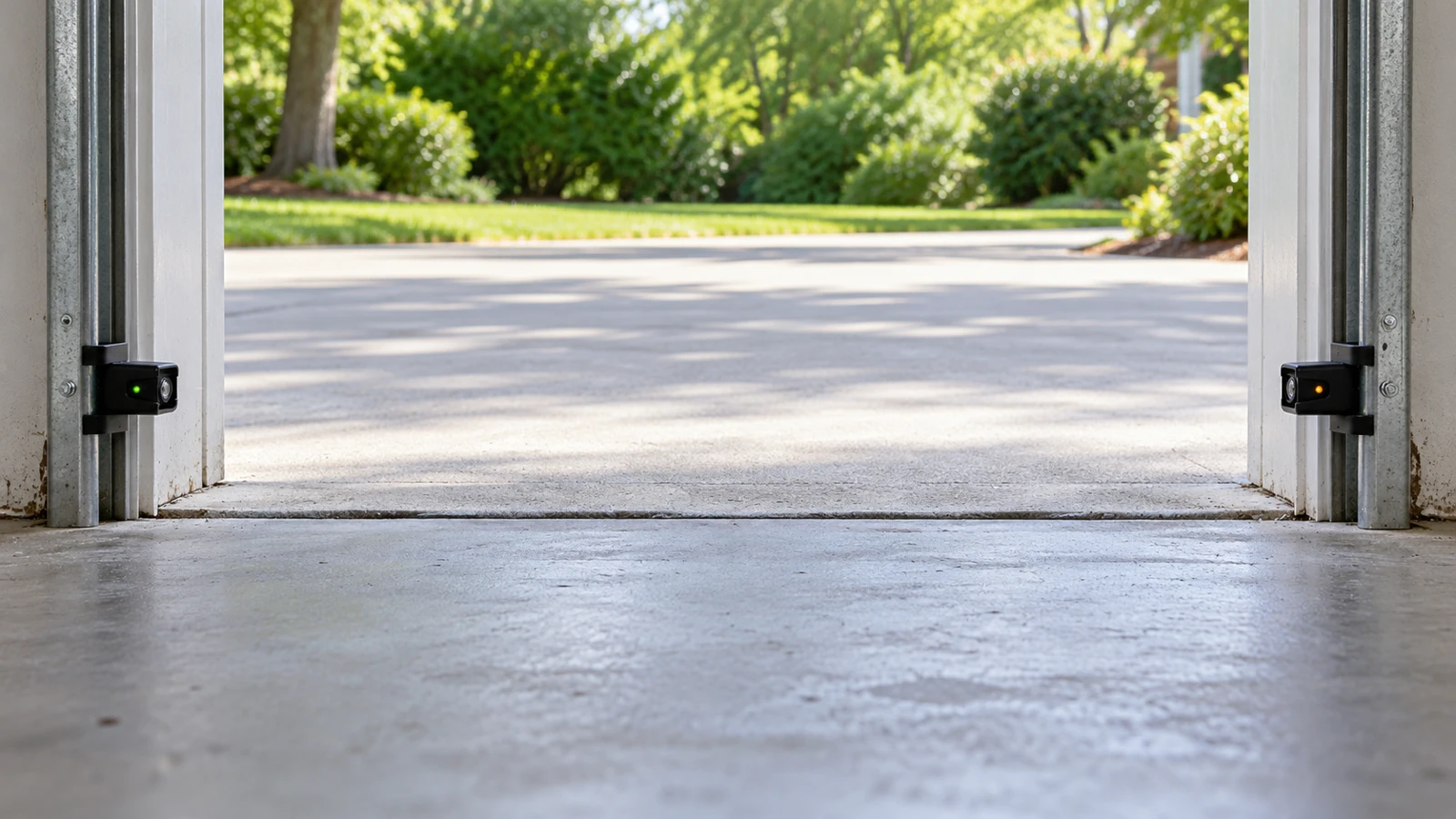
Photoeyes monitor a beam across the opening. When the beam is interrupted, a correctly functioning system gives the response specified by its design, such as stopping and reversing a closing door. Chamberlain explicitly states that this required safety device must not be disabled.
The separate contact-reversal function does not make the beam optional. Nor does a camera, app notification or a person standing nearby replace the installed safety devices.
CPSC identifies a mandatory safety standard for automatic residential garage door operators. Product compliance is a system issue, not permission to remove a feature because it is inconvenient.
Prerequisites, tools and time
Have the opener model, owner manual, a flashlight and a clean soft cloth. Allow 10–20 minutes for safe visual checks; do not set a deadline that pressures you into an unsafe closure. This is diagnostic-only guidance, not rewiring, sensor replacement or mechanical door repair.
Before approaching the sensors, inspect the door from clear of its path. If it is crooked, partly off-track, unexpectedly heavy or has visible spring/cable damage, stop. The problem is no longer a simple sensor check.
What to do instead: a numbered plan
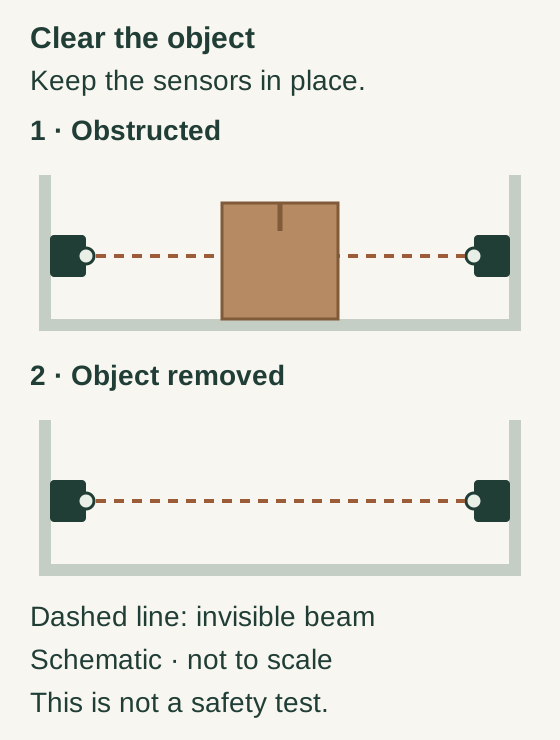
Scroll within the image if needed, or open the full-size view. The key details are also written below.
The first view shows an object blocking the sensor path; the second shows that object removed while both sensors remain in place. The dashed beam is a diagram aid, not a visible real-world beam. Clearing the object is not a completed safety test.
Clean the lens—not around the protection
Keep the door stationary and prevent operation under the exact opener instructions, including battery backup where fitted. Stop for damaged wiring, a loose mount or uncertain door support. Do not bypass the photoeyes.
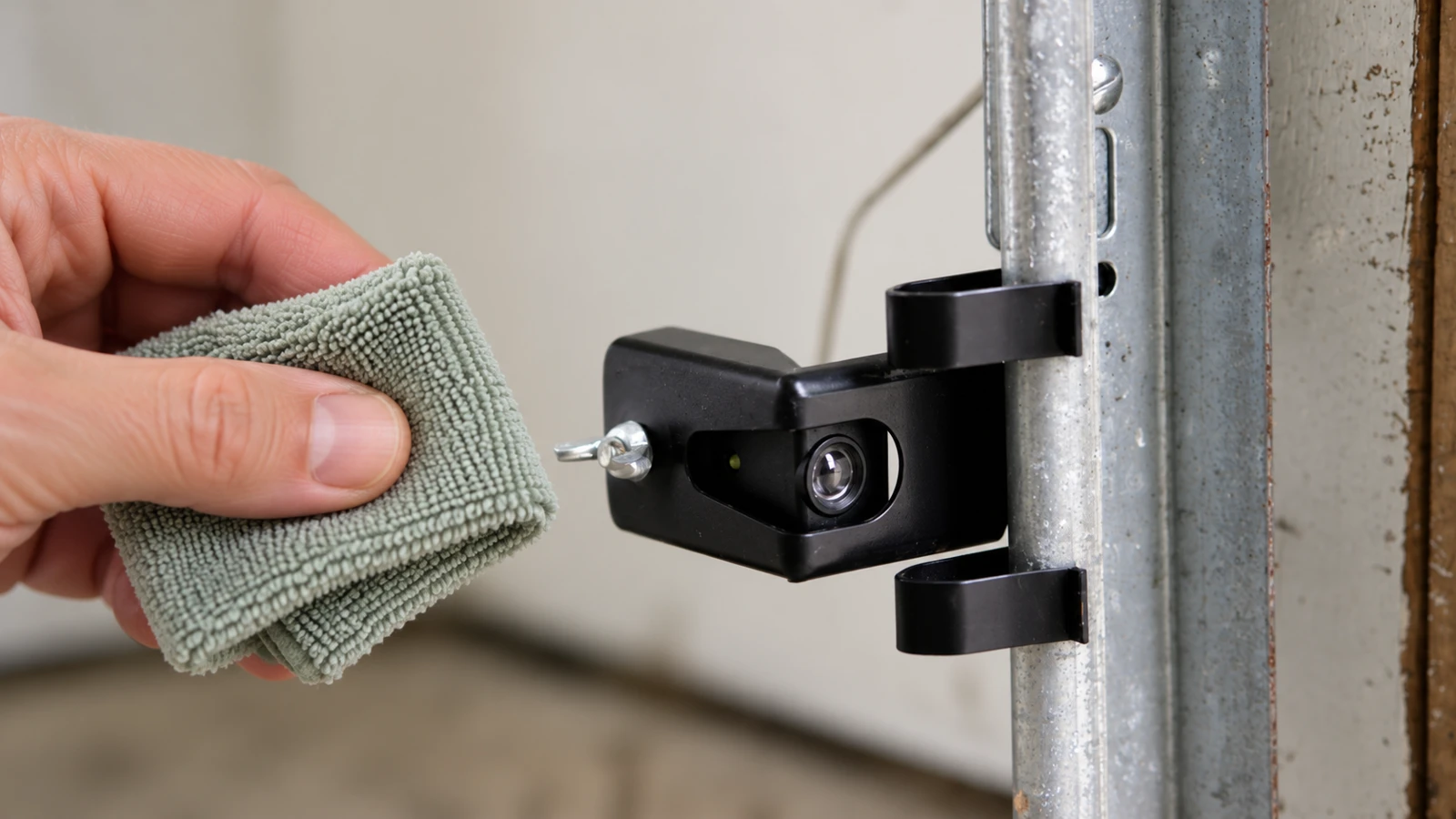
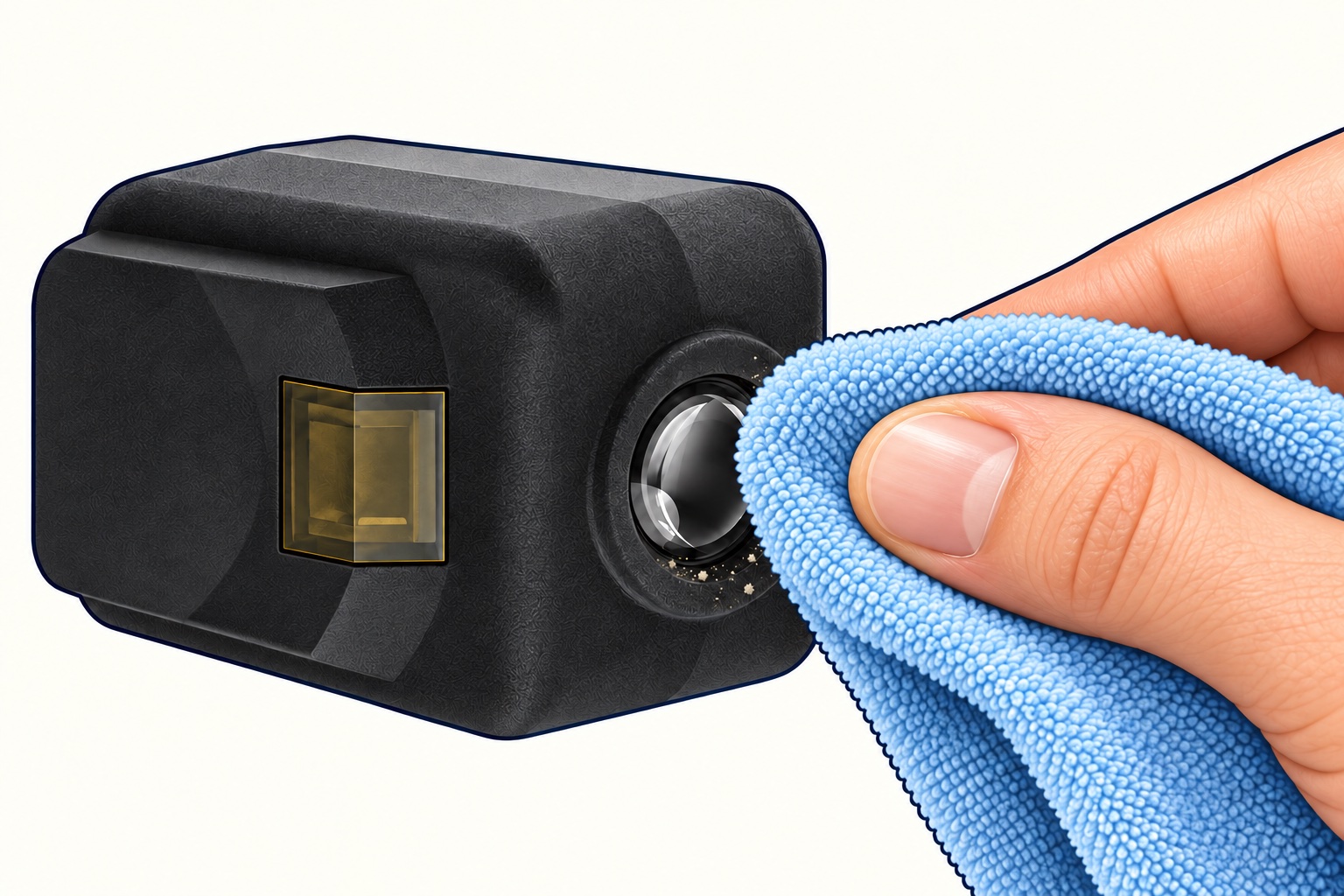
Clean the accessible round lens
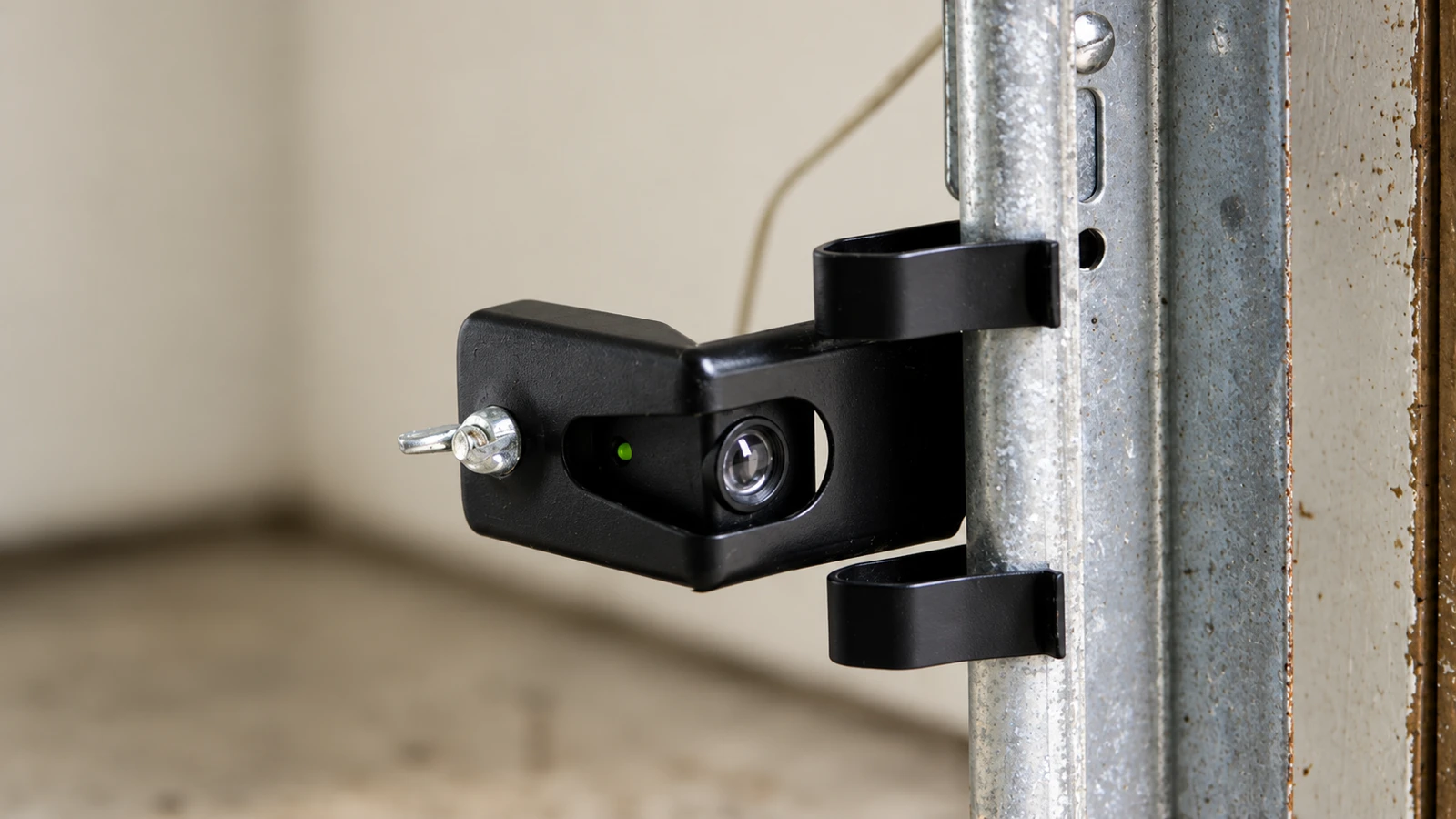
On the 041-0136 example, the round optical surface is separate from the square indicator. Use a soft dry cloth gently on the lens. Do not loosen the aiming hardware or shift the sensor, and do not use this portrait as a mounting guide.
Then verify—do not assume
Keep the full opening and opposing beam path clear. With hands clear, restore normal operation only under the model’s instructions and complete its required safety tests. Persistent failure needs proper diagnosis or repair, not an override.
The image shows lens cleaning only. It contains no wiring bridge, taped sensor, relocated pair or other bypass method. A dark indicator in the illustration is not a diagnostic code; electrical isolation must be established by procedure.
References
- Genie — Maintaining your garage door
- Chamberlain sensor identification and alignment
- Chamberlain 041-0136 manual 114-5568-000
- Protect people before the building. Keep children, pets and bystanders away from the opening and prevent further remote commands. Use a separate entrance where available. Expected result: the door is not being repeatedly activated while someone inspects it.
- Leave an unsafe open door alone. Do not pull its release, push it down or prop it with household objects. If it cannot be safely closed through a verified procedure, arrange professional help and secure access to the rest of the property without entering the door's travel zone. Expected result: no new falling-door hazard created by the attempted workaround.
- Remove obvious beam obstructions. From a safe position and with movement prevented as instructed, clear a bin, broom, leaf or hanging object from the beam path. Expected result: an unobstructed opening. If a door-mounted object crosses the beam during travel, correct its placement safely rather than moving the sensors.
- Clean and observe. Gently clean accessible lenses using the manufacturer-compatible method, then read the indicators under the manual's observation sequence. Expected result: a model-specific clue. Do not assume every flashing light means misalignment or that two different colors mean failure.
- Follow only permitted alignment checks. If the manual allows homeowner aiming adjustment, use the sensor-alignment guide and its power-isolation precautions. Expected result: secure, correctly aimed sensors in their proper locations. Wiring damage, broken mounts or incompatible parts require proper repair, not a temporary bridge.
- Verify with the prescribed test. Once the suspected fault is corrected, perform the manual's safety tests from outside the travel path. Expected result: the required response. A door that closes normally once is not proof that the protection works.
- Hand off unresolved faults with useful evidence. Provide the model, indicator pattern, error code, when the fault occurs and any recent impact or change. Expected result: a targeted diagnosis without needing to recreate a hazardous event.
If you need to leave home
Do not let a timetable turn a closing problem into an injury risk. Consider a different vehicle or entrance and arrange an appropriate service response. If the door can be manually operated safely, that decision requires an intact, balanced system, the exact manual and the ability to control it; it is not an automatic alternative whenever sensors fail.
An already open or unsupported door is the wrong place to discover whether the springs can carry the load. Use the manual-closing guide's stop gates before considering any movement.
Practical tip: A photograph of the indicator pattern and model label is often more helpful than a description such as “the sensors are bad.” Observe safely; do not take the system apart for a better photo.
Common mistakes
Do not confuse clearing the beam with bypassing it. Removing a broom restores the intended detection path; moving both eyes beside the opener removes it from the opening. Do not change force, travel or programming settings without a diagnosed reason and the correct procedure.
FAQ
Is a temporary bypass safe if we watch the door?
We do not recommend it. Temporary arrangements can be forgotten, used by someone else or fail to protect a person who enters unexpectedly.
Does a sensor fault always mean replacement?
No. Obstruction, dirty lenses, alignment, wiring and damaged parts are different possibilities.
Can a smart camera replace the sensors?
No. A monitoring accessory does not substitute for the opener's specified entrapment-protection system.
Explore guides · About this guide
Was this guide useful?
Your choice stays in this browser only. It is not sent to us.
Sources & manuals3
Manufacturer instructions and references for this guide. Match the document to your exact product.
- Genie — Maintaining your garage doorwww.geniecompany.com
- Chamberlain sensor identification and alignmentsupport.chamberlaingroup.com
- Chamberlain 041-0136 manual 114-5568-000cgi.widen.net