How to Improve Garage Door Security Without Defeating Safety Devices
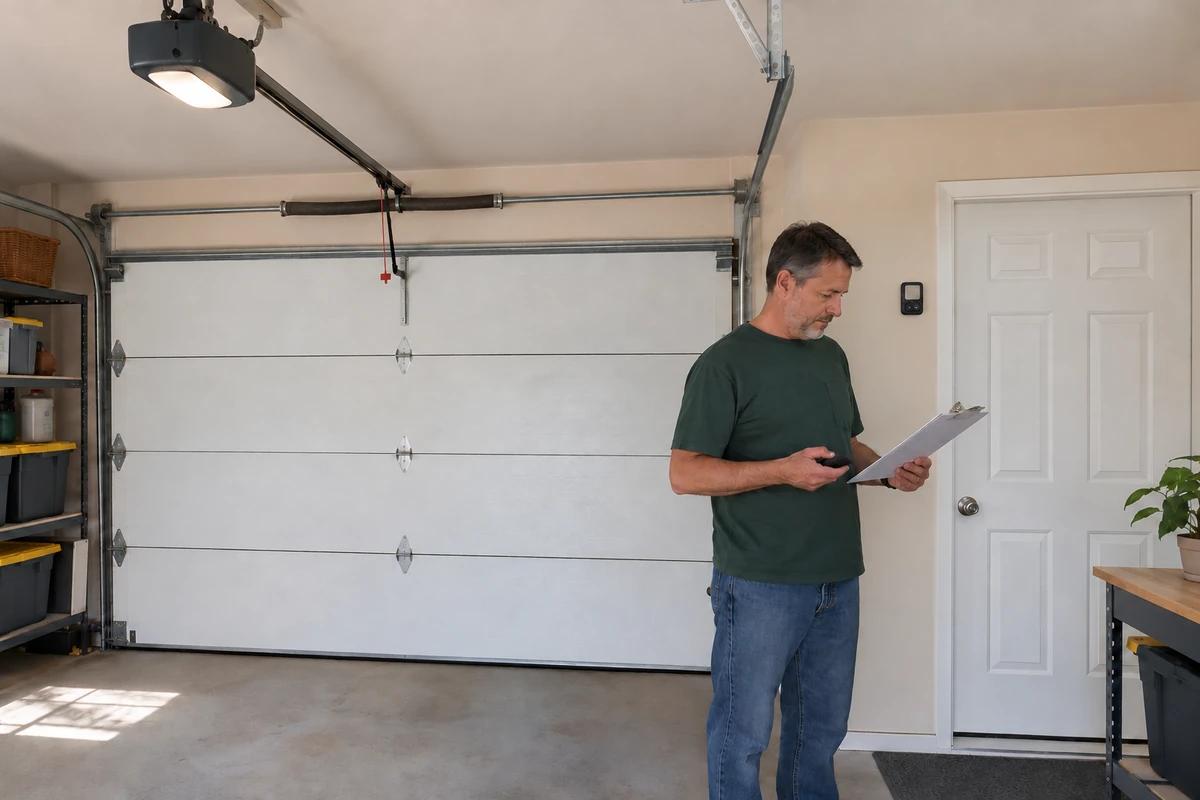
Improve garage security by checking who can operate the door, whether the door closes correctly, and what someone can see or reach around the garage. Keep every safety device working. A security upgrade should never make the door harder to escape from or more dangerous to operate.
Before you start
Gather the exact opener, keypad and connected-access instructions, a flashlight and a private checklist. Read labels only from a safe position; do not climb on the door or its hardware. This audit is for a normally operating residential system. A crooked door, loose cable, broken spring or door that will not stay closed needs service first.
Safety boundary: Do not restrain the emergency release, bypass photoelectric sensors, disable reversal or increase closing force for security. Never engage a manual slide lock while an opener can run. Battery backup can preserve powered movement after unplugging. Leave springs, cables, bottom brackets and electrical work to qualified professionals.
1. List every way the door can receive a command
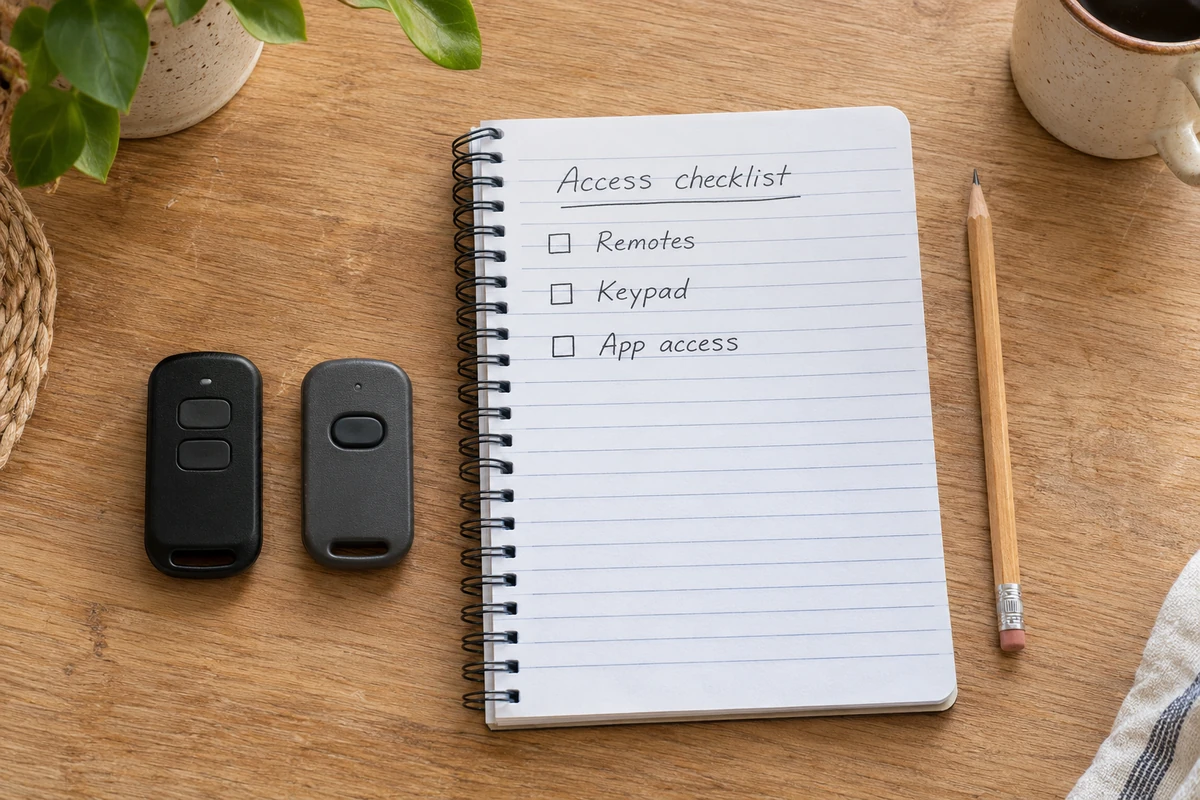
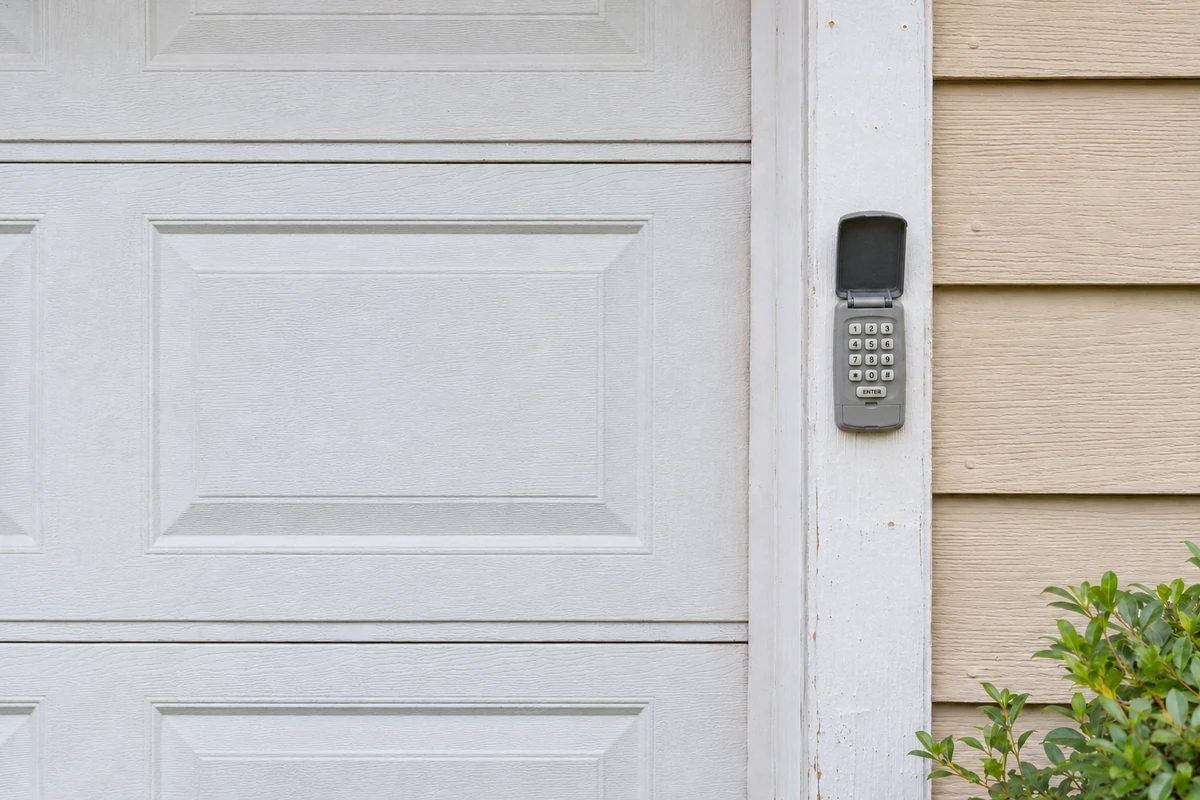
Make separate entries for handheld remotes, vehicle buttons, the exterior keypad, wall control and any app or connected accessory. Beside each, record its user, whether access is still needed and the relevant manual. Include devices in a spare car and access previously given to a contractor or former resident.
Do not put PINs, passwords or account-recovery information on a sheet left in the garage. Your checklist should identify access, not reveal the credentials. If ownership of a connected opener is unclear after a move, ask the manufacturer about its transfer procedure before relying on app control.
2. Remove outdated access using the exact instructions
Check the manual's erase procedure before pressing programming buttons. Chamberlain's published remote/keypad guidance describes clearing previously learned codes and then programming the devices you wish to retain. That does not establish a universal sequence for every brand or generation.
Arrange a working alternate entrance before an erase. Gather retained devices, follow the matching instructions and check the intended controls afterward with the doorway clear. Do not assume pairing a new remote invalidates an old one.
Review app sharing separately. For example, myQ Users offers permission management and removal without sharing the owner's password. Check current users and temporary access in the applicable app. An opener-memory erase should not be treated as proof that cloud permissions were removed. If a remote is missing, use our lost-remote guide for that specific situation.
3. Store controls securely and understand LOCK
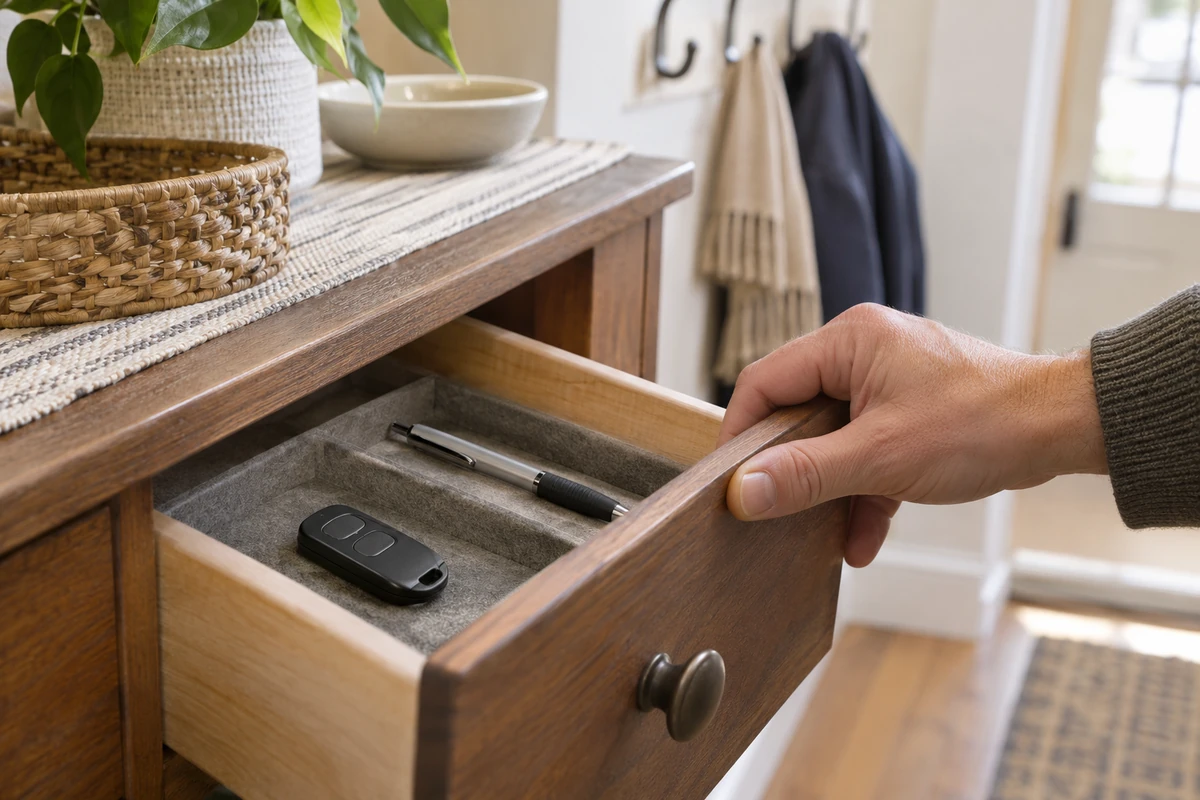
Take a removable remote inside rather than leaving it in a parked vehicle. Store it out of public view and away from children. For built-in vehicle controls, check the vehicle's instructions before a sale or handoff; do not assume removing a handheld remote clears the vehicle's programming.
Read what your wall control's LOCK or vacation function actually blocks. Chamberlain's guidance describes a lock mode that stops handheld remotes. This is not evidence that every keypad, app or wall control is disabled, and it is not a physical bolt. Record the permitted controls and restoration steps from your manual before using the feature.
4. Check the closed door and other entrances
From a safe standing position, look for damaged panels, displaced rollers, loose-looking fittings or unusual gaps. Keep your hands away from joints and tracks. Photograph concerns for a technician instead of tightening unfamiliar hardware or forcing the door into alignment.
If the system is sound, watch one normal closing cycle from outside its path. Confirm that the door reaches its normal closed position and remains there before leaving. Stop if it reverses unexpectedly, scrapes or becomes crooked.
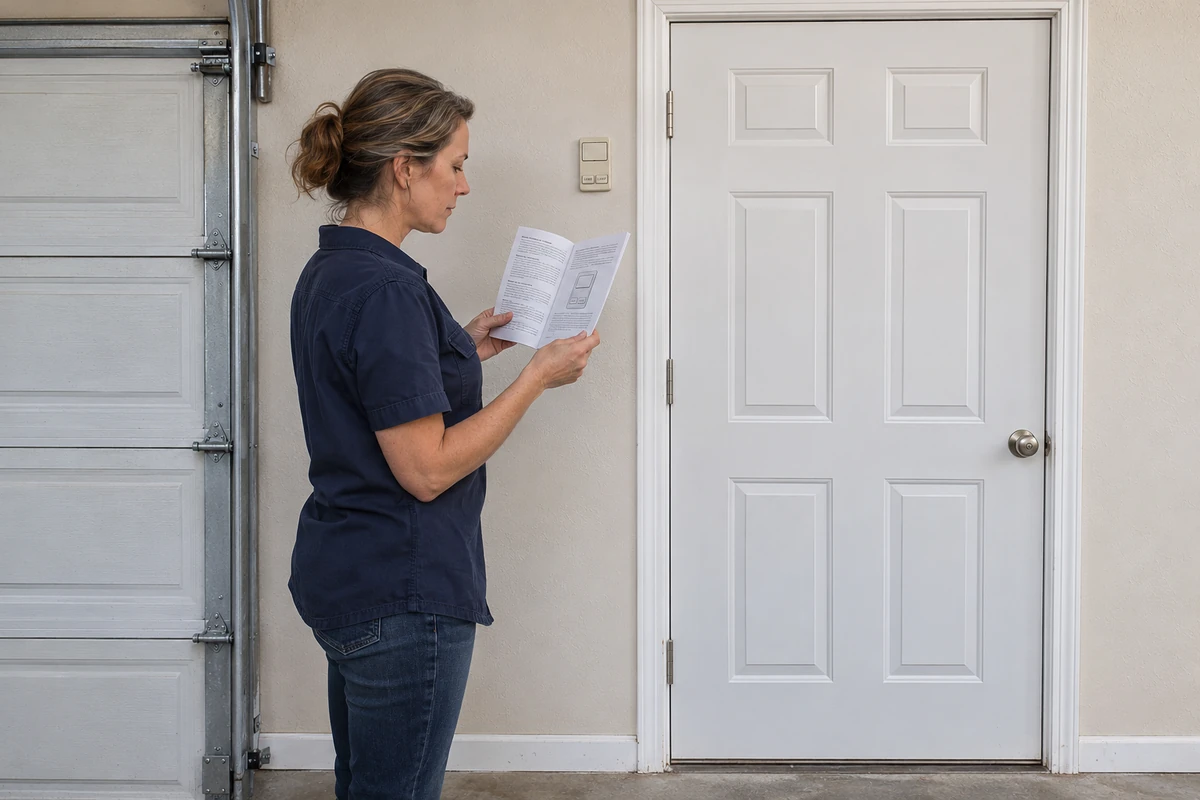
Check the side door, garage windows and connecting house door too. Verify that existing latches work without force. Preserve required fire protection and emergency exit arrangements; ask an appropriate professional before changing these doors or their hardware.
5. Review lighting and privacy
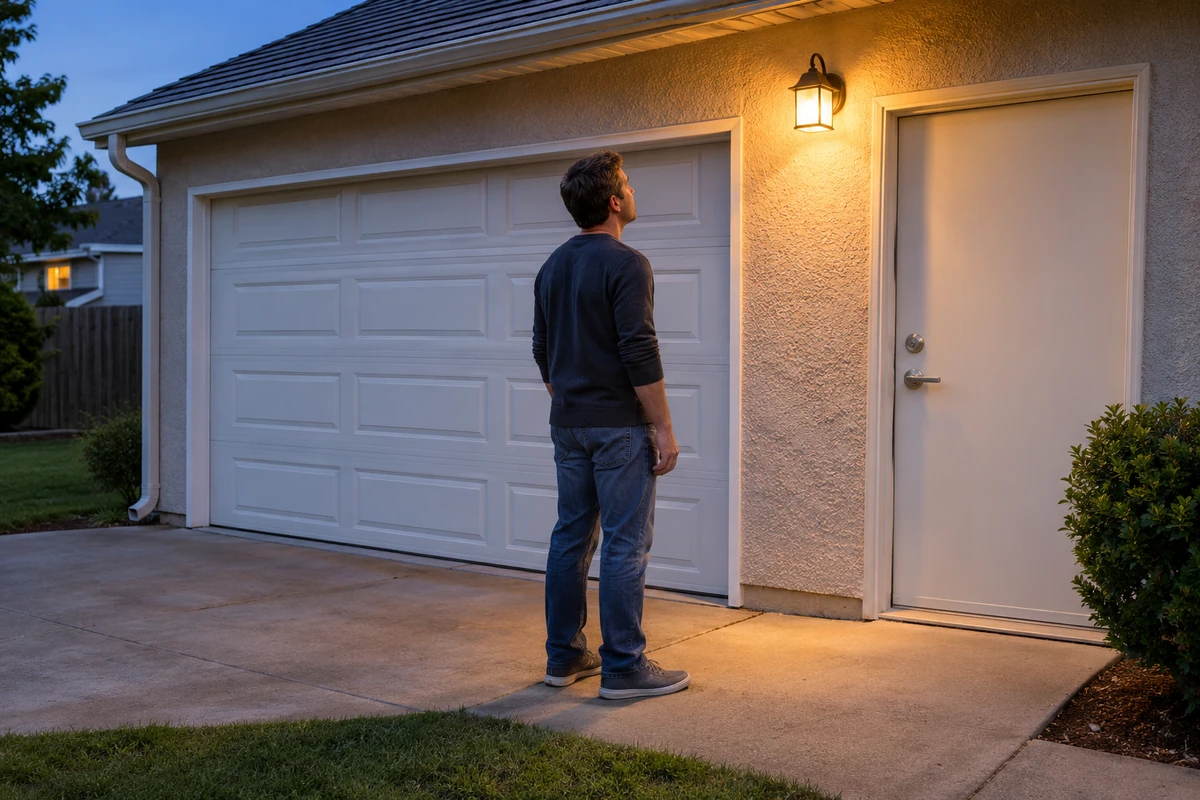
Check existing exterior lights after dark from ground level. Aim for visibility at the driveway and side entrance without glare into neighboring homes. Have faulty fixtures or new wiring handled safely. Keep stored valuables out of the view through garage windows. Any window covering must clear moving door parts and preserve ventilation and required escape openings.
Keep tools and ladders put away. Lighting and cameras are additional observation measures, not confirmation that the door is closed or a substitute for working hardware.
6. Finish with a service and household checklist
Inspect the door and opener every 30 days, as CPSC recommends. Follow the exact model manual’s schedule and procedure for each safety test. The photo-eye test checks that an object blocking the beam prevents closing. The separate contact-reversal test checks that the closing door reverses when it touches the specified test object on the floor. Passing one test does not establish that the other protection works.
If either safety check fails, stop automatic use. Have a qualified technician safely disengage the opener and correct the fault before returning it to service and completing the required safety tests. Do not pull the emergency release while the door is open or partly open; a damaged or unbalanced door can fall.
Do not use a person, pet or body part as a test obstruction. See the garage door sensor test guide for the separate sensor-check process.
- Ask a technician to assess door condition, balance and any uncertain lock compatibility.
- Request demonstration of the manufacturer's safety tests and emergency-release operation.
- Record which access was retained, what remains unresolved and who will arrange service.
- Show household members the closing routine and approved access arrangements.
FAQ
Should I tie up the emergency-release cord?
No. Leave the release usable as designed. Ask the manufacturer about approved security options.
Does LOCK remove old remote access permanently?
Do not assume so. Temporary remote lockout and erasing stored credentials are different functions.
Will changing the keypad PIN remove app users?
Do not assume it will. Audit keypad credentials and connected-account permissions separately.
Can I add a physical bolt for extra security?
Only consider a manufacturer-approved arrangement with professional advice. Never obstruct a door an opener can move. Read the manual-lock safety guide before considering an existing lock.
Related Posts
 Safety Guide
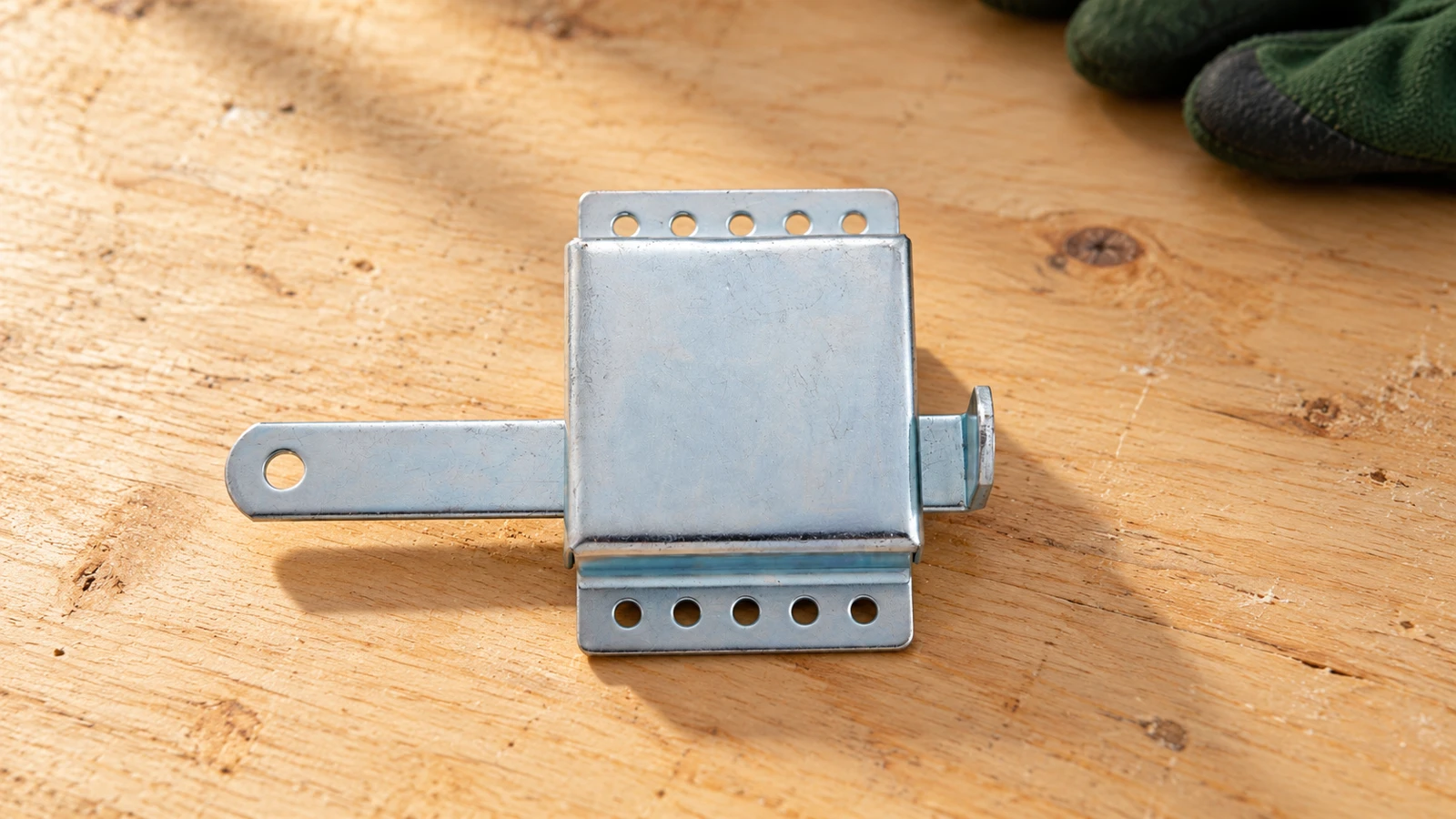
How to Manually Lock a Garage Door Without Fighting the Opener
Understand manual garage door locks, opener lockout, and safe checks before locking or restoring automatic operation.
 Safety Guide
Childproofing the Garage-Door Area: Controls, Clear Space and Safety Checks
Keep children away from garage door controls and moving parts. Plan supervision, clear the doorway and know when a failed safety check requires service.
Sources
Manufacturer instructions and references for this guide. Match the document to your exact product.
- CPSC: opener safetywww.cpsc.gov
- Chamberlain: erase accesssupport.chamberlaingroup.com
- myQ: user permissionssupport.chamberlaingroup.com
- Chamberlain: lock modesupport.chamberlaingroup.com
- Maryland: protect remotesmdsp.maryland.gov
- Mission Viejo: home securitywww.missionviejo.gov
- Police: garage storagewww.avonandsomerset.police.uk
- LiftMaster: garage door safetywww.liftmaster.com