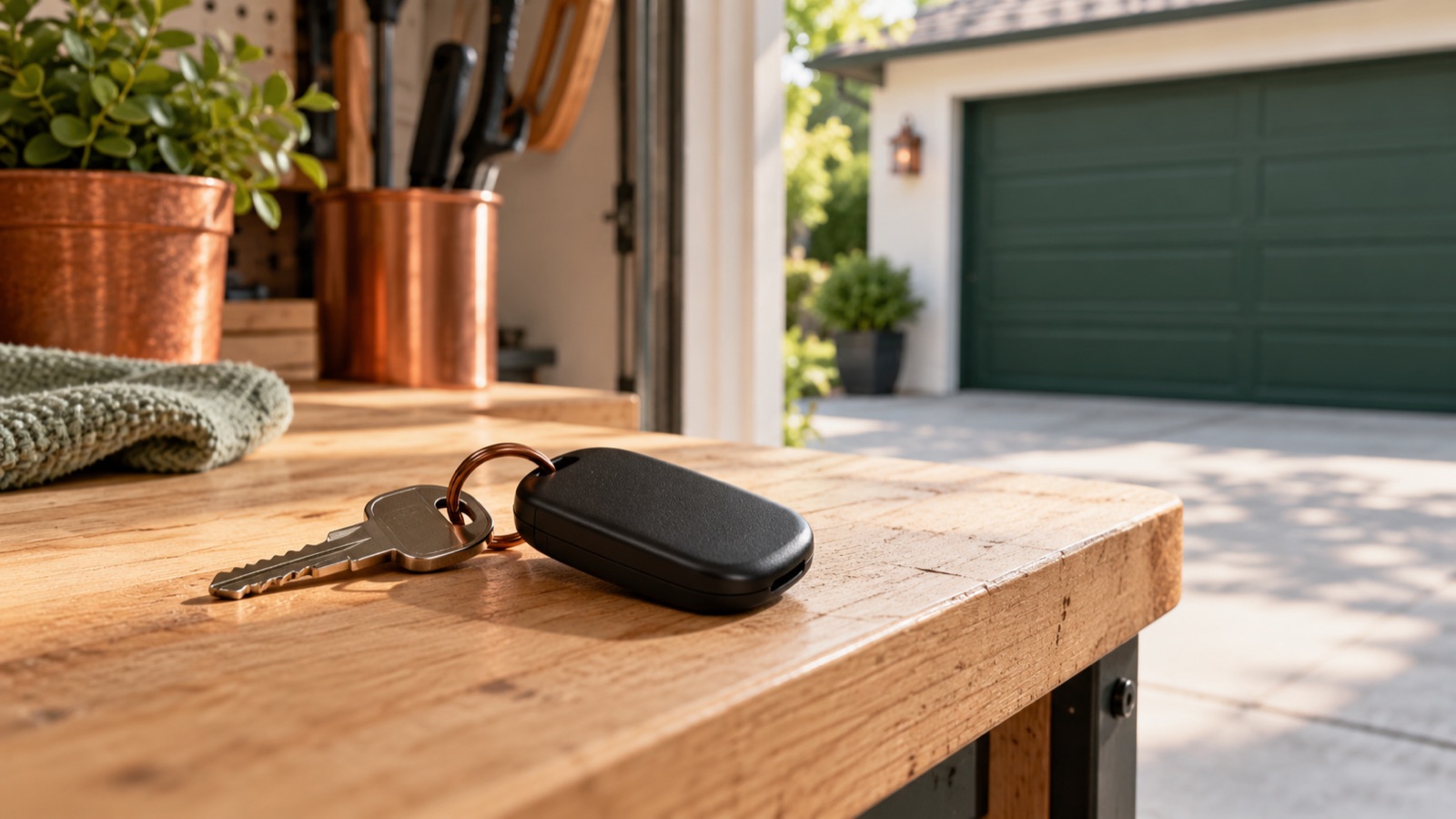
How to Change a Garage Door Remote Battery
The right battery. A secure case. No guesswork.
Keep new and used coin cells away from children. If swallowed, seek immediate medical attention. Battery safety guidance
The short answer
For a handheld remote: identify its model, choose the specified battery, open the case by its documented method, fit the cell in the correct orientation, and close securely before testing.
There is no universal garage remote battery. The size, number of cells and opening method depend on the model. A beeping ceiling opener may involve its separate backup battery system.
Before you start
Set aside about 5–15 minutes for an ordinary user-replaceable remote battery. This is a planning estimate, not a timed test. You will need:
- The remote model and its manufacturer’s instructions.
- The exact replacement battery or battery set those instructions specify.
- The correct small tool, only if the instructions call for one.
- A clean, well-lit surface and a shallow tray for small parts.
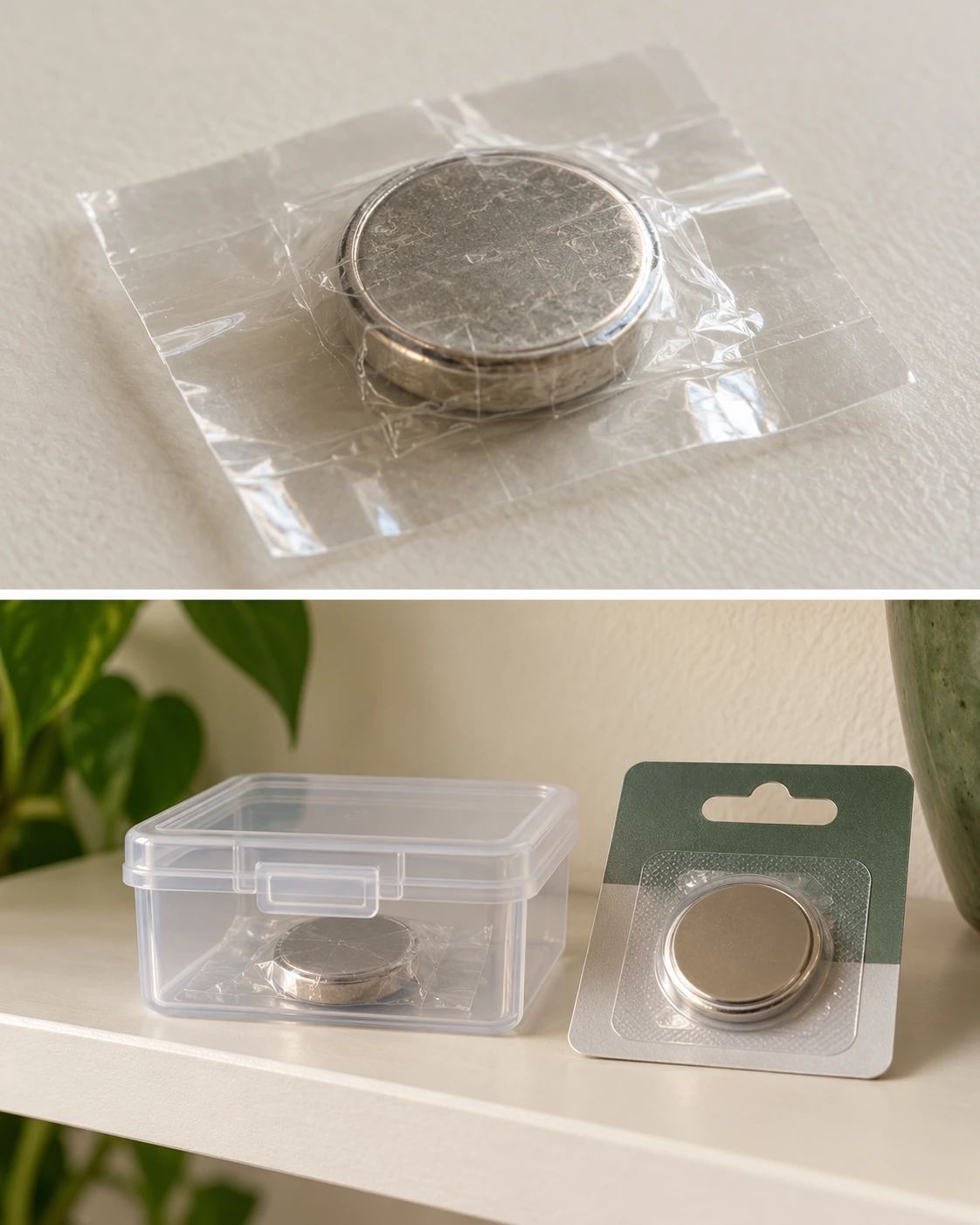
Cover used-cell terminals with nonconductive tape. Keep new and used cells out of children’s reach and follow local collection instructions.
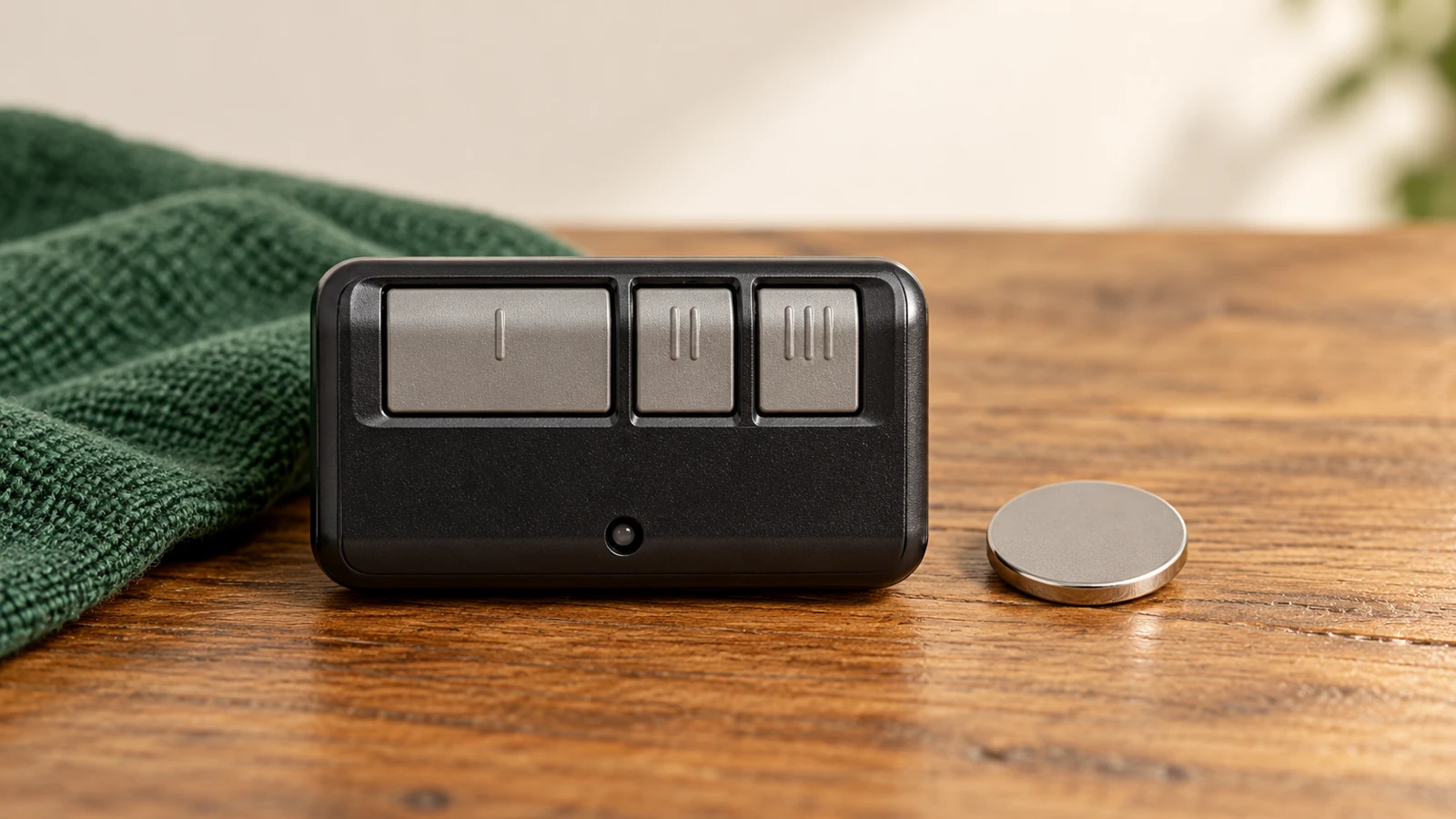
The closed container pictured is not a childproof-container certification or proof of a safe storage height. Identify the replacement cell from your own model instructions.
Stop if the model cannot be identified, the case is cracked, or there is leakage or severe corrosion. Do not recharge a non-rechargeable cell, puncture it, heat it or leave it loose among metal objects.
Check your model
Turn the remote over and look for its model information. Match that model to the manufacturer’s instructions before buying a battery or using a tool.
Place the actual device on the table. A search for “garage opener battery” can lead to a large backup battery when you need a small transmitter cell.
| Which device? | Use these instructions |
|---|---|
| Handheld remote | Remote model and battery compartment markings. |
| Exterior keypad | Keypad model and its specified battery set. |
| Opener backup system | Opener and approved backup-battery instructions — a separate procedure. |
| Add-on door sensor | Sensor model and its own battery guidance. |
Match the battery & opening method
Check the battery designation, number of cells, polarity and case-opening method. Do not assume every remote uses one CR2032 coin cell.
Use the documented notch, sliding cover or retaining screw. Do not force a sealed or still-fastened case. Some remote batteries are not user-replaceable.
Only for LiftMaster 371LM / 373LM
Chamberlain Group’s instructions specify opening with the visor clip or a flat screwdriver, replacing the old cell with a 3V CR2032, positive side up, and snapping the cover securely into place.
Other models differ: its 892LT / 894LT instructions specify an AAA battery. Use your actual model’s instructions if the holder or housing differs. Read the manufacturer’s model list.
Work gently. Do not scrape the circuit board, force contacts to accept a different battery, or substitute two thinner cells for one specified cell. A cell that appears to fit is not automatically the correct match.
LiftMaster 373LM: the case and battery
This sequence applies only to the 373LM. Match the model before opening the case; another remote may use a different opening point, battery or polarity.
Scroll sideways to inspect the complete diagram; the steps are also written below.
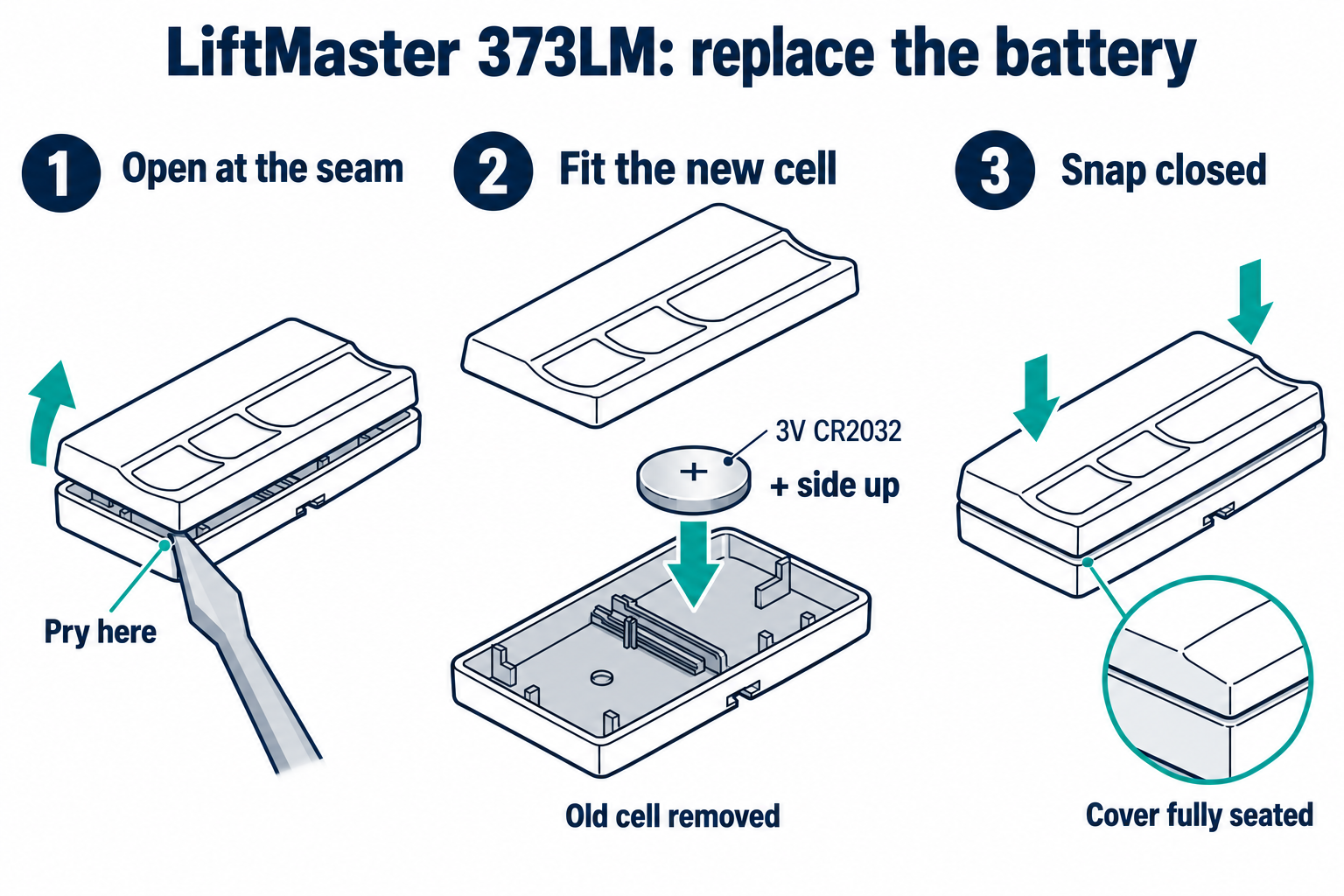
- Use the visor clip or a flat screwdriver at the case-opening point shown in the 373LM instructions.
- Remove the old cell. Fit one new 3V CR2032 with the + side facing up. Keep the removed cell secure and use a local battery-collection or disposal service; do not leave it loose.
- Replace the cover securely before testing with the entire door in view and people and objects clear.
Coin-cell safety: Keep new and used cells away from children and pets. If a cell may have been swallowed or inserted into the body, seek immediate medical attention. Do not recharge, puncture or heat a coin cell.
LiftMaster 373LM instructions, page 2: remote-control battery.
Close securely, then test
Check that the battery is seated as intended, with polarity matching the instructions and markings. Keep buttons and any rubber pad in place as you close the housing.
If the holder is broken, the board will not sit correctly or the case will not close securely, stop. Keep the remote and loose cells away from children until the housing is restored or the remote is replaced.
From a safe viewing position, try the button that operated the door before the battery change. Check the remote indicator, if it has one. If it works, no additional setup is needed for this problem.
A fresh battery didn’t help?
Start with the symptom you can observe. Change one thing at a time.
| What you notice | What to check next |
|---|---|
| No indicator | Recheck battery designation, orientation and seating. If its condition is uncertain, use a known fresh correct cell. |
| Indicator works, door does not | Compare another authorized control. If the wall control works normally, investigate lock mode, compatibility or pairing. |
| Works only nearby | Compare safe operation outside the vehicle. Note new lighting or electronics before repeatedly reprogramming. Follow the intermittent-operation guide. |
| The ceiling opener still beeps | Identify the source of the sound. A remote battery change does not service the opener’s backup system. Identify the alert. |
Common questions
Are all remote batteries replaceable?
No. For example, Chamberlain states that the ARQ TM110 battery is not replaceable. Do not cut open a sealed remote. ARQ battery guidance.
Should I remove the opener backup battery to stop a beep?
Identify the opener and alert first. Removing backup power changes operation during an outage. It is a separate task from replacing a handheld remote cell.
Do I need to program the remote again?
Test the same button first. Do not erase opener memory as an automatic battery-replacement step. If the remote still fails, follow its model-specific troubleshooting instructions.
What should I do with the old battery?
Keep it secured away from children and follow local battery disposal or recycling guidance. Used coin cells still need careful handling; do not leave them loose in a drawer.
The useful takeaway
Match the model and battery, open at the intended point, respect polarity, and secure the compartment. Test before changing programming. Keep the battery designation in your own maintenance notes so the next replacement starts with the right information.
Sources & scope
- Chamberlain Group: remote battery replacement by model
- Chamberlain Group: ARQ remote battery
- U.S. CPSC: button-cell and coin-battery safety
Confirm the battery designation and polarity from the actual device and its manual. Follow the model-specific opening procedure and keep loose cells away from children.
Was this guide useful?
Your choice stays in this browser only. It is not sent to us.
Sources & manuals4
Manufacturer instructions and references for this guide. Match the document to your exact product.
- Battery safety guidance · U.S. CPSC: button-cell and coin-battery safetywww.cpsc.gov
- Read the manufacturer’s model list · Chamberlain Group: remote battery replacement by modelsupport.chamberlaingroup.com
- LiftMaster 373LM instructions, page 2: remote-control batterycgi.widen.net
- ARQ battery guidance · Chamberlain Group: ARQ remote batterysupport.chamberlaingroup.com